
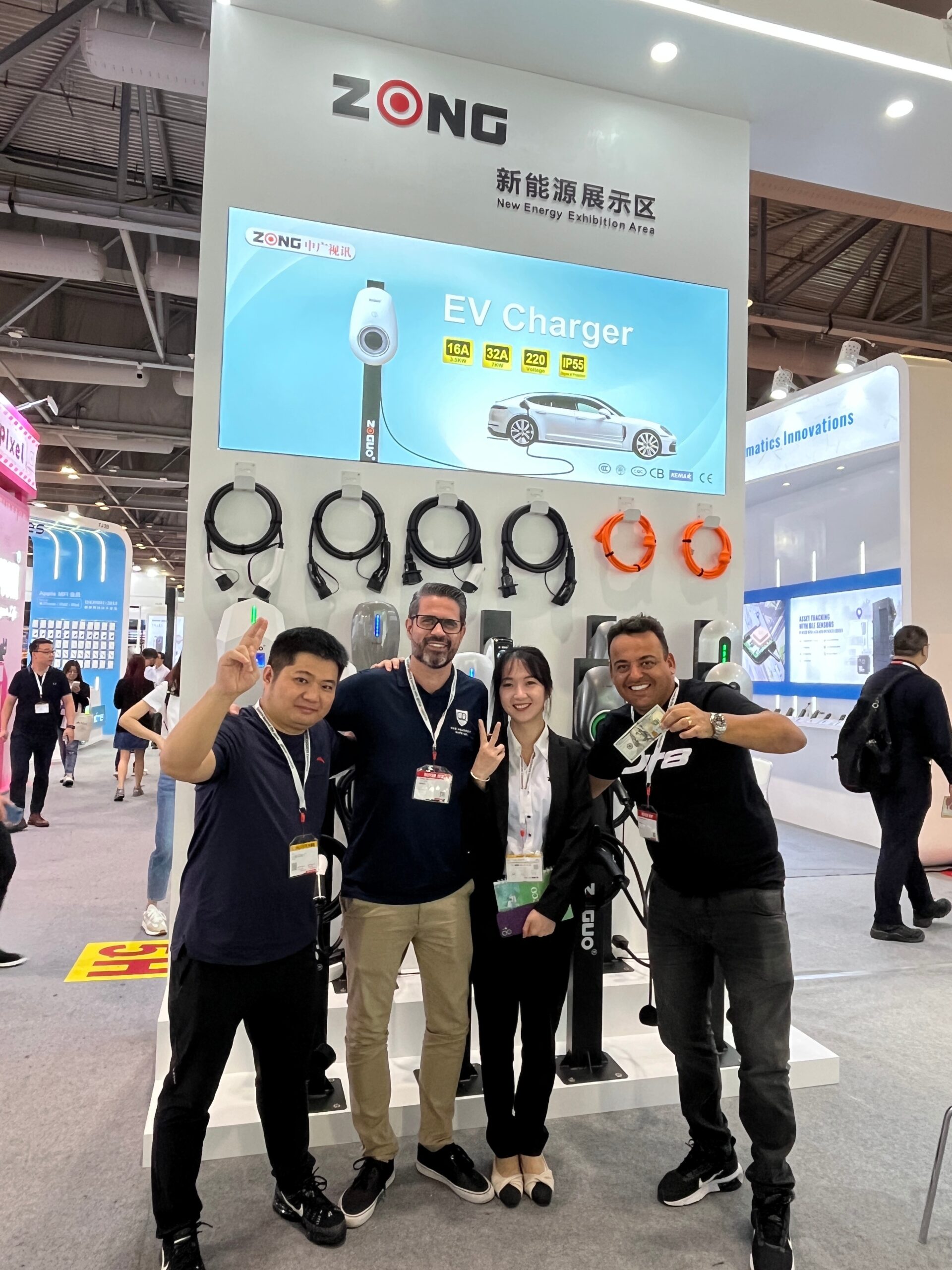
On 19 October 2026 three Russian buyers walked into the ZONG CABLE Building in Zhuhai, Guangdong, with one job on the agenda: choose samples, not watch a slide deck. They went along the sample wall in the ZONG CABLE Video/Media Showroom, pulled the parts that matched their own catalogue, put the shortlist on the counter, and filmed the process as a vlog for their own sales channels. This is the record of how that selection ran, and what they compared before anything was packed.
Quick Answer
- The visit was a working product review, not a ceremony: showroom walk-through, hands-on signal checks, and a vlog shoot inside the ZONG CABLE Building.
- Distance decides the cable. Under 3 m, a good quality copper HDMI or DisplayPort cable is the cheapest correct answer. Beyond that, an AOC HDMI cable or AOC DP cable is the only way to hold the full 48 Gbps or DP 1.4 rate.
- Conversion is directional. A type c to audio/video cable or displayport conversion cable turns a host port into a display signal. It will not run backwards into a laptop input.
- HDMI to USB-A is a capture function, not a display adapter. Selling it as “plug in and show a second screen” produces disputes and returns.
- For network runs, ethernet cable stays at a 100 m channel limit, and a Starlink link sits far below 1 Gbps, so Cat5e or Cat6 LAN cable is already sufficient.
What the Delegation Actually Did That Day
The group photo above was taken at the reception desk of the ZONG CABLE Building, with the ZONG logo wall behind them and the certification plaques on the side wall, including the Guangdong Provincial Engineering Technology Research Center plate. After that the day was spent selecting, not presenting:
- Walked the wall with a written list. The buyers arrived with their own category list – the SKUs their retail and install customers actually ask for – and worked along the wall against it instead of browsing.
- Pulled parts and put them on the counter. Samples came off the hooks and into a shortlist pile, so that by mid-afternoon the counter held a physical selection rather than a conversation.
- Compared same-spec parts side by side. Two cables of the same rating, same length, same source and same display, so the difference was a build difference and not a resolution difference.
- Filmed the selection itself. The delegation shot the walkthrough for its own retail and install base, which is why the vlog shows the choosing rather than a finished product line-up.
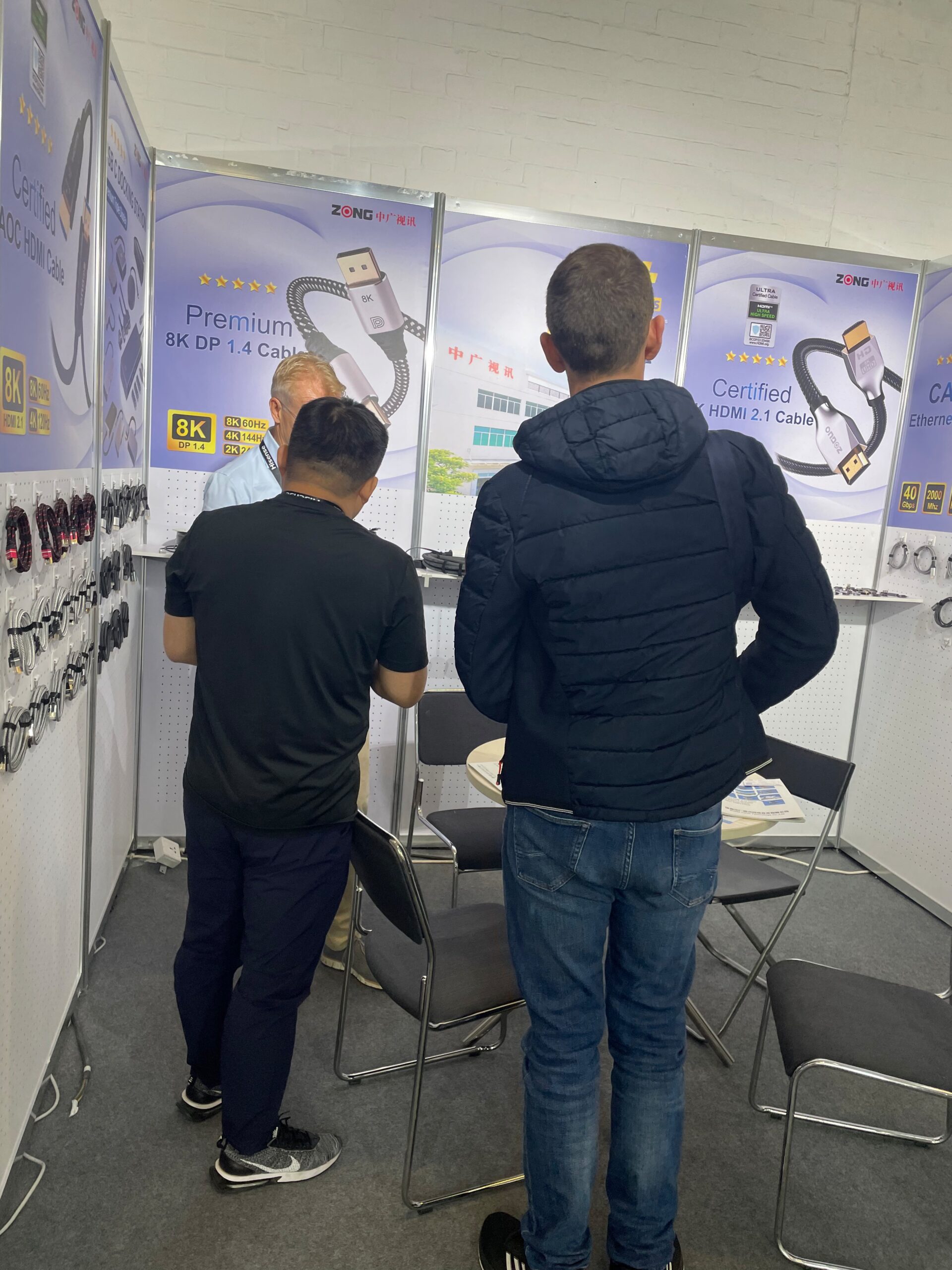
How the Sample Selection Actually Ran
A showroom visit only produces a useful outcome if it ends in a written shortlist. This is the loop the buyers used, and it is the same loop we suggest to any distributor who books a visit:
- Split the list by failure mode, not by category. Long runs go in one pile, port-mismatch parts in another, and everything that fails in the field for a reason the buyer can already name goes in a third.
- Fix the source and the display first. A cable is only as good as the handshake it survives. Each candidate was tried on the buyer’s own use case – the resolution, the refresh rate and the run length they will actually sell into.
- Cut on build, not on spec sheet. Once two parts carry the same rating, the decision moves to conductor gauge, shielding, strain relief and overmould depth. That is what the counter was for.
- Leave with a marked sample. Every shortlisted part is tagged with length, termination and the reason it survived, so the trial order and the bulk order cannot drift apart in translation.
The point is not that a visit reveals a secret. It is that a buyer can compress three weeks of sample shipping into one afternoon, and can reject five parts in an hour without paying freight on any of them.
Inside the Showroom: How the Range Is Laid Out for Selection
The ZONG CABLE Video/Media Showroom is arranged so that a buyer can select in one pass. Parts sit in signal families rather than in a product catalogue order, because that is how the requirement actually arrives – “4K120 across 40 metres”, or “my console port has no RJ45”. A visitor therefore walks one direction and covers every option once, instead of jumping between aisles.
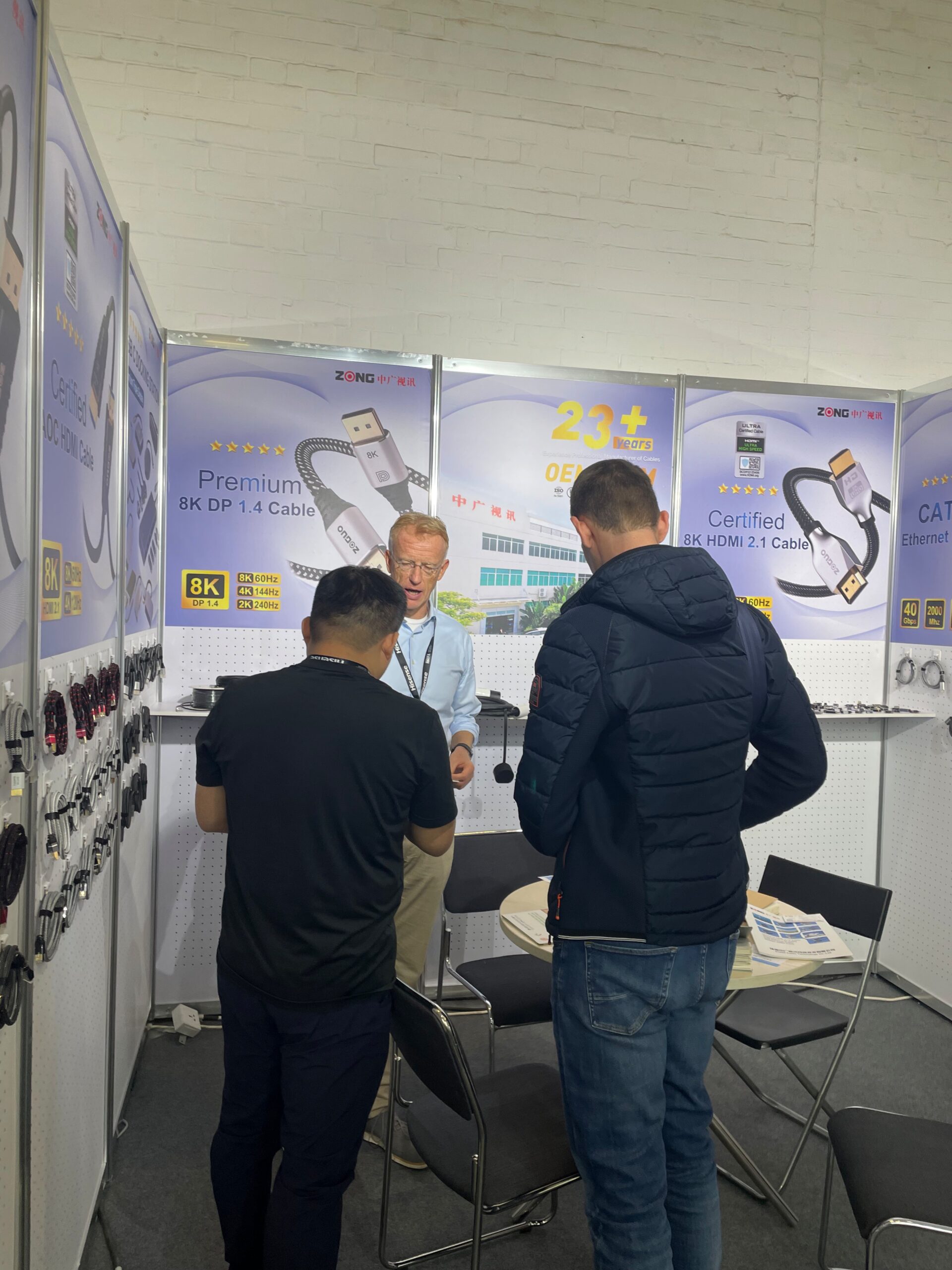
What the buyers handled before shortlisting
The selection did not start with a spec sheet. Three things were handled on the counter first: the connector end, the jacket, and the marking. A part that is correct on paper but has a strain relief that will not survive a pull through conduit is not a correct part, and that judgment cannot be made from a catalogue page. The conversion pieces were handled the same way – one body with several terminations, so the question of which end is the source gets answered by picking it up rather than by reading a footnote. Range ceilings were kept as background context only, since a buyer who selects on the biggest number on the poster is the buyer who imports the wrong part. The same logic is what our custom cable maker guidance is built on: choose the build for the installation, then choose the length.
HDMI and DisplayPort cable: where every AV buyer starts
Copper HDMI is still the volume product, and the honest limit is bandwidth times length. A Premium High Speed cable carries 18 Gbps; Ultra High Speed is rated to 48 Gbps, and passive copper that holds 48 Gbps is realistically a 1 to 3 metre part. The same physics applies to DisplayPort cable: DP 1.4 uses HBR3 at 32.40 Gbps raw, and full-rate passive parts stay short. If the run is on a desk, copper wins on price. If the run goes through a ceiling, it is not a copper decision. The rating tiers are broken out in our HDMI cable rating categories guide, and the DP side in the Display Port cables guide.
AOC HDMI, AOC DP and AOC USB cable: when copper stops working
Active Optical Cable moves the electrical-to-optical conversion into the connector head, so the jacket carries light instead of a fading voltage waveform. That is why an aoc hdmi cable can hold 8K or 4K120 across 30, 50 or 100 metres where copper fails at single-digit metres, and why an aoc dp cable is the default for control rooms and imaging stations. The aoc usb cable family does the same job for a 10 Gbps or 40 Gbps USB host-to-device link, which is where camera, KVM and dock uplinks normally break. Two handling rules the delegation tested on camera: AOC is one-directional, marked source to display, and the heads contain electronics that need the bus for power, so a “spare” HDMI cable from a drawer is not interchangeable.
Conversion cables and the adapter series
This bay generated the most questions, because it is where wrong listings are cheapest. A displayport conversion cable – mini DisplayPort to DP, or USB-C to DP – is a passive lane mapping and only works from a port that outputs the right signal; the USB-C end needs DisplayPort Alt Mode. Our USB-C to DisplayPort cable article covers exactly that one-way rule. A type c to audio/video cable is the same Alt-Mode contract plus USB data and power over one jacket. An hdmi/usb A Conversion cable is a different animal entirely: USB-A has no display input, so that part is a UVC capture device, and its resolution ceiling comes from USB bandwidth, not from HDMI. For anything with a chip inside that re-negotiates EDID or HDCP, passive-versus-active is the only question that matters, and the computer monitor cable guide sorts the port families before you order.
Audio paths: HDMI ARC extractor, digital coaxial RCA, fiber optic and speaker cable
The audio bay answers the most common retrofit in the field: an existing amplifier or soundbar with no usable HDMI input. An hdmi arc to audio extractor cable takes the ARC or eARC pair and breaks the audio out to S/PDIF coaxial, optical or analogue line, leaving video untouched. That coaxial output is a digital coaxial rca to audio cable at 75 ohm, and it is a different part from an ordinary analogue RCA pair – see the HDMI to SPDIF 5.1 extractor rules for downmix and EDID, and RCA cable with video for the analogue case. Fiber optic cables appear here twice, and mixing them up is a real sourcing error: a TOSLINK optical cable is consumer S/PDIF light, while OM3, OM4 and OS2 fiber optic patch cable is structured network optics. Analogue audio cable covers 3.5 mm, RCA and XLR, and the working rule is short unbalanced, long balanced. On the amplifier side, speaker cable is sized by gauge and run length, and twin speaker cable – the two-conductor zip cord – is the standard choice for stereo home theatre and background music zones; the gauge-versus-distance logic is in stereo speaker wires. Coaxial cable in the RF sense – 50 or 75 ohm RG family with BNC, N or RCA terminations – is a separate bay again, chosen by loss budget rather than a single fixed distance.
Network runs: ethernet cable, LAN and Starlink
The networking bay is where a B2B buyer tests whether a supplier understands the standard or only the SKU. The permanent link stays at 100 m whatever the category, per the reasoning in LAN cable length limit, and category changes headroom, not reach: Cat6 to 1 Gbps (10 Gbps to about 55 m), Cat6A to 10 Gbps at 100 m, Cat8 to 25 Gbps within 30 m. A PoE run derates on conductor temperature, which is why thin CCA patch cable fails in a ceiling and passes on a bench. For a Starlink site, the practical point is that Gen 2 relies on an Ethernet adapter while Gen 3 has native RJ45 ports, and the payload is nowhere near 10 Gbps, so a normal Cat5e or Cat6 ethernet cable is the correct buy; details in Starlink Gen 3 cable. A usb a/c to lan cable – USB-A or USB-C plug to RJ45 – covers the other daily case: a laptop with no network port, or a console port that needs serial access on a switch.
USB extension cable and Type-C hub
Two short-tail categories with outsized return rates. A usb extension cable has a per-generation budget, not a generic metre rating: 5 m is workable at USB 2.0, roughly 3 m at 5 or 10 Gbps, and beyond that an active or optical part is required, as set out in USB 3.0 cable. A type c-hub is a bandwidth and power negotiation, not a splitter, and dual-4K claims depend on whether the host port gives four Alt-Mode lanes or two; the desk-level arithmetic is in the Thunderbolt 4 dock guide.
Copper, AOC or Conversion: the Comparison the Buyers Asked For
This is the table the delegation wanted photographed, covering every signal family we discussed on 19 October.
| Cable family | Signal carried | Practical distance limit | Direction | Typical job |
|---|---|---|---|---|
| HDMI (copper, High Speed / Ultra High Speed) | Uncompressed AV plus CEC and ARC/eARC | 1-3 m at 48 Gbps, about 5 m at 18 Gbps on passive copper | Source to display | Desk monitors, TVs, set-top, projectors |
| aoc hdmi cable | HDMI 2.1 over optical fibres | 30, 50 or 100 m at the full rate | One-way, heads are marked | Ceiling runs, LED walls, signage, boardrooms |
| Displayport cable (DP 1.4 / DP 2.1) | Uncompressed video, MST, HBR3 32.40 Gbps raw | About 2 m for full-rate passive parts | Source to display, AUX back-channel | GPUs, workstations, KVM |
| aoc dp cable | DP 1.4 over optics | 20-50 m at 4K144 / 8K60 class | One-way | Control rooms, imaging, esports |
| aoc usb cable | USB 3.2 Gen 2 or USB4 data plus power signalling | 10-30 m at 10-40 Gbps | Host to device | Camera, KVM and dock uplinks |
| usbA/C to lan cable | Ethernet data or serial console | 100 m channel on copper twisted pair | Two-way | Switch console, RJ45-less laptops |
| type c to audio/video cable | DP Alt-Mode video plus USB data plus PD | 1-3 m passive | Host to display | Single-cable laptop desks |
| displayport conversion cables | mDP or USB-C Alt-Mode into full DP | 1-2 m passive | Directional, source side fixed | Mixed fleets, older GPUs, thin laptops |
| hdmi/usb A Conversion cables | HDMI in, USB-A UVC capture out | Live, capped by USB bandwidth, not by length | One-way capture | Streaming, conferencing, KVM over IP |
| hdmi arc to audio extractor cable | Passes HDMI, breaks out ARC/eARC audio | 3-5 m on the HDMI side, then S/PDIF or analogue | One-way video, audio branch out | Receiver and soundbar retrofits |
| digital coaxial rca to audio cable | S/PDIF coaxial at 75 ohm | 5-10 m is the safe envelope | One-way | DAC, TV or receiver to amp |
| fiber optic cables (TOSLINK) | S/PDIF optical | 1-10 m | One-way | Console or TV to soundbar, ground-loop free |
| fiber optic cables (OM3 / OM4 / OS2) | Structured network optics, 1 to 100 G | OM3 about 300 m at 10 G, OS2 to km scale | Two-way | Rack to rack backbone |
| coaxial cable (RF, RG family) | RF, antenna, analogue video | Set by the loss budget, not one fixed figure | By design | Distribution, antenna drops, test leads |
| audio cable (3.5 mm, RCA, XLR) | Analogue line or mic level | Unbalanced risky past about 5 m; balanced XLR 30 m plus | XLR is device-directed | Mixers, interfaces, pro audio |
| usb extension cable | USB 2.0 or 3.x data and power | About 5 m at 480 Mbps, 3 m at 5-10 Gbps, active or AOC beyond | Host to device | POS, panels, projectors, KVM |
| adapter series | Passive lane mapping or active protocol conversion | Short by definition | Passive is fixed direction | Port-mismatch triage |
| type c-hub | USB data, video Alt-Mode, PD pass-through | Host-side cable 0.1-1 m | Host to peripherals | Dual-monitor and single-cable desks |
| speaker cable / twin speaker cable | Amplifier output, high level | Sized by gauge: 16 AWG short, 14-12 AWG for 15-30 m | Two-way | Home theatre, background music, install |
| ethernet cable / lan (Cat5e to Cat8) | 1 to 25 Gbps plus PoE | 100 m channel; Cat8 limited to 30 m | Two-way | Office, CCTV, BGM, access points |
| starlink accessories | Ethernet off the router | Normal copper channel rules; payload is under 1 Gbps | Two-way | Remote and temporary sites |
What a CIS Buyer Verifies Before the Purchase Order
The questions in the room were the same ones any serious distributor asks. They are worth publishing because each one maps to a return reason.
| Buyer question | What actually decides it | Risk if it is ignored |
|---|---|---|
| Can one cable carry 4K120 across 40 m? | Only an AOC part; copper cannot | Installer returns and freight loss on heavy reels |
| Does a USB-C to DP cable work both ways? | No – Alt-Mode is host to display | Dead stock that customers cannot make work |
| Will HDMI to USB-A mirror a screen? | It captures, it does not mirror; USB bandwidth caps it | Disputes, low ratings, wrong catalogue copy |
| Is ARC the same as eARC? | No – different bandwidth and audio formats | Soundbar complaints on lossless formats |
| When must USB go active? | Per generation budget, not per metre | Dock and KVM dropouts in the field |
| Do I need Cat8 for a Starlink site? | No – the link is far below 1 Gbps | Paying a premium for unused headroom |
Real Application Scenarios Discussed on the Floor
- Retail and digital signage networks. A retail fit-out chain running 4K panels from a media player 30 m away: aoc hdmi cable removes the repeater, and one directional spare per site keeps the truck roll short.
- Control and imaging rooms. Multiple 4K displays from one workstation across a raised floor: aoc dp cable for the long runs, copper DP on the desk, and a documented cable label scheme.
- Creator and broadcast kits. Camera or console into a laptop for streaming and conferencing: hdmi/usb A capture cable plus a short analogue audio cable, sized for the platform rather than the box art.
- Enterprise and education desks. One type c-hub or type c to audio/video cable per position, with usbA/C to lan cable for the wired backhaul and usb extension cable for the headsets and cameras under the monitor.
- Residential install and background music. twin speaker cable in the walls, an hdmi arc to audio extractor cable where the amplifier predates ARC, and digital coaxial rca to audio cable or TOSLINK fiber optic cable for the noise-free hop.
- Remote and temporary sites. A Starlink router feeding an access point and a camera over ordinary Cat6 ethernet cable, with the 100 m channel respected and PoE budgeted properly.
Why the Vlog Matters More Than the Spec Sheet
Every delegation films because a signal wall answers what a datasheet cannot: whether a cable holds the rate at the length that will actually be installed. That is also why Customer Reviews behave the way they do in this category. A buyer who receives a passive 5 m HDMI part rated for 48 Gbps and then runs it to a ceiling projector writes a one-star review about the supplier, not about the physics. Reviews written after a hands-on visit, on camera, in the showroom, carry the context that a spec table lacks: the length, the source, the display and the failure mode. The 19 October vlog is being edited by the delegation and will be linked here once it is published, together with the exact SKUs shown on camera.
Frequently Asked Questions
Why visit the ZONG CABLE Building in person instead of ordering samples?
Samples answer “does it fit”. A visit answers “does it hold”. Being on the signal wall lets a buyer put the real source, the real panel and the real length on the bench in one afternoon, and walk away with a shortlist that will not generate returns.
What can you actually test in the Video/Media Showroom?
Live source-to-display runs across the HDMI, DisplayPort and AOC bays, conversion behaviour for USB-C, mini DP and the adapter series, audio breakout through an HDMI extractor to coaxial, optical and analogue, plus ethernet channel tests for LAN and Starlink configurations.
How far can HDMI and DisplayPort cable go before I need AOC?
Plan on single-digit metres for full-rate passive copper on both standards. Anything through a conduit, a ceiling or a raised floor should be quoted as an aoc hdmi cable or aoc dp cable from the start, because a repeater adds failure points that the optical head does not.
Are USB-C to DisplayPort or HDMI conversion cables two-way?
No. They rely on the USB-C port transmitting DisplayPort Alt-Mode, so the USB-C end must be the source. Plugging the display end into another computer’s input does nothing.
How should a first-time buyer structure a trial order?
Buy the two lengths you will actually install, not one metre demo parts, and put the failure-prone signal family at the top of the trial: AOC for long HDMI or DP, active USB past 3 m, balanced audio past 5 m. Confirm connector orientation and jacket colour in the same pass, as covered in our custom cable assembly price guide.
Talk to ZONG CABLE About Your Own Sample Review
If you want the same walk-through run on your own catalogue — HDMI, DisplayPort, AOC, USB-C, audio or LAN cable — send the list and the lengths you need. ZONG has more than 26 years in R&D, production and foreign trade of electric wires and cables, and an engineer answers the first message, not a chatbot.
Tell us what you are sourcing and we will quote it.
- Email: zongcarrie@zh-zong.com
- WhatsApp / Phone: +86 135 4302 6126
- Send a spec for quotation: contact form — photo, STEP, XLS, XLSX, PDF or DOC up to 10 MB
- Visit us: No. 11, Lianfa Road, Liangang Industrial Zone, Jinwan District, Zhuhai City, Guangdong Province, China
Write in English or Russian, whichever is easier. If you already have a sample you are unhappy with, send a photo of the connector and the marking on the jacket — that is usually enough to tell you what it actually is.