
USB 3.0 Cable: The Extra Pairs
Quick answer / TL;DR: Short answer: a USB 3.0 cable carries 5 Gbps (or 10 Gbps as USB 3.1/3.2 Gen 2 on the same connector family) and is identifiable by the additional conductor pairs and usually a blue insert. Buy by the rated speed printed on the cable, not the colour: a 2.0 cable in a 3.0 port negotiates down to 480 Mbps.
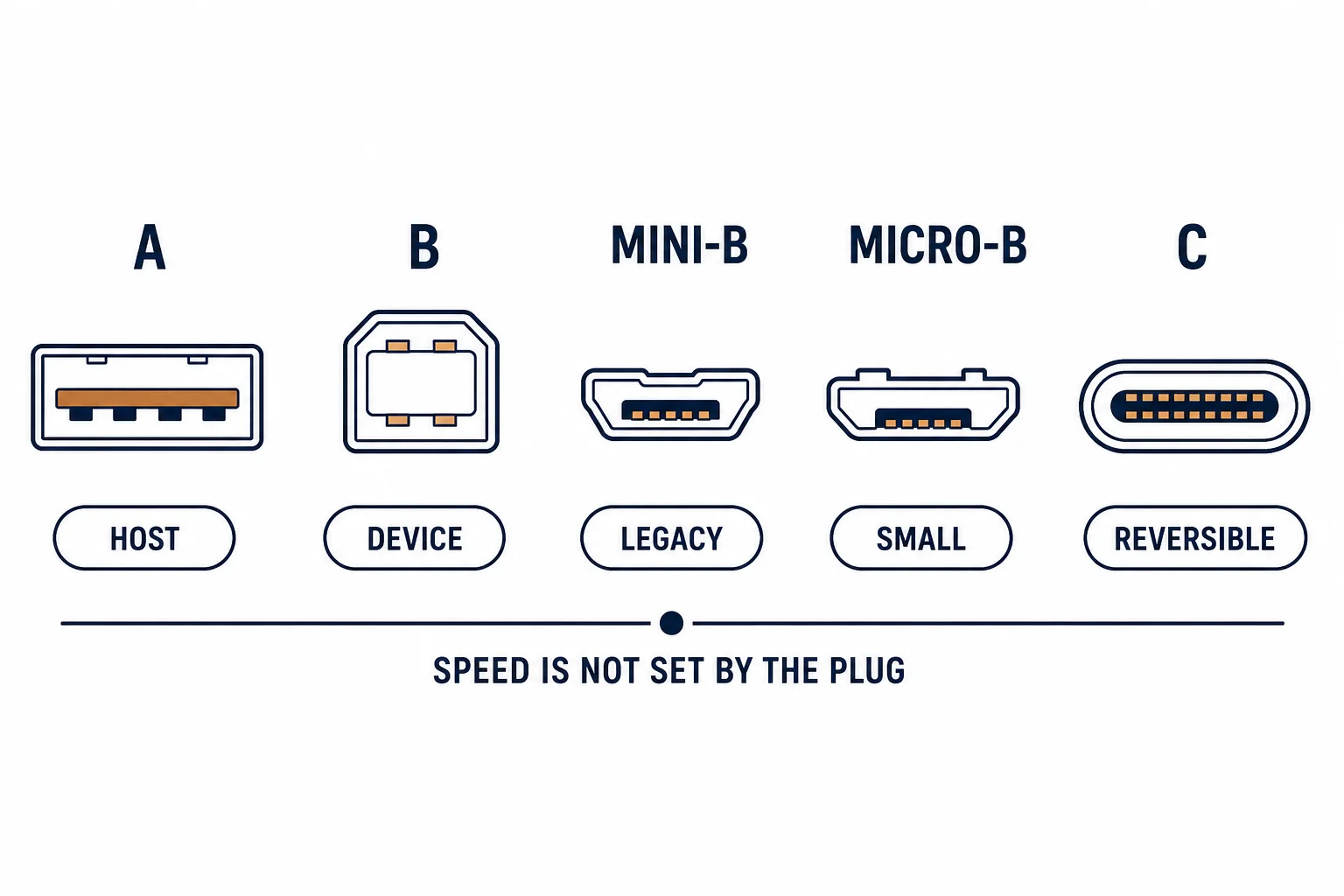
A USB 3.0 cable adds four signal pairs and a ground to the four wires of USB 2.0, which is how it reaches 5 Gbps. The extra conductors are why the cable is thicker, why the connectors are longer, and why a USB 2.0 cable in a USB 3 port delivers USB 2.0 speed regardless of what the port claims.
This is the USB 3 guide: what the construction adds, how to identify a genuine cable, and the cases where the speed claim fails.
What the Construction Adds
| The version | The pairs | The rate |
|---|---|---|
| USB 2.0 | One data pair plus power | 480 Mbps |
| USB 3.0 (5 Gbps) | Two extra shielded pairs | 5 Gbps |
| USB 3.1 Gen 2 | Same connector, higher grade | 10 Gbps |
The extra pairs are the reason for the thicker cable and the longer connector body; they are also the reason a 2.0 cable cannot be 'just as good'.
Identifying a Genuine Cable
- A blue insert is common but not a standard
- The rating is printed on the jacket or the packaging
- The connector has the extra contacts visible inside
- The cable is noticeably thicker than a 2.0 equivalent
The colour is a marketing convention; the rating and the connector are the evidence.
Where the Claim Fails
| The cause | The result |
|---|---|
| USB 2.0 cable in a 3.0 port | 480 Mbps negotiated |
| Long passive cable | Signal integrity lost, rate drops |
| Unpowered hub in the path | Shared bandwidth |
| Device limited to 2.0 | Port rate irrelevant |
The first two are cable problems; the last two are not, which is why diagnosis starts with the negotiated rate.
Standards and Verification
| The reference | The relevance |
|---|---|
| USB 2.0 / 3.2 specifications | Rates and connector definitions |
| USB-IF certification | Cable compliance |
| Field test | Negotiated rate in the operating system |
Per-SKU cable ratings are not provided in the knowledge base. The version definitions are standard; check the print rather than the plug colour.
Practical Notes
For external drives, the cable is often the weakest part of the chain: a 2.0 cable on a 3.0 enclosure gives 2.0 speeds and looks like a drive fault. Keep one known-good 3.0 cable as a diagnostic reference.
Real-World Applications
The slow drive
An external SSD transferring at 40 MB/s: the cable was USB 2.0. Replaced with a rated 3.0 cable – the drive reached its expected speed without any other change.
The long extension
A 3 m passive 3.0 cable to a printer: the link dropped to 2.0 rates. A shorter cable used, with an active extension where the distance was needed.
The blue but slow cable
A blue-inserted cable that negotiated at 480 Mbps: the insert was cosmetic. The rating printed on the jacket settled it – the cable was 2.0.
Related reading: The connector families compared — blogs/news/data-cable-types
Related reading: USB-C cable specification — blogs/news/usb-c-cable-oem
Frequently Asked Questions
How can I tell a USB 3.0 cable?
The printed rating and the extra contacts; a blue insert is a convention, not proof.
Does a USB 3.0 cable work in a 2.0 port?
Yes, at 2.0 speed.
Does a 2.0 cable slow a 3.0 port?
Yes – the link negotiates to the cable's capability.
How long can a USB 3.0 cable be?
Passive cables are typically limited to about 3 m at full rate; longer needs active extension.
Sourcing cables for a project, a store, or a private-label line? Contact our B2B sales team for specifications, certification evidence, and volume terms – FOB and CIF options available. Request a quote or sample.