
USB to Lightning: The Authenticated Cable
Quick answer / TL;DR: Short answer: a USB-A to Lightning cable charges and syncs Apple devices; the cable contains an authentication chip, so uncertified cables may charge slowly or refuse data. Check for the certification marking, match the far end to your charger (A for older, C for fast charging), and expect the connector to be the wear point on a device used daily.
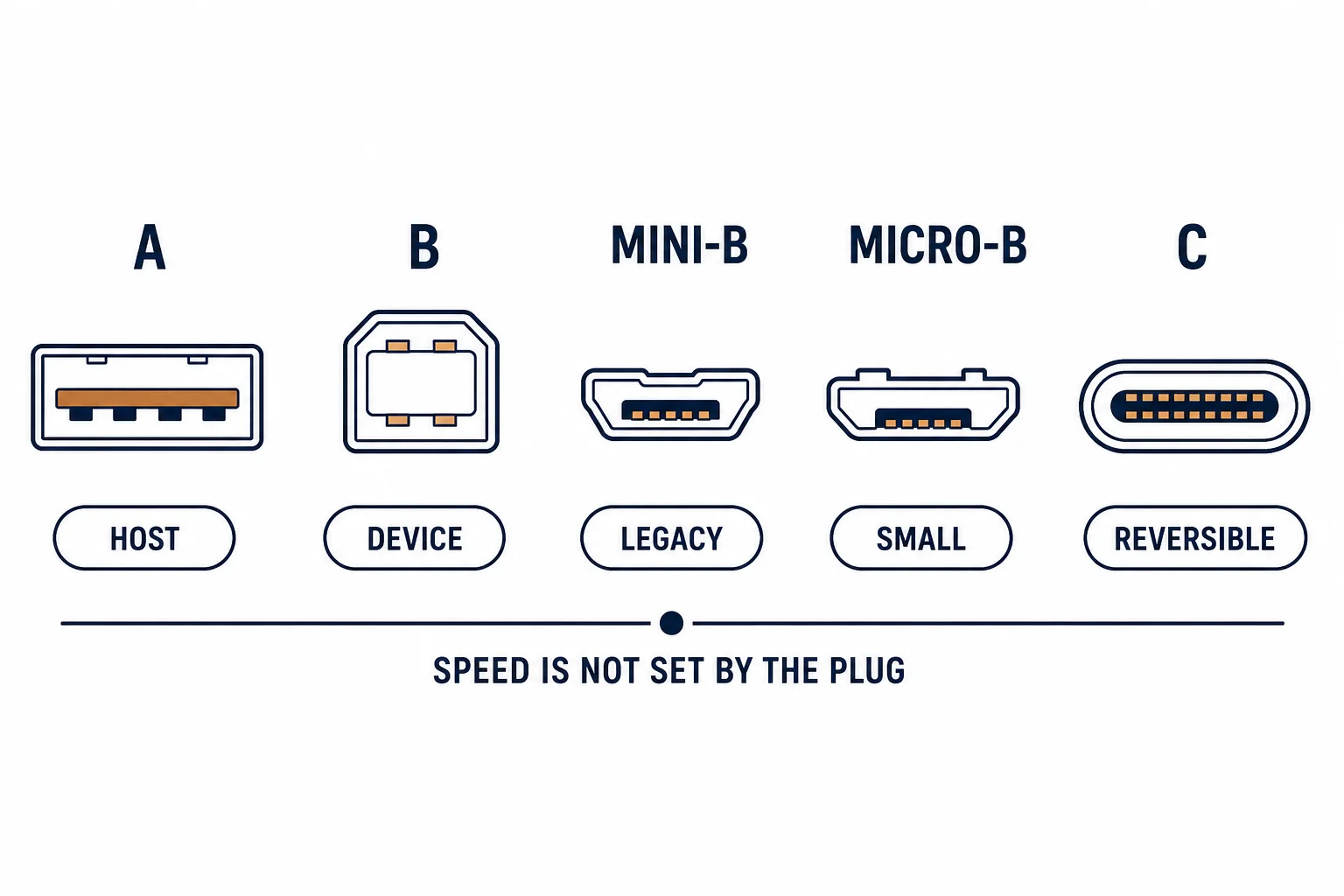
Lightning is Apple's connector for a generation of iPhones and iPads, and its cables contain an authentication chip that the device checks. That chip is why a cheap cable may charge but refuse to transfer data, and why 'not supported' messages appear on otherwise working hardware.
This is the Lightning guide: the connector's role, the authentication question, and the specification checks before buying a replacement.
The Connector and the Chip
| The element | The function | The failure |
|---|---|---|
| Connector | Reversible eight-pin | Wear and lint |
| Chip | Authentication | Uncertified warnings |
| Cable | Power and data | Charge-only variants |
The chip is the difference between a cable that works and one that works intermittently with warnings.
A or C at the Other End
- USB-A to Lightning: standard charging and syncing
- USB-C to Lightning: fast charging with a PD charger
- Both carry data at USB 2.0 rates
- The far end decides the charging speed
The connector pair matters more than the cable's length for charging performance.
The Wear Point
| The symptom | The cause |
|---|---|
| Charges only at an angle | Lint in the device port |
| Cable not recognised | Chip or contacts damaged |
| Slow charging | Uncertified cable or low-power charger |
| Data fails, charging works | Charge-only or damaged data pins |
Lint compaction in the device port is the most common cause, and it is removable with a wooden toothpick.
Standards and Verification
| The reference | The relevance |
|---|---|
| Apple MFi programme | Cable certification |
| USB 2.0 | Data rates |
| USB Power Delivery | Fast charging with a C-to-Lightning cable |
Per-cable certification is not provided in the knowledge base. The programme exists to test accessories; check for the marking rather than the price.
Practical Notes
A cable that works on one device and not another is usually a worn connector on the device, not the cable. Try the cable on a second device before replacing it.
Real-World Applications
The fast-charge upgrade
An iPhone charged from a 5 W adapter with an A-to-Lightning cable: slow. A USB-C to Lightning cable with a PD charger used – the fast-charge rate appeared.
The lint port
A phone that charged only when the plug was held: compacted lint in the port. Cleared, and the original cable worked again.
The uncertified cable
A cheap cable that produced a warning and charged slowly: no authentication chip. A certified cable used – the warning and the slow charge both disappeared.
Related reading: USB-C charging negotiation — blogs/news/usb-c-charging-port
Related reading: Connector families — blogs/news/usb-a-vs-usb-c
Frequently Asked Questions
Why does my iPhone say the cable is not supported?
The cable lacks authentication or its chip is damaged.
Does USB-C to Lightning charge faster?
Yes, with a power delivery charger.
Why does it charge only at an angle?
Usually lint in the device port.
Do all Lightning cables transfer data?
Most do at USB 2.0 rates, but charge-only variants exist.
Sourcing cables for a project, a store, or a private-label line? Contact our B2B sales team for specifications, certification evidence, and volume terms – FOB and CIF options available. Request a quote or sample.