
USB Mini-B Charging: The Limits
Quick answer / TL;DR: Short answer: most mini-B devices accept 500 mA to 1 A and will not charge faster with a heavier cable – the device's charge controller sets the rate. A thicker cable helps only if the original was thin enough to drop voltage. If charging is intermittent rather than slow, the connector or its clip is worn, and replacing the cable is the fix.
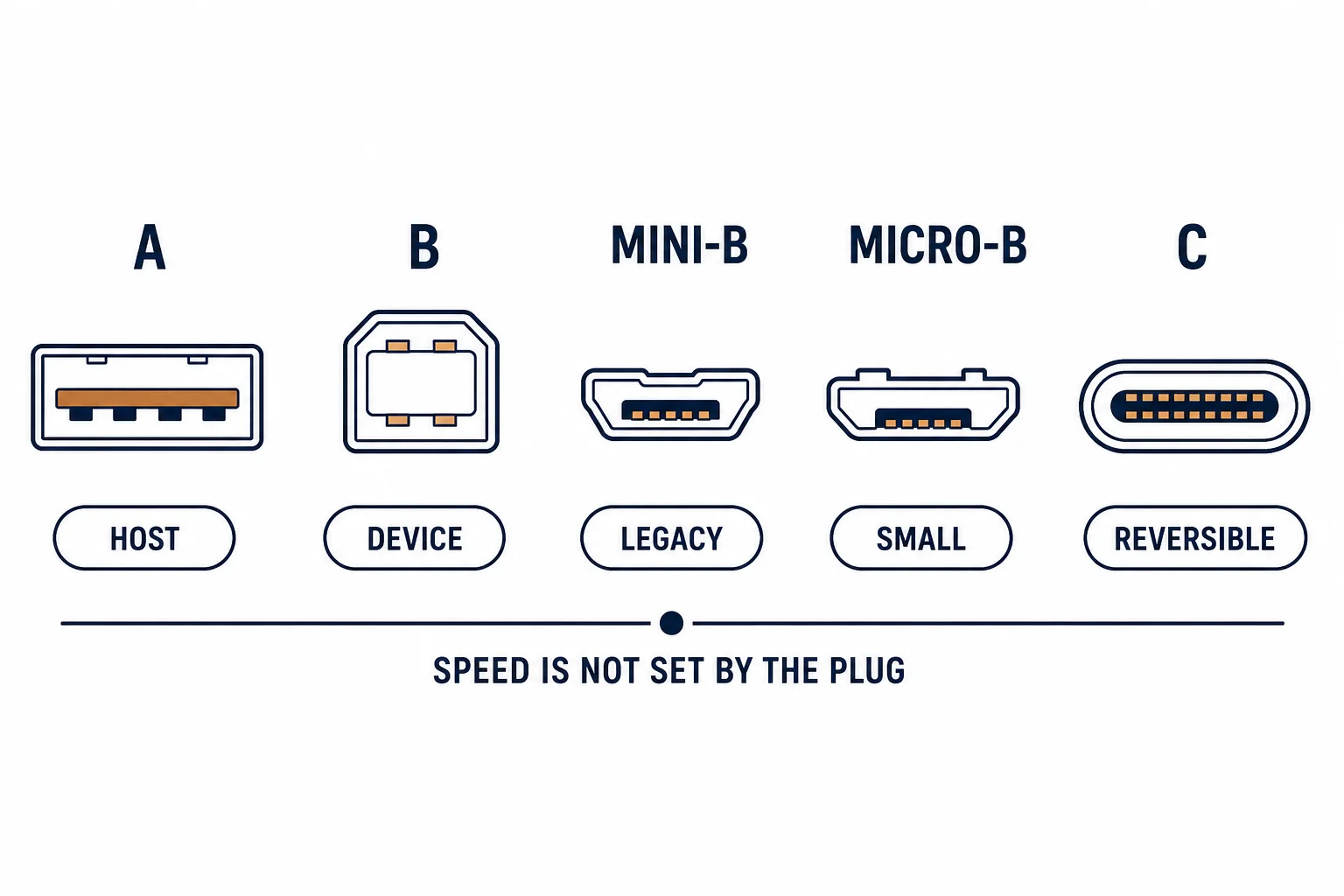
Charging over mini-B is slow for reasons that have nothing to do with the cable: the devices using it were designed around 500 mA to 1 A, and their charge controllers will not accept more even if the supply can deliver it.
This is the mini-B charging guide: where the limits come from, what a better cable can and cannot change, and the cases where the connector is genuinely the bottleneck.
Where the Limits Come From
| The limit | The cause | The result |
|---|---|---|
| Charge controller | Device design | 500 mA to 1 A |
| Connector rating | Older specification | Modest current |
| Cable gauge | Thin conductors | Voltage drop |
| Supply | Charger capability | Often not the limit |
The device decides, which is why a 65 W charger and a thin cable can produce the same slow result.
What a Better Cable Changes
- A thicker cable reduces voltage drop over length
- A shorter cable has less drop than a long one
- A cable with damaged conductors charges intermittently
- None of these changes the device's accepted current
The cable can only remove a bottleneck, never create capacity the device does not accept.
When the Connector Is the Problem
| The symptom | The likely cause |
|---|---|
| Charges only at an angle | Worn socket or plug |
| Falls out | Retention clip worn |
| Warm plug | Poor contact resistance |
| No charge at all | Broken conductor |
Intermittent charging is a mechanical fault; slow charging is a design limit. They need different responses.
Standards and Verification
| The reference | The relevance |
|---|---|
| USB 2.0 | Connector and current conventions |
| USB Battery Charging | Charging current definitions |
| Field test | Charge current measured at the device |
Per-device charge rates are not provided in the knowledge base. The conventions are standard; measure the current rather than inferring from the charger's label.
Practical Notes
For a device that charges slowly and is used daily, the practical answer is often a second charger at the place it is used, not a faster cable. Convenience beats specification.
Real-World Applications
The dashcam
A dashcam on mini-B charging at 500 mA: adequate while driving, slow otherwise. A second charger at home used – the limitation accepted rather than fought.
The intermittent charge
A GPS unit charging only when the plug was held: worn clip. A new cable fixed it – the device was fine.
The long thin cable
A 3 m thin mini-B cable that charged very slowly: voltage drop over the length. A 1 m cable used – the rate improved to the device's limit.
Related reading: The mini-B cable — blogs/news/usb-mini-b-cable
Related reading: Why PD needs C-to-C — blogs/news/usb-c-charging-port
Frequently Asked Questions
Why does my mini-USB device charge slowly?
The device's charge controller limits current, typically to 500 mA-1 A.
Will a better cable speed it up?
Only if the old cable was dropping voltage; it cannot exceed the device's limit.
Why does it charge only at an angle?
A worn connector or retention clip – replace the cable.
Can I use a fast charger?
The device will draw only what it accepts.
Sourcing cables for a project, a store, or a private-label line? Contact our B2B sales team for specifications, certification evidence, and volume terms – FOB and CIF options available. Request a quote or sample.