
USB-C to Mini DisplayPort
Quick answer / TL;DR: Short answer: the USB-C port must support DisplayPort Alt Mode, and the cable carries video from the USB-C device to the Mini DisplayPort display. Check the display's maximum resolution and refresh – older Mini DisplayPort hardware often caps at 1080p or 1440p. Audio does not travel over Mini DisplayPort in most implementations, so route it separately.
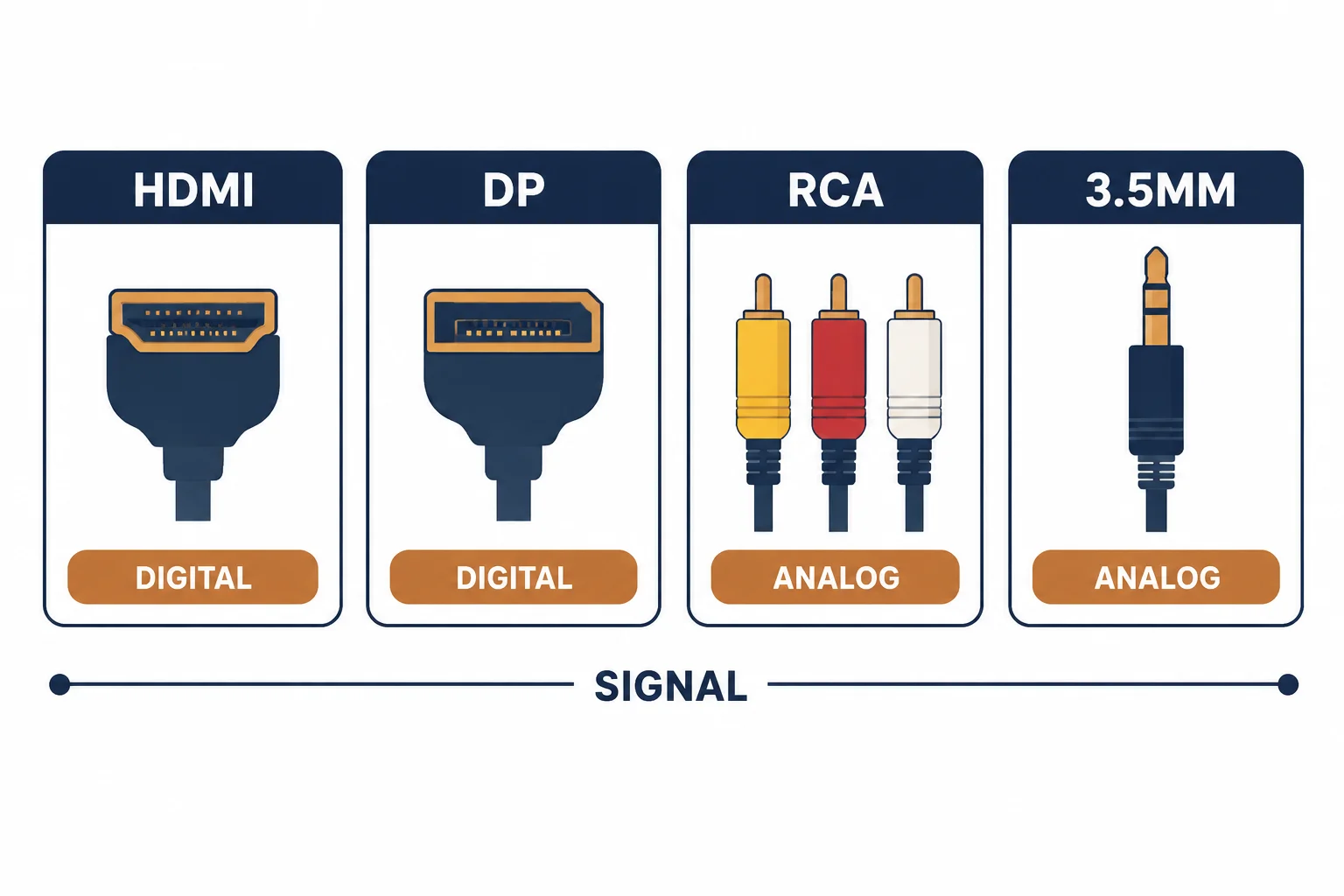
A USB-C to Mini DisplayPort cable connects a modern laptop to a display or projector with the older small DisplayPort connector. It relies on DisplayPort Alt Mode at the USB-C end and is directional in the sense that the video source must be the USB-C device.
This is the adapter-cable guide: the alt-mode requirement, the direction, and the resolution limits imposed by the older display.
The Requirements
| The element | The requirement |
|---|---|
| USB-C port | DisplayPort Alt Mode |
| Cable | Wired for DP alt mode |
| Display | Mini DisplayPort input |
| Audio | Separate path usually |
The port capability is the gate: a charging-only USB-C port will not output video whatever cable is used.
The Resolution Limits
- Older Mini DisplayPort displays often cap at 1080p or 1440p
- The cable may support more than the display accepts
- Refresh rate follows the display's specification
- Check before assuming 4K
The display's generation is usually the limit, not the cable or the laptop.
Audio
| The connection | Audio | The workaround |
|---|---|---|
| HDMI | Carries audio | Direct |
| Mini DisplayPort | Often video only | Separate audio cable |
| USB-C alt mode | Audio possible | Display dependent |
Audio over Mini DisplayPort exists in some implementations but is not reliable across devices, so plan for a separate path.
Standards and Verification
| The reference | The relevance |
|---|---|
| VESA DisplayPort | Alt mode and Mini connector |
| HDCP | Protected content |
| Field test | Display reporting resolution and refresh |
Per-device capabilities are not provided in the knowledge base. The standards are published; check the display's manual for its maximum mode.
Practical Notes
These cables are common in conference rooms with older projectors. A spare in the laptop bag has rescued more presentations than any other adapter, for the price of a coffee.
Real-World Applications
The conference projector
A projector with Mini DisplayPort and a USB-C laptop: the adapter cable used, 1080p confirmed, audio routed to the room system – the presentation worked.
The capped resolution
An older 1440p display on a modern laptop: 1440p was its maximum, and the cable supported it. The expectation of 4K had been the error.
The charging-only port
A laptop whose USB-C port was power-only: no signal. The other port used – the specification, not the cable, had decided.
Related reading: The Mini DisplayPort legacy — blogs/news/mini-displayport-cable
Related reading: USB-C to DisplayPort instead — blogs/news/usb-c-to-displayport-cable
Frequently Asked Questions
Does USB-C to Mini DisplayPort carry audio?
Sometimes, but do not rely on it – plan a separate audio path.
What resolution can it carry?
Up to what the display supports; older units often cap at 1080p or 1440p.
Does it work in reverse?
No – the USB-C end must be the source.
Do I need a special port?
Yes – DisplayPort Alt Mode on the USB-C port.
Sourcing cables for a project, a store, or a private-label line? Contact our B2B sales team for specifications, certification evidence, and volume terms – FOB and CIF options available. Request a quote or sample.