
USB-C Charging Port: The Negotiation
Quick answer / TL;DR: Short answer: a USB-C port charges at whatever the charger, cable and device agree – typically 5 V to 20 V and up to 100 W or more with USB PD. The cable must be rated for the current (3 A or 5 A) and carry the E-Marker for higher wattages. Match the charger's wattage to the device's requirement; a bigger charger is safe, a smaller one charges slowly.
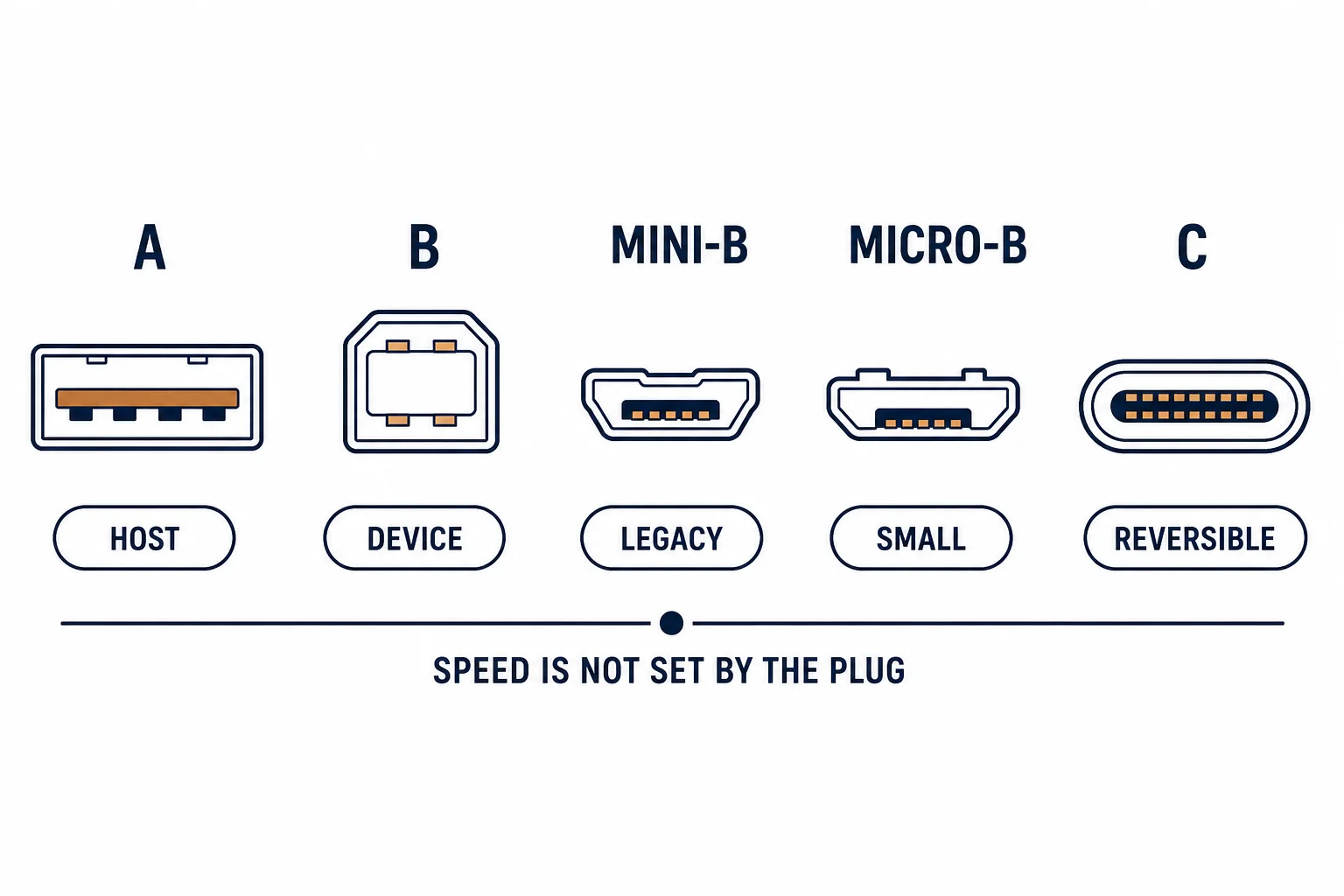
A USB-C charging port is not a fixed power outlet: it negotiates voltage and current with the charger over the configuration channel, which is why the same port can charge a phone at 18 W and a laptop at 100 W – and why the cable matters as much as the charger.
This is the charging-port guide: how the negotiation works, the cable requirement, and the wattage arithmetic that prevents disappointment.
How the Negotiation Works
| The element | The function |
|---|---|
| CC pin | Carries the negotiation |
| PD protocol | Agrees voltage and current |
| E-Marker | Identifies cable capability |
| Device | Requests what it can accept |
The port is a negotiator, not a supply: nothing is delivered until both ends agree.
The Cable Requirement
- 3 A cables for up to 60 W
- 5 A cables, usually with an E-Marker, for up to 100 W
- Charge-only cables may omit the data pairs but must carry the current rating
- A thin cable caps wattage regardless of the charger
The cable is the part most often forgotten, and the part that silently limits the result.
The Wattage Arithmetic
| The device | The typical need | The charger |
|---|---|---|
| Phone | 18-30 W | 30 W |
| Tablet | 30-45 W | 45 W |
| Thin laptop | 45-65 W | 65 W |
| Workstation laptop | 90-100 W | 100 W or more |
A charger larger than needed is safe; a smaller one charges slowly or not at all under load.
Standards and Verification
| The reference | The relevance |
|---|---|
| USB Power Delivery | Voltage and current negotiation |
| USB-IF | Cable and charger certification |
| Field test | Wattage reported by the device |
Per-device wattage is not provided in the knowledge base. The negotiation rules are standard; check the device's stated requirement rather than the charger's marketing.
Practical Notes
A charger that meets the device's requirement with headroom is worth the small premium: running a laptop charger at its limit for hours shortens its life and may throttle the device.
Real-World Applications
The single charger
One 65 W USB-C charger for a laptop, a phone and earbuds: the laptop at full rate, the smaller devices negotiating lower – one charger replacing three.
The thin cable
A 100 W charger with a thin unmarked cable: the laptop charged at half rate. A 5 A cable used – the cable had been the limit all along.
The undersized charger
A 30 W charger on a workstation laptop: it charged only when idle. A 100 W charger used – the arithmetic had been predictable.
Related reading: The A-to-C limitation — blogs/news/usb-a-to-usb-c-cable
Related reading: Connector comparison — blogs/news/usb-a-vs-usb-c
Frequently Asked Questions
Does a bigger charger damage a device?
No – the device draws what it needs.
Why is my laptop charging slowly?
Often the cable's current rating, or an undersized charger.
What is an E-Marker?
A chip in the cable that declares its current capability.
Can any USB-C cable carry 100 W?
No – only 5 A rated cables, usually electronically marked.
Sourcing cables for a project, a store, or a private-label line? Contact our B2B sales team for specifications, certification evidence, and volume terms – FOB and CIF options available. Request a quote or sample.