
USB B to B: Two Device Ends
Quick answer / TL;DR: Short answer: B-to-B cables exist for devices with B sockets on both ends – typically instruments and lab equipment linking to each other, or to a controller that presents a B socket. They cannot connect two ordinary hosts. Confirm both sockets are Type-B, and check the device documentation for which end acts as host.
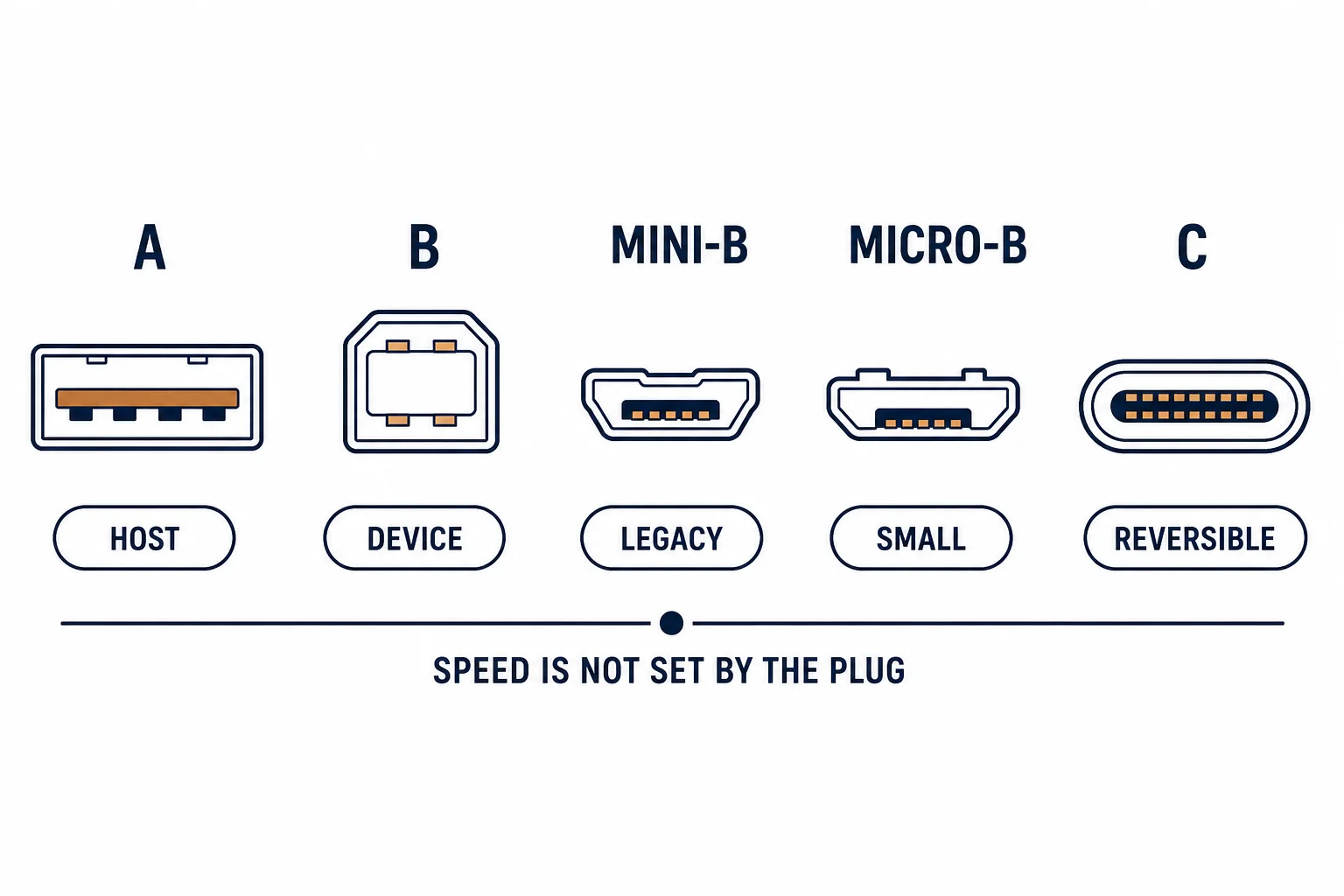
A USB B to B cable has the square device plug at both ends, which seems to break the host-device rule until you meet the hardware that uses it: USB instruments, some lab equipment and certain audio interfaces that connect to each other rather than to a computer.
This is the B-to-B guide: the devices that need it, the role question it raises, and the sourcing check before ordering.
The Devices
| The device | The socket | The use |
|---|---|---|
| USB instrument | B | Links to a controller |
| Lab equipment | B | Device-to-device |
| Audio interface | B | Occasional link |
| Printer to switch box | B | Legacy sharing |
The cable exists because some equipment was designed with a B socket at both ends of a link.
The Role Question
- One end must act as host
- Some instruments provide host mode themselves
- A plain B-to-B cable does not decide the role
- The documentation states which end controls the link
The role is set by the devices, which is why the same cable works in one pairing and not another.
Sourcing and Checks
| The check | The question |
|---|---|
| Sockets | Both Type-B? |
| Version | 2.0 or 3.0 blocks? |
| Length | Short, under 2 m |
| Supply | Maker or specialist? |
The cable is uncommon enough that a photograph of both sockets is the reliable way to order.
Standards and Verification
| The reference | The relevance |
|---|---|
| USB 2.0 / 3.2 | Connector definitions |
| USB-IF | Cable compliance |
| Field test | Link established, device recognised |
Per-device socket and role details are not provided in the knowledge base. Check the equipment manual before assuming a B-to-B cable will work.
Practical Notes
B-to-B cables are often supplied with the equipment and lost. When replacing one, order two: the second costs little and the alternative is another wait.
Real-World Applications
The instrument link
A test instrument connected to a controller, both with B sockets: the maker's B-to-B cable used – a link that no standard cable could make.
The printer sharing box
A legacy print-sharing device with B sockets: B-to-B cables to two printers – the box acting as host to each in turn.
The wrong assumption
A B-to-B cable bought to connect two computers: nothing happened. The cable was correct for its purpose and wrong for the assumption.
Related reading: The standard Type-B cable — blogs/news/usb-b-cable
Related reading: The A-to-A counterpart — blogs/news/usb-a-to-a-cable
Frequently Asked Questions
What is a USB B to B cable for?
Devices with B sockets at both ends, such as instruments and lab equipment.
Can it connect two computers?
No – both ends are device-role connectors.
Is it common?
No – usually supplied with the equipment.
How do I order one?
Confirm both sockets are Type-B and match the USB version.
Sourcing cables for a project, a store, or a private-label line? Contact our B2B sales team for specifications, certification evidence, and volume terms – FOB and CIF options available. Request a quote or sample.