
USB-A to USB-A: The Odd Cable
Quick answer / TL;DR: Short answer: an A-to-A cable is legitimate only for devices designed with an A socket – some KVM switches, transfer bridges and certain instruments. Never connect two computers with one: both ends may try to supply power and the ports can be damaged. Where a device has a B, micro-B or C socket, use the matching cable instead.
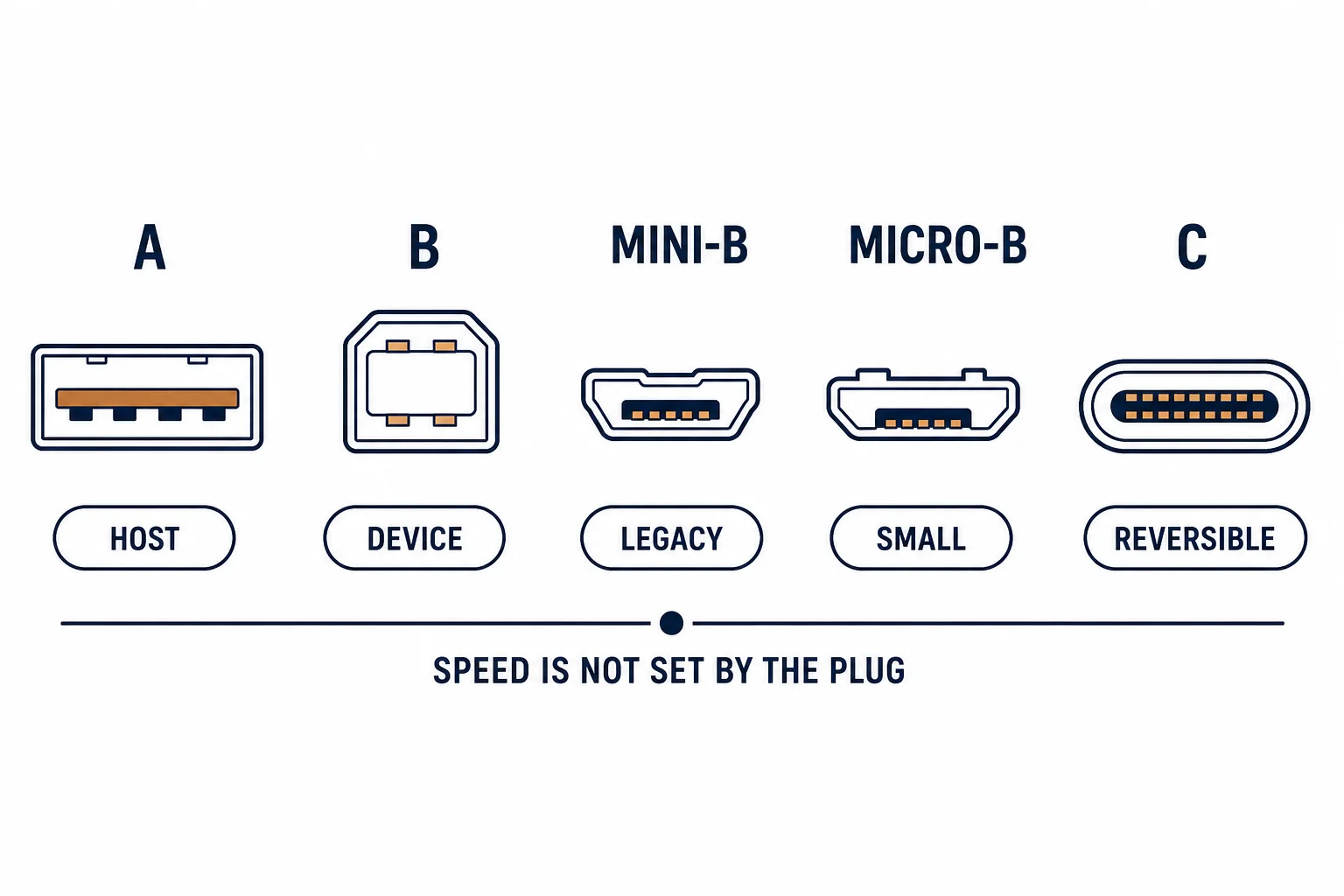
A USB-A to USB-A cable has the host plug at both ends, which the USB specification never intended: two host ports connected together can both try to supply power. It exists for a handful of devices that present an A socket instead of a B or micro-B.
This is the A-to-A guide: the legitimate uses, the risk of connecting two computers, and how to tell whether a device actually needs one.
Where It Is Legitimate
| The device | The reason |
|---|---|
| KVM switch | Presents A sockets for host cables |
| Transfer bridge | Designed to sit between two hosts |
| Some instruments | Legacy A socket |
| Powered accessory | A socket as input |
The pattern is devices that were designed to terminate a host link, not to be one.
The Risk
- Two host ports can both supply 5 V
- Without negotiation, current can flow the wrong way
- Port protection varies by design
- The result can be a dead port on one or both machines
The risk is real but avoidable: the cable is not dangerous in itself, only in the connection people attempt with it.
Telling Whether You Need One
| The device socket | The cable |
|---|---|
| A | A-to-A |
| B | A-to-B |
| Micro-B | A-to-micro-B |
| C | A-to-C or C-to-C |
The socket type is printed or visible; matching it removes the guesswork.
Standards and Verification
| The reference | The relevance |
|---|---|
| USB 2.0 | Host and device roles |
| USB-IF | Cable compliance |
| Field test | Device recognised without port damage |
Per-device socket types are not provided in the knowledge base. The role rules are standard; check the device manual before connecting two hosts.
Practical Notes
If an A-to-A cable is genuinely required, label it for its single purpose. In a drawer of identical-looking cables, an unlabelled A-to-A is an accident waiting for the one person who thinks it will connect two laptops.
Real-World Applications
The KVM switch
A KVM with A sockets for each host: A-to-A cables used as designed – the switch presenting itself as a device to each machine.
The transfer bridge
A data transfer cable between two computers: A-to-A by design, with electronics in the middle – the cable alone would not have been safe.
The drawer mistake
An unlabelled A-to-A cable used to link two laptops: one port stopped working. The cable was labelled and stored separately afterwards.
Related reading: The B-to-B oddity — blogs/news/usb-b-to-b-cable
Related reading: Type-A cable specification — blogs/news/usb-a-cable-guide
Frequently Asked Questions
Can I connect two computers with a USB-A to USB-A cable?
No – use a proper transfer cable with electronics inside.
What is an A-to-A cable for?
Devices with an A socket, such as KVM switches and transfer bridges.
Can it damage a port?
It can, if two host ports are connected directly.
How do I identify one?
Both plugs are rectangular host plugs.
Sourcing cables for a project, a store, or a private-label line? Contact our B2B sales team for specifications, certification evidence, and volume terms – FOB and CIF options available. Request a quote or sample.