
ZOGUO CarPlay USB Adapter Cable – USB-C to USB-A, 5 Gbps
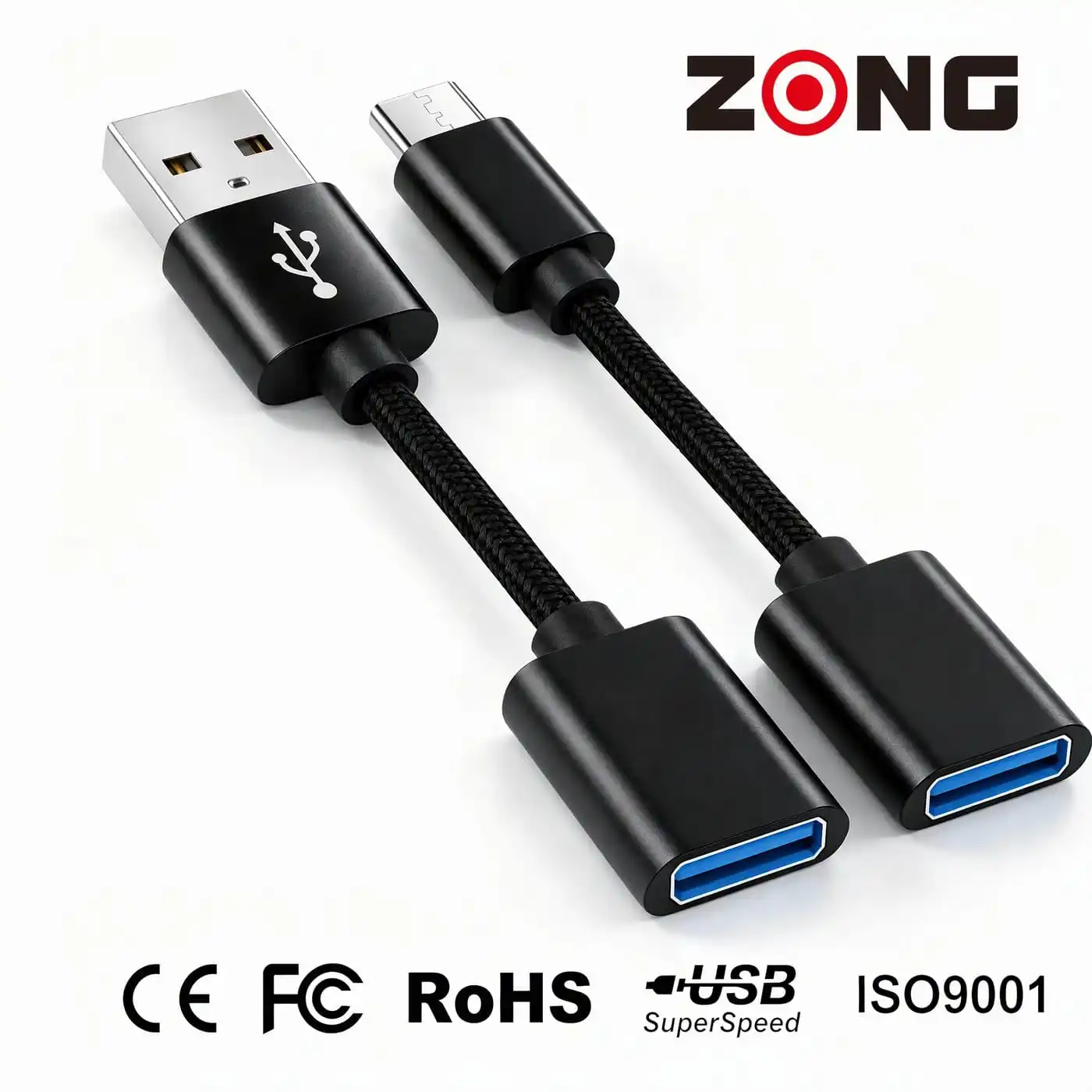
- Turns a USB-C dash port into a USB-A socket, so a wireless CarPlay adapter, dash camera or flash drive plugs in without a second cable.
- USB 3.2 Gen 1 SuperSpeed link rated to 5 Gbps, with full data pass-through and a blue-coded socket.
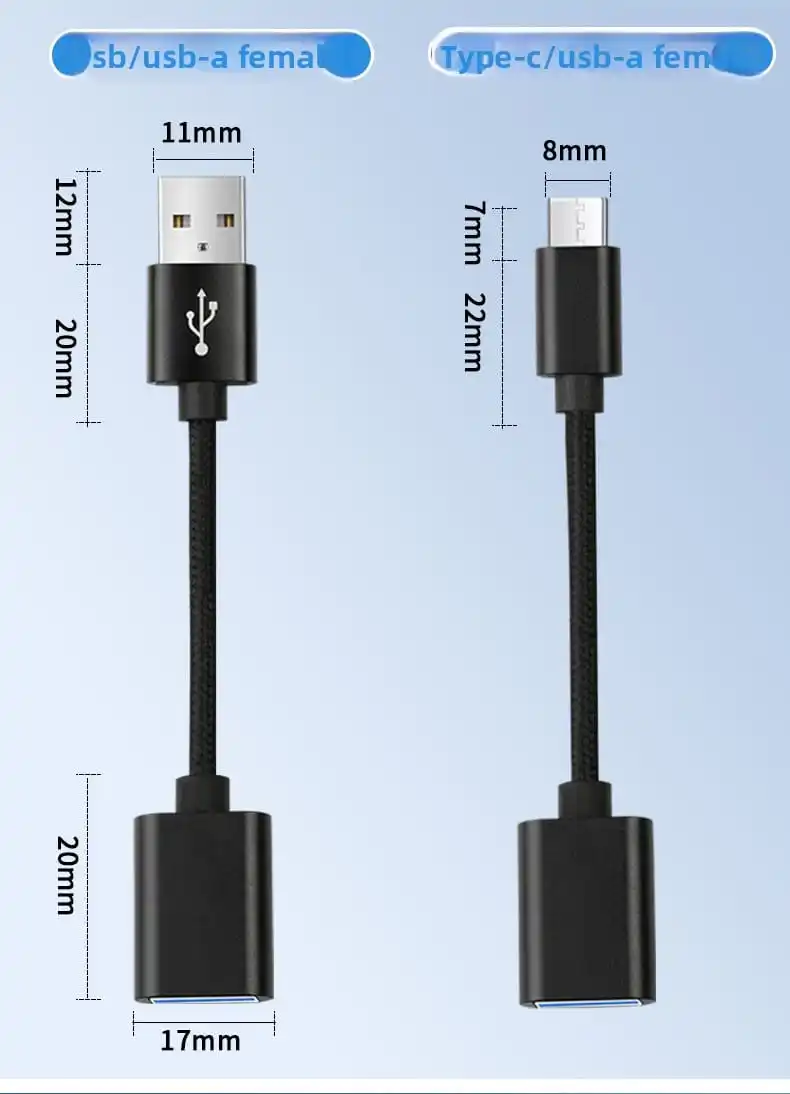
- Short 20 mm plug body with moulded strain relief: a dongle left hanging in the port will not lever the contacts.
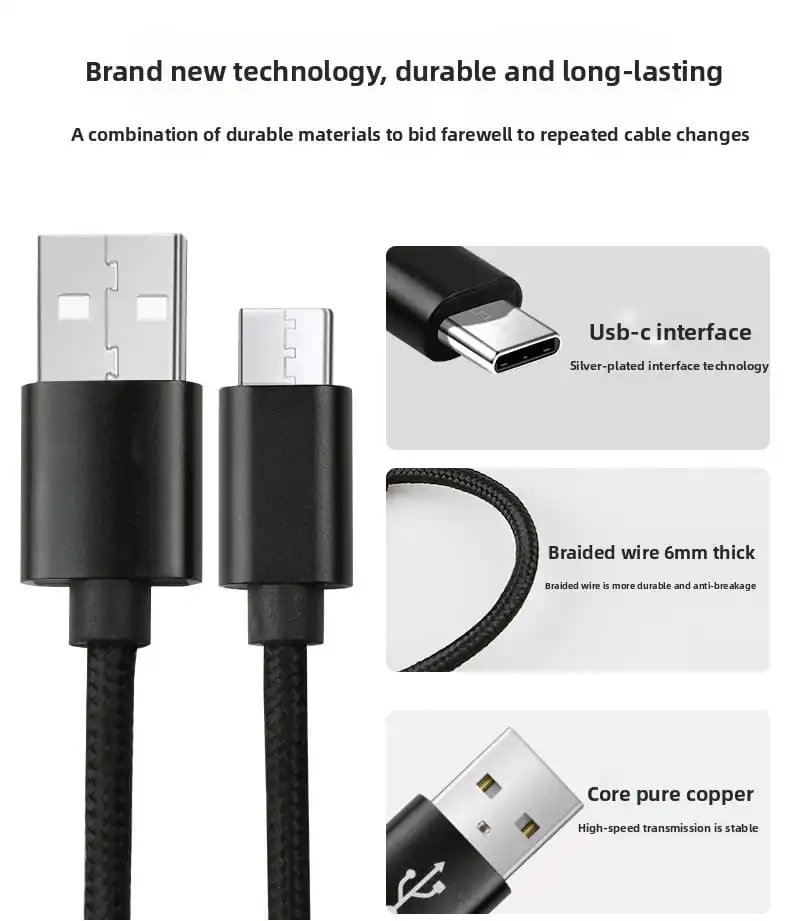
- Silver-plated terminals and a 6 mm nylon braid, built for dashboard heat, vibration and daily plugging.
- Two versions in one range – USB-C male and USB-A male – with custom length, logo, colour and packaging.
Product Parameter
| Brand Name | ZOGUO |
| Product | CarPlay USB adapter cable (USB-C to USB-A / USB-A to USB-A) |
| Specific Uses For Product | Car head unit, wireless CarPlay adapter, dash camera, laptop, flash drive |
| Connector Type | USB-C male to USB-A female; USB-A male to USB-A female |
| Data Rate | USB 3.2 Gen 1, up to 5 Gbps (device dependent) |
| Power | Pass-through, no PD negotiation, no voltage conversion |
| Contacts | Silver-plated terminals, aluminium alloy shell |
| Braided | Nylon sleeve, 6 mm, colour as requested |
| Packing | Polybag, foil bag, colour box, gift box, OEM packaging |
| Production Time | 30 to 40 days |
| Cable Spec | Conductor gauge and length per customer requirement |
| Certification | CE, FCC, RoHS, ISO 9001 |
One Adapter, Two Port Situations
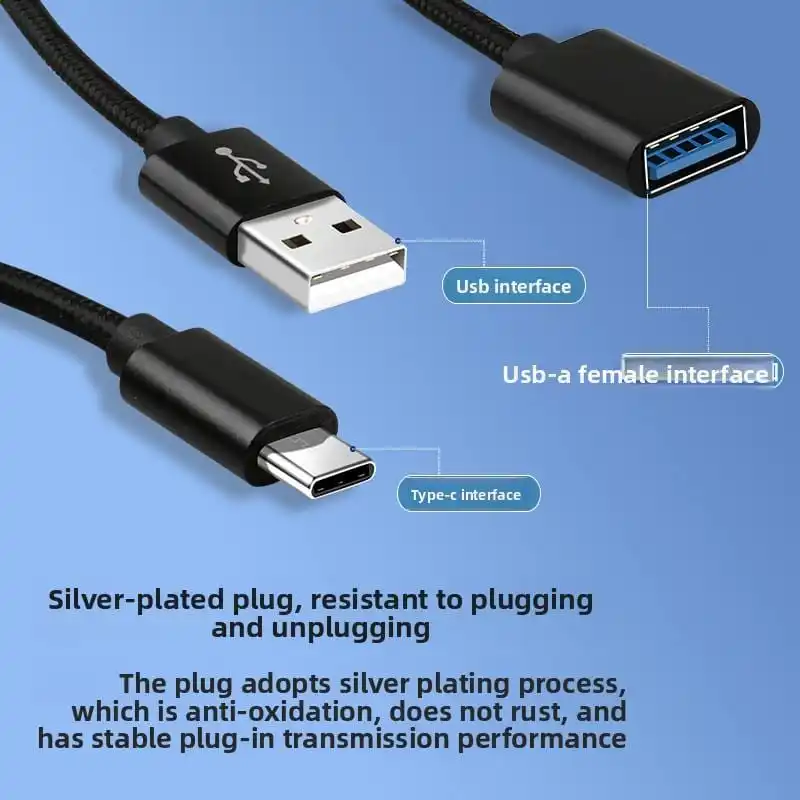
Read the gender from the body before ordering: the side that enters the vehicle port is male, the side that receives a plug is female. Both versions present a USB-A socket to the accessory, which is exactly what a CarPlay dongle, a dash camera or a memory stick expects.
The USB-C version solves the most common mismatch of the last three model years – a car built with a USB-C data port, and an accessory built with a fixed USB-A plug. The USB-A version is a short extension: it moves the socket out from under an armrest lid or away from a port shared with a 12V plug. Neither version contains a chip, so the head unit and the accessory see each other exactly as they would through a direct connection.
Where It Sits in a CarPlay Setup
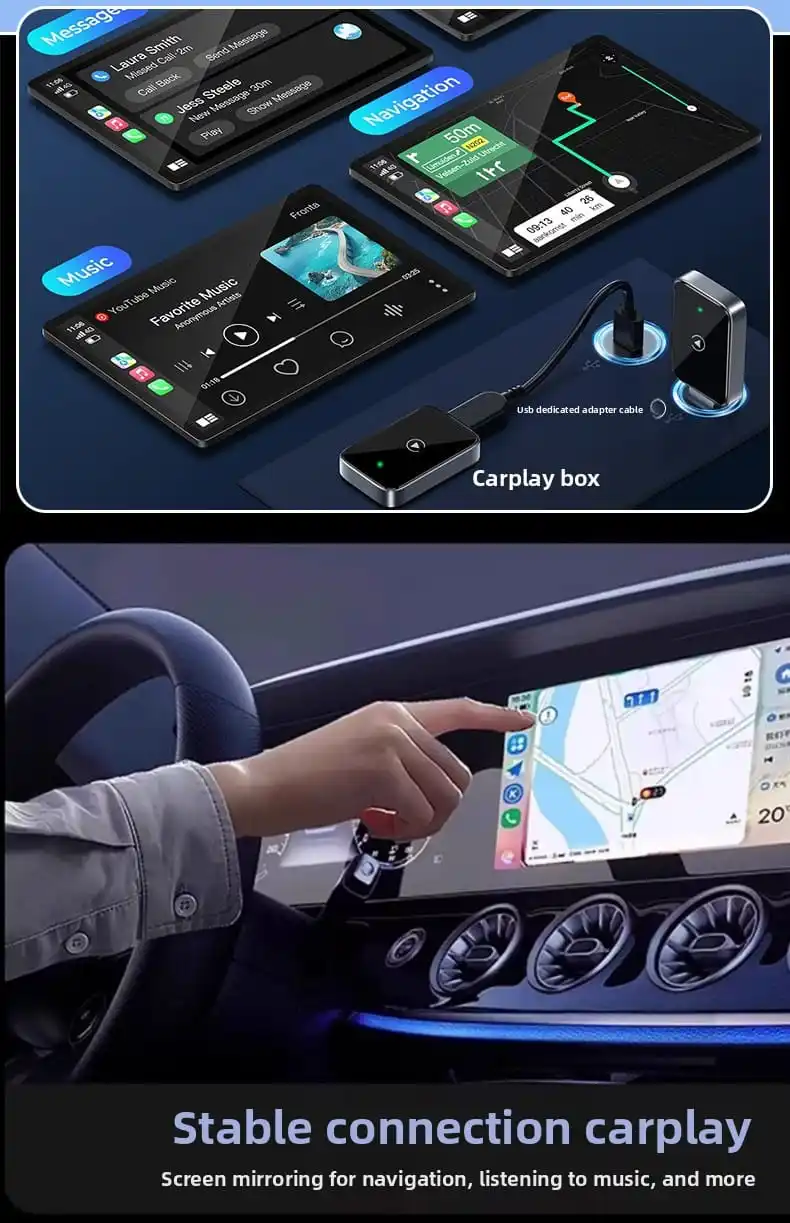
Apple’s support documentation states that for a car supporting CarPlay over USB, the iPhone should be plugged into the vehicle port with an Apple Lightning to USB cable, and that some combinations of adapters, cables and vehicle entertainment systems might disrupt the wired CarPlay connection. This adapter is therefore positioned on the accessory side of the chain – dongle, dash camera, storage – not between the phone and the head unit. On a car with wireless CarPlay, the phone talks to the dongle over Wi-Fi and Bluetooth and the USB link only powers and pairs it; that is where this cable belongs.
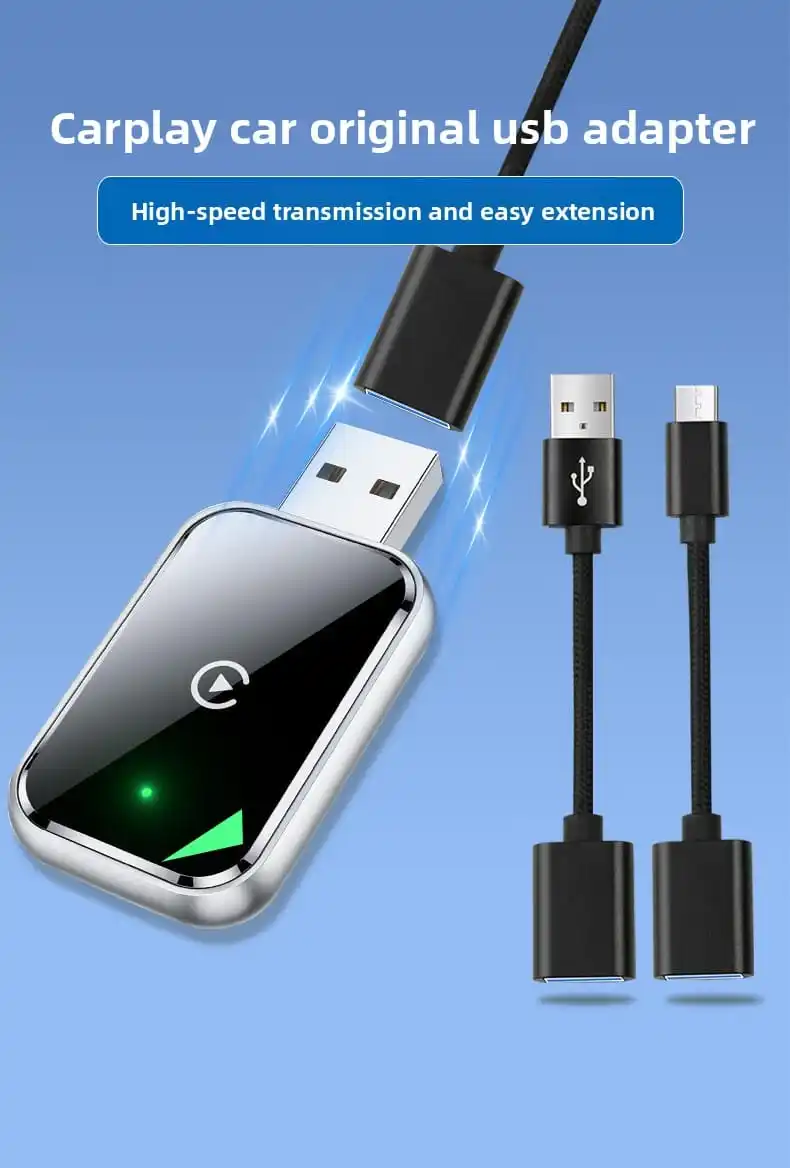
- Works reliably: wireless CarPlay dongles, dash cameras, flash drives, USB-A charging accessories.
- Avoid: cars with wired-only CarPlay, stacks of three adapters, and laptop charging at 20V or 28V – the adapter has no PD controller.
- Data headroom: CarPlay runs on a USB 2.0-class link; the 5 Gbps rating matters when the same port is used to offload dash-cam clips or read a drive.
You May Also Like


Frequently Asked Questions
Will this adapter let my iPhone use CarPlay in a USB-C car?
It gives the car a USB-A socket, so you can use your own USB-A to USB-C or USB-A to Lightning cable from that point. If the car supports only wired CarPlay, connect the phone directly instead of adding an adapter – Apple notes that some adapter combinations can disrupt the connection.
Does it support fast charging or USB Power Delivery?
No. The adapter is passive, with no PD controller to negotiate 9V, 15V, 20V or 28V. The device receives whatever the vehicle port supplies, typically 5V at that port’s rated current.
Will a 5 Gbps adapter slow CarPlay down?
No. CarPlay runs on a USB 2.0-class link and the adapter is rated well above it. Slow or dropping connections usually come from the cable, the port or the head unit firmware.
Does it work with Android Auto and dash cameras?
Yes, where the head unit or camera uses USB data. The adapter carries both data and power and does not interpret the protocol. For 4K cameras, check the current draw against the port rating.
Can you supply samples, custom logo and custom length?
Yes. Cable length, housing colour, logo, packaging and the certification package are specified per order, and free blank samples are available for evaluation before a production run.
References: Apple Support, Use CarPlay with your iPhone (support.apple.com/en-us/HT205634) and If you can’t connect your iPhone to CarPlay (support.apple.com/en-us/105109); USB-IF, USB 3.2 (usb.org/usb-32).
Request a Free Quote
Tell us the port type on the vehicle, the accessory you need to connect and the market you sell into. We will reply with the matching version, MOQ, lead time and a unit price, plus a production sample for testing on the target head unit.
WhatsApp: +86 13543026126
E-mail: zongcarrie@zh-zong.com
Quote form: https://zh-zong.com/contact/
OEM and ODM: https://zh-zong.com/oem-support/