
Patch Panel vs Switch: Two Jobs
Quick answer / TL;DR: Short answer: a patch panel terminates permanent cable and presents it as ports – it has no power and forwards nothing. A switch connects devices and moves frames between them. A normal rack uses both: cable lands on the panel, then short cords connect panel ports to switch ports. Size the panel to the cable count and the switch to the device count.
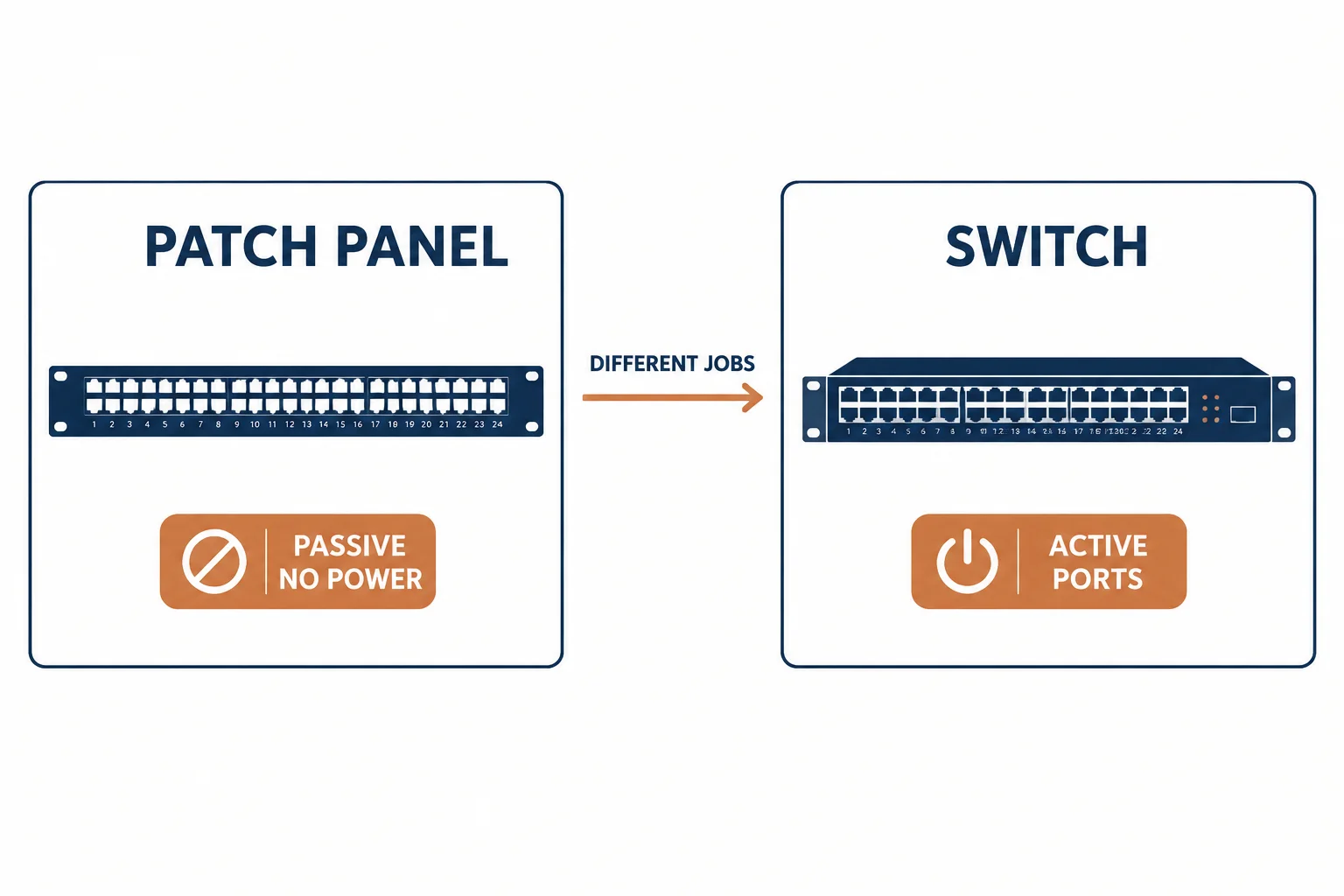
A patch panel and a switch live in the same rack and do different jobs: the panel is passive administration – a tidy termination point for permanent cabling – and the switch is active connectivity that forwards traffic. Confusing them leads to either a rack full of dangling cables or a purchase that does nothing.
This is the comparison: what each device does, why a rack usually needs both, and the sizing arithmetic for each.
The Two Jobs
| The device | The function | The power |
|---|---|---|
| Patch panel | Terminates and administers permanent cable | None – passive |
| Switch | Forwards frames between devices | Powered, active |
The distinction explains the cabling pattern: permanent cable never plugs directly into a switch, because the switch would then be the termination point for a building.
Why Both Belong
- Panel: protects the permanent cabling from being re-terminated every time a desk moves
- Switch: provides the ports and the intelligence the network needs
- Cords: the short, replaceable link between the two
- The pattern: change the cord, not the building
The combination is an administration strategy: the panel is the fixed side and the cords are the movable side.
Sizing Each
| The device | The sizing rule |
|---|---|
| Patch panel | Ports equal to cable runs, plus spare |
| Switch | Ports equal to active devices, plus uplink and spare |
Standards and Verification
| The reference | The relevance |
|---|---|
| TIA-568.2-D | Administration and connecting hardware |
| IEEE 802.3 | Switching and PoE behaviour |
| Field test | Permanent link test at the panel |
Per-SKU specifications are not provided in the knowledge base. The functional distinction is standard; size each device against its own count.
Real-World Applications
The new comms room
Ninety-six cables landing on two 48-port panels, twenty-four switch ports patched: the building fixed, the active side changeable.
The switch-as-panel mistake
Permanent cable run straight into a switch: a desk move requiring re-termination of building cable. The panel retrofitted – the pattern corrected.
The empty panel
A panel installed with nothing patched to a switch: ports present, network absent. The cords added – the last step that makes it work.
Related reading: The panel density decision? Read the patch panel buying guide — blogs/news/cat6-patch-panel-buying
Related reading: The splitter alternative that is not one? Read splitter versus switch — blogs/news/ethernet-splitter-vs-switch
Frequently Asked Questions
Do I need both a patch panel and a switch?
For structured cabling, yes: the panel terminates permanent cable, the switch provides active ports, and cords join them.
Can I plug cable directly into a switch?
You can, but then the switch is the termination point and every desk change means re-terminating building cable.
Does a patch panel need power?
No – it is passive. Only the switch is powered.
How do I size them?
Panel ports to cable runs plus spare; switch ports to active devices plus uplink and spare.
Sourcing cables for a project, a store, or a private-label line? Contact our B2B sales team for specifications, certification evidence, and volume terms – FOB and CIF options available. Request a quote or sample.