
Patch Panel for Home: The Small Comms Point
Quick answer / TL;DR: Short answer: use a 12 or 16 port wall-mount or half-U panel with keystone jacks, sized to the number of rooms plus spares. Terminate the house cabling once at the panel, patch to a switch with short cords, and label every port with its room and position. A small panel with good labels beats a large one left undocumented.
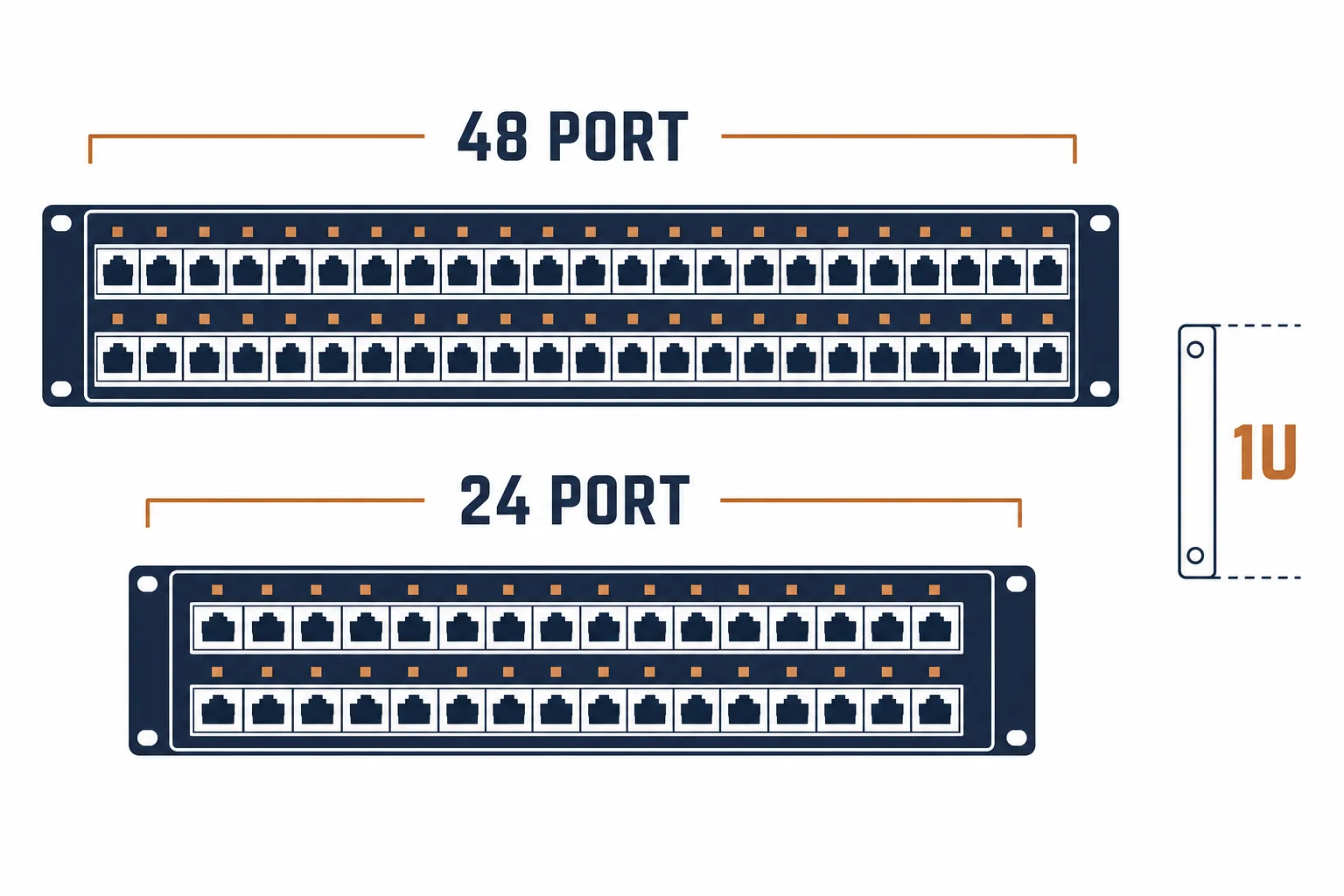
A patch panel at home is the difference between a working network and a bundle of cables behind a router: the house wiring terminates once, at one place, and every change after that is a short cord. The formats are smaller than commercial ones and the arithmetic is simpler, but the labelling discipline is the same.
This is the home panel guide: the formats that fit a cupboard, the port count that covers a house, and the setup that keeps a home network maintainable for a decade.
The Formats That Fit
| The format | The space | The fit |
|---|---|---|
| 12 port wall-mount | A cupboard shelf | Most homes |
| 16 port half-U | A small wall cabinet | Larger houses |
| 24 port 1U | A data cabinet | Where a rack exists |
| Keystone frame | Trunking | Alongside a media unit |
The format is set by the space available: a cupboard rarely has 19-inch rails, which is why wall-mount and half-U products exist.
The Port Arithmetic
- Count rooms and positions, not devices
- Add two spares for future points
- Allow an extra for a media wall or an office
- Include a port for the incoming service if it terminates here
The arithmetic is small and the spare ports matter more than on a commercial site, because a home has no patch field to borrow from.
Setup and Labelling
| The step | The practice |
|---|---|
| Terminate | All house cables at the panel |
| Label | Room and position on both ends |
| Patch | Short cords to the switch |
| Document | A port map inside the cupboard door |
The documentation is the part that survives: a card inside the door outlasts any memory of which port went where.
Standards and Verification
| The reference | The relevance |
|---|---|
| TIA-568.2-D | Connecting hardware and administration |
| IEC 60603-7 | The jack interface |
| Field test | Link test per port after termination |
Per-SKU panel dimensions are not provided in the knowledge base. The jack and administration rules are standard; measure the cupboard before ordering a cabinet.
Practical Notes
A home panel is usually installed once and forgotten, so the two things worth spending on are jacks of the same category as the cable and a switch with more ports than you need today. Everything else can be replaced later.
Real-World Applications
The cupboard conversion
A hall cupboard with eight house cables and a router: a 12 port wall-mount panel, four spares, and a port map on the inside of the door – every room patched in an afternoon.
The cable bundle
A house with cables hanging loose behind a router: one port failing intermittently from strain. Terminated at a panel – the strain removed and the fault traced in minutes.
The unlabelled install
A panel terminated without labels: moving a desk meant testing every port. The next change added labels and the map – the second move took five minutes.
Related reading: The 12-port panel case — blogs/news/12-port-patch-panel
Related reading: The keystone jack that goes in it — blogs/news/rj45-keystone-jack-buying
Frequently Asked Questions
Do I need a patch panel at home?
If more than a few rooms are cabled, yes – it turns a bundle into a maintainable network.
What size panel for a house?
12 or 16 ports covers most homes with spares.
Wall-mount or rack?
Wall-mount or half-U in a cupboard; a rack only if one already exists.
What matters most?
Labelling. An undocumented panel is barely better than loose cables.
Sourcing cables for a project, a store, or a private-label line? Contact our B2B sales team for specifications, certification evidence, and volume terms – FOB and CIF options available. Request a quote or sample.