
Optical to 3.5mm: Two Different Products
Quick answer / TL;DR: Short answer: if you need to fit a full-size TOSLINK cable into a mini optical socket, buy the passive mini-TOSLINK adapter. If you need analogue sound from an optical source into a 3.5 mm input, buy a powered converter with a DAC. The first costs a few dollars and has no electronics; the second is a small box with a power supply.
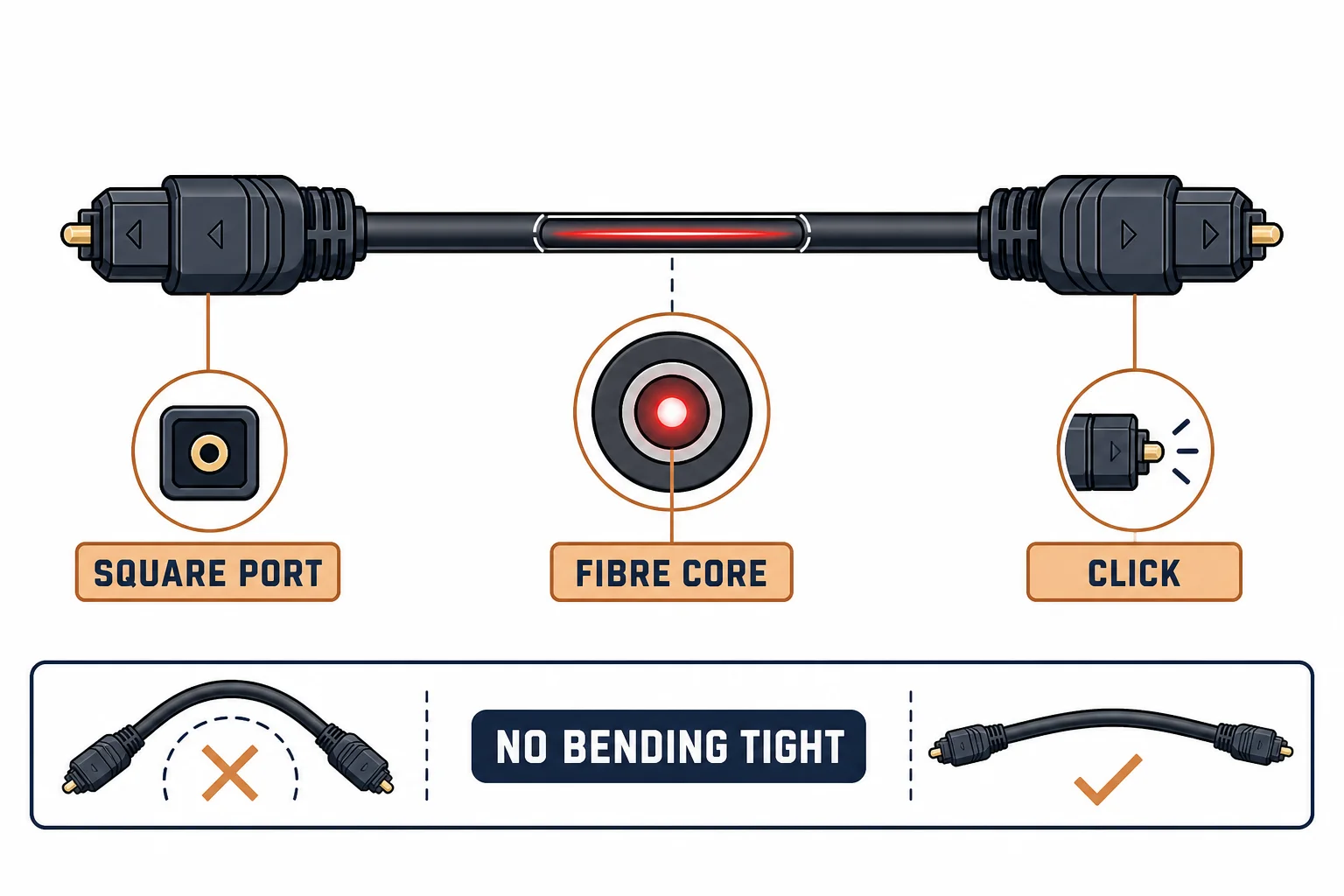
Two unrelated products are sold as an optical to 3.5 mm adapter: a mechanical adapter that changes a full-size TOSLINK plug to a mini TOSLINK plug, and a converter box that turns optical digital audio into analogue on a 3.5 mm jack. Buying the wrong one is the usual outcome.
This is the disambiguation guide: what each product does, the sockets it suits, and the question to ask before ordering.
The Two Products
| The product | The function | The sign |
|---|---|---|
| Mini TOSLINK adapter | Changes plug size | No electronics |
| Optical to analogue converter | Converts to audio | Needs power |
The mechanical adapter carries light; the converter creates an analogue signal. They are not substitutes.
How to Tell Which You Need
- Digital in, digital out: mechanical adapter
- Digital in, analogue out: converter
- Check the destination's socket: optical or 3.5 mm analogue
- If it needs power, it is a converter
The destination socket decides everything, and it is often mislabelled in product listings.
Standards and Verification
| The reference | The relevance |
|---|---|
| IEC 60958 | S/PDIF |
| TOSLINK | Connector conventions |
| Field test | Audio at the destination |
Per-SKU function is not provided in the knowledge base. The distinction is standard; check whether the product has a power input before assuming.
Practical Notes
A 3.5 mm socket on a laptop may be analogue, optical, or both with detection. That ambiguity is why the destination's manual is worth reading before buying either product.
Real-World Applications
The mini socket
A soundbar with a mini optical socket and a full-size TOSLINK cable: a mechanical adapter used – the light path completed for a few dollars.
The analogue need
An optical television output feeding a 3.5 mm auxiliary input: a converter box used, the TV set to PCM – two different jobs, two different products.
Related reading: Mini TOSLINK connectors — blogs/news/mini-toslink-cable
Related reading: 3.5 mm audio cables — blogs/news/3-5mm-audio-cable
Frequently Asked Questions
What is an optical to 3.5mm adapter?
Either a plug-size adapter or a digital-to-analogue converter – the two are different products.
Which do I need?
If both ends are optical, the adapter; if the destination is analogue, the converter.
Does the converter need power?
Yes.
Can a 3.5 mm port be optical?
On some laptops, yes – check the manual.
Sourcing cables for a project, a store, or a private-label line? Contact our B2B sales team for specifications, certification evidence, and volume terms – FOB and CIF options available. Request a quote or sample.