
Mini TOSLINK: Optical in a 3.5 mm Shell
Quick answer / TL;DR: Short answer: mini TOSLINK is an optical connection in a 3.5 mm housing, found on some laptops, portable players and compact devices. A mini-to-standard adapter converts it to a square TOSLINK socket. Never insert an analogue 3.5 mm plug into a mini TOSLINK port – it will not work and can damage the shutter.
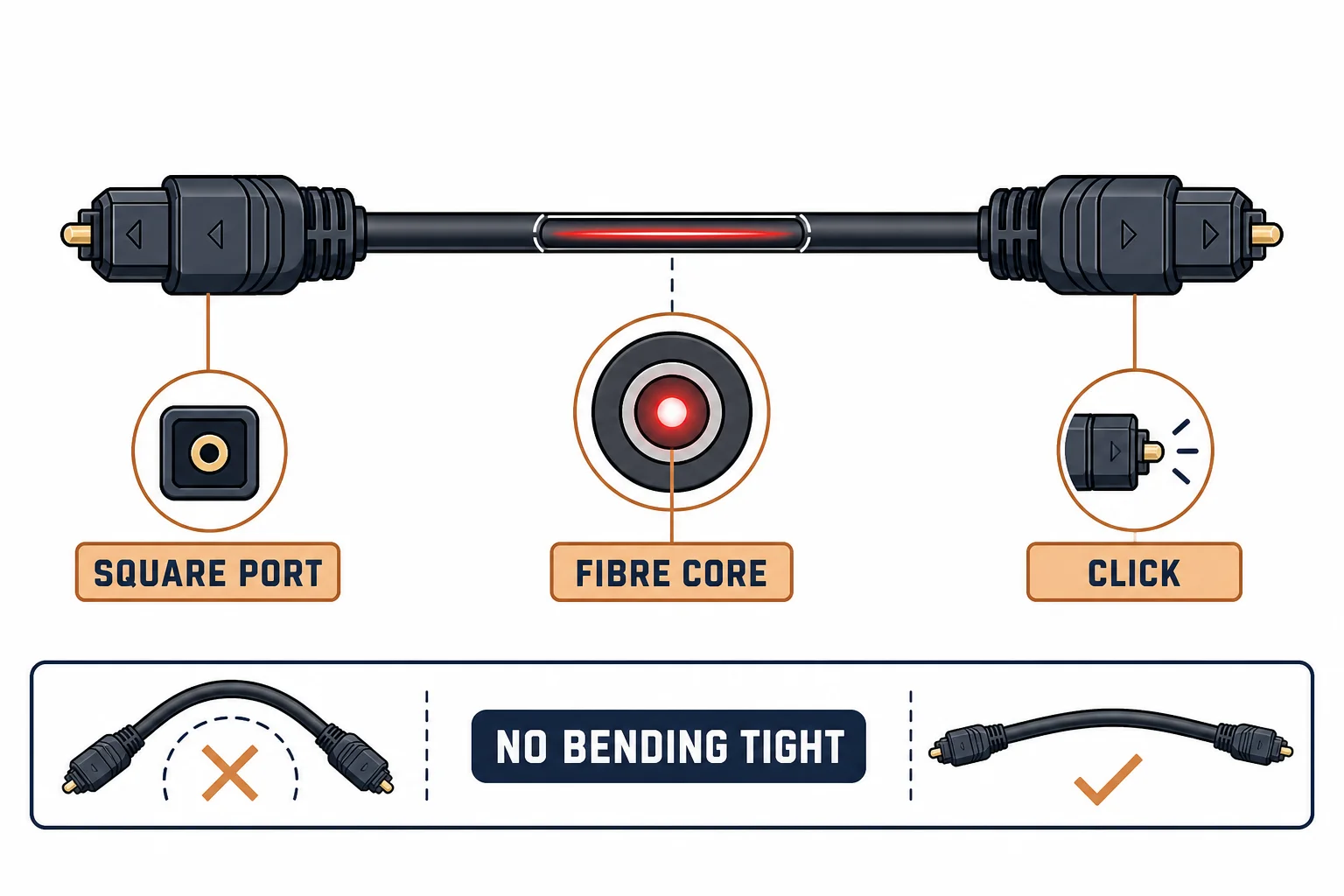
Mini TOSLINK puts an optical connection inside a 3.5 mm plug shell, which is how laptops, portable players and some soundbars carry digital audio from a jack-sized port. The light is the same; the connector is smaller and easy to mistake for an analogue jack.
This is the mini TOSLINK guide: where it appears, the adapter that converts it to full-size TOSLINK, and the check that prevents plugging an analogue cable into an optical port.
Where It Appears
| The device | The port | The note |
|---|---|---|
| Laptop | Combined or optical 3.5 mm | Check the specification |
| Portable player | Mini optical | Common on older models |
| Soundbar | Mini or full TOSLINK | Model dependent |
| Adapter | Mini to square | Cheap and useful |
The port often looks identical to a headphone jack, which is the source of most confusion.
The Adapter
- Mini to full-size TOSLINK adapters are passive
- They are small and easily lost
- Buy two and keep one attached to the cable
- The adapter adds a joint, so keep it supported
The adapter is a mechanical coupler: no conversion, just a change of shell.
Standards and Verification
| The reference | The relevance |
|---|---|
| IEC 60958 | S/PDIF over optical |
| TOSLINK | Connector conventions |
| Field test | Audio lock at the receiver |
Per-device port behaviour is not provided in the knowledge base. Some 3.5 mm ports are optical only when a setting is enabled; check the manual.
Practical Notes
If a laptop's 3.5 mm port is combined analogue and optical, it usually detects the plug type. If audio does not appear, check the output device in the operating system before suspecting the cable.
Real-World Applications
The laptop to DAC
A laptop with a combined port feeding a DAC: a mini TOSLINK cable and adapter used – the digital signal arriving without an electrical connection.
The analogue mistake
A standard 3.5 mm analogue cable in a mini TOSLINK port: no audio, and the port's shutter was damaged. The correct optical cable used afterwards.
Related reading: Full-size TOSLINK in practice — blogs/news/toslink-audio-cable
Related reading: Optical to analogue conversion — blogs/news/optical-to-rca-converter
Frequently Asked Questions
What is mini TOSLINK?
An optical connection in a 3.5 mm plug housing.
Can I use a normal 3.5 mm cable?
No – it is optical, not analogue.
Do I need an adapter?
Only to connect to a full-size TOSLINK socket.
Why is there no sound?
Check the operating system's output device and whether the port is optical-enabled.
Sourcing cables for a project, a store, or a private-label line? Contact our B2B sales team for specifications, certification evidence, and volume terms – FOB and CIF options available. Request a quote or sample.