
Mini HDMI Cable: Type C
Quick answer / TL;DR: Short answer: mini HDMI (Type C) fits cameras, camcorders and some tablets; micro HDMI (Type D) is smaller and used on thinner devices. Both carry the same nineteen pins, so adapters work, but the shells do not interchange. Support the cable so the plug carries no load, and keep a spare adapter rather than buying a second cable.
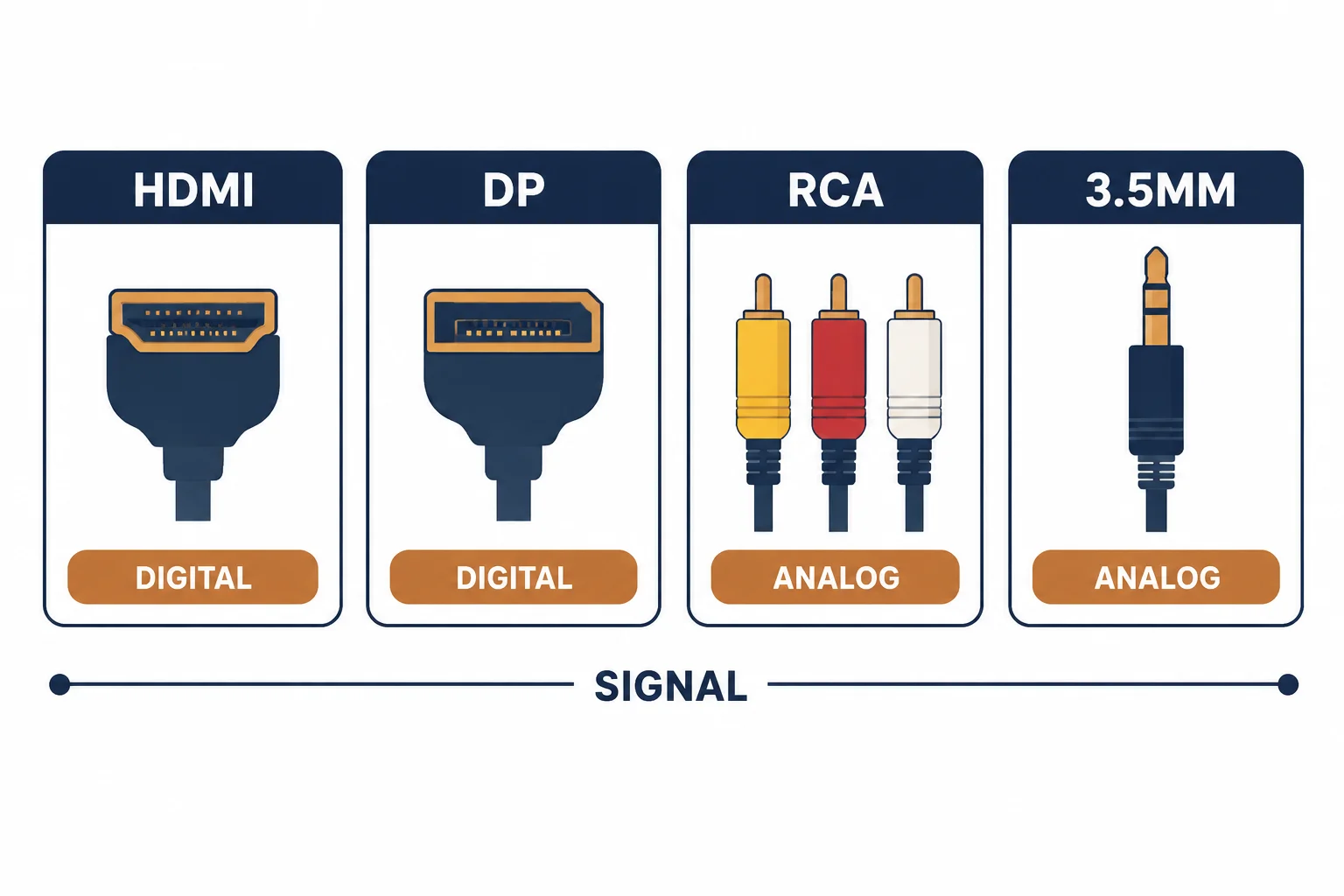
A mini HDMI connector – Type C – sits between the full-size Type A and the tiny Type D micro: nineteen pins in a smaller shell, used on cameras, some tablets and older portable devices. It is often confused with micro HDMI, and the two are not interchangeable.
This is the mini HDMI guide: where the connector appears, how to tell it from micro, and the strain and adapter arrangements that protect a small device.
The Three Connectors
| The type | The size | The devices |
|---|---|---|
| A | Full size | TVs, monitors, consoles |
| C (mini) | Medium | Cameras, camcorders, tablets |
| D (micro) | Smallest | Thin cameras, SBCs |
All three carry the same signal; buying the wrong shell is a physical mismatch, not a performance issue.
Mini Against Micro
- Mini is wider with a taller shell
- Micro is narrower and shallower
- Adapters convert one to the other
- Neither is compatible with the other's socket directly
The visual difference is small enough that the type should be read from the device port rather than guessed from a photo.
Strain and Adapters
| The setup | The benefit |
|---|---|
| Short mini adapter plus full cable | Wear on a replaceable part |
| Right-angle adapter | Less side load on the socket |
| Cable clipped at the device | No weight on the plug |
| Spare adapter | Cheap recovery |
The adapter arrangement matters more than the cable quality on a device whose socket cannot be replaced.
Standards and Verification
| The reference | The relevance |
|---|---|
| HDMI specification | Connector types A, C and D |
| HDMI certification | Cable performance tiers |
| Field test | Signal at target resolution and refresh |
Per-SKU connector dimensions are not provided in the knowledge base. The connector types are standard; confirm the port type on the device before ordering.
Practical Notes
Cameras are the common case, and they are handled roughly. A short right-angle adapter left permanently on the camera, with a normal cable beyond it, has kept more camera sockets alive than any premium cable.
Real-World Applications
The camera monitor
A camcorder with a mini HDMI output feeding an external monitor: a right-angle adapter and a supported cable – the socket protected through a season of shooting.
The wrong connector
A micro HDMI cable ordered for a mini port: it would not seat. The type read from the port and the correct cable ordered – the two small connectors are not interchangeable.
The long cable load
A 3 m full-size cable plugged directly into a tablet's mini port: the plug bent under the cable's weight. An adapter plus a lighter cable used – the load removed from the device.
Related reading: The micro HDMI variant — blogs/news/micro-hdmi-cable
Related reading: HDMI cable rating categories — blogs/news/hdmi-cable-rating-categories
Frequently Asked Questions
Is mini HDMI the same as micro HDMI?
No – both are 19-pin but the shells differ and do not interchange.
What devices use mini HDMI?
Cameras, camcorders and some tablets.
Do adapters reduce quality?
At short lengths the effect is negligible; they add a connection, not a conversion.
Why does the plug feel loose?
Small connectors rely on friction; support the cable so the plug is not loaded.
Sourcing cables for a project, a store, or a private-label line? Contact our B2B sales team for specifications, certification evidence, and volume terms – FOB and CIF options available. Request a quote or sample.