
Mini DisplayPort: The Small Apple Port
Quick answer / TL;DR: Short answer: Mini DisplayPort carries DisplayPort signals in a smaller shell; a Mini DisplayPort cable connects to a Mini DisplayPort display, and adapters convert it to HDMI, DVI or VGA. Thunderbolt 1 and 2 use the same connector shape but carry more protocols – a Mini DisplayPort cable works in a Thunderbolt port, but a Thunderbolt device will not work in a plain Mini DisplayPort port.
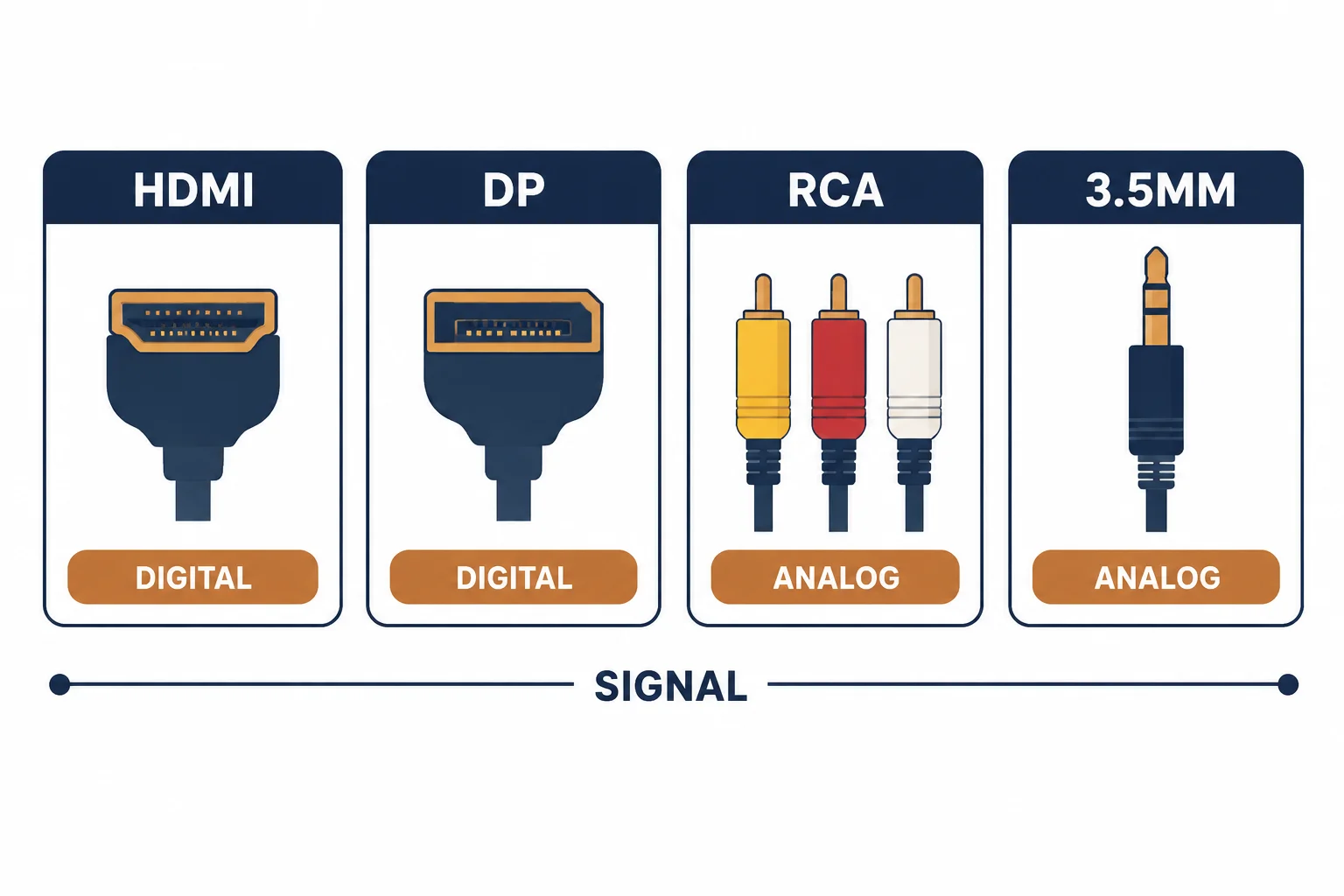
Mini DisplayPort is a smaller physical version of DisplayPort, introduced by Apple and used across a generation of Macs, monitors and adapters. Its connector looks like Thunderbolt 1 and 2 – because those ports used the same shape – and the two are electrically related but not identical in capability.
This is the Mini DisplayPort guide: where the connector appears, how to tell it from Thunderbolt, and the adapters that still make sense for older machines.
Where It Appears
| The device | The port | The note |
|---|---|---|
| Older Macs | Mini DisplayPort | Pre-2016 |
| Some monitors | Mini DisplayPort input | Less common |
| Adapters | Mini DP to HDMI/DVI/VGA | Still available |
| Thunderbolt 1/2 | Same shape | More protocols |
The connector is legacy in new equipment but common in installed bases, which is why adapters remain a stocked item.
Mini DisplayPort Against Thunderbolt
- Same physical connector, different capabilities
- Mini DP carries display only
- Thunderbolt adds PCIe and data
- A Mini DP cable works in a Thunderbolt port
- A Thunderbolt device will not work in a Mini DP port
The asymmetry is the important part: the cable is compatible one way, the devices are not.
Adapters That Still Make Sense
| The need | The adapter |
|---|---|
| Mini DP to HDMI | Modern displays and TVs |
| Mini DP to DVI | Older monitors |
| Mini DP to VGA | Projectors |
| Mini DP to DisplayPort | Full-size monitors |
The adapters are passive for HDMI and DVI, and active for VGA – the difference matters when buying.
Standards and Verification
| The reference | The relevance |
|---|---|
| VESA DisplayPort | Mini connector definition |
| Thunderbolt 1/2 | Shared connector, wider protocol |
| HDCP | Protection along the chain |
Per-device port support is not provided in the knowledge base. The connector definitions are standard; check whether the port is Mini DP or Thunderbolt before assuming capability.
Practical Notes
Mini DisplayPort connectors are friction-fit and shallow. A cable hanging from one puts load on the port, and the port is soldered to the logic board. A short adapter or a supported cable protects a machine that cannot be repaired cheaply.
Real-World Applications
The older Mac
A 2014 MacBook Pro driving a modern 4K display: a Mini DP to HDMI adapter rated for the mode – the machine's port generation setting the resolution.
The Thunderbolt mix-up
A Thunderbolt hard drive plugged into a Mini DisplayPort socket: no device recognised. The ports share a shape, not a capability – the specification settled it.
The projector
A conference projector with VGA and a Mini DP laptop: an active Mini DP to VGA adapter used – the passive type would not have worked.
Related reading: Thunderbolt contrast — blogs/news/thunderbolt-to-displayport
Related reading: The full-size DisplayPort cable — blogs/news/displayport-1-4-cable
Frequently Asked Questions
Is Mini DisplayPort the same as Thunderbolt?
Same connector shape, different capability – Thunderbolt adds data protocols.
Can I use a Mini DP cable in a Thunderbolt port?
Yes, for display signals.
Do adapters still exist?
Yes, for HDMI, DVI, VGA and full-size DisplayPort.
Are the adapters passive?
HDMI and DVI usually are; VGA adapters are active.
Sourcing cables for a project, a store, or a private-label line? Contact our B2B sales team for specifications, certification evidence, and volume terms – FOB and CIF options available. Request a quote or sample.