
HDMI Extension Cable: The Joint Cost
Quick answer / TL;DR: Short answer: use an HDMI extension only for short additions at 1080p, or where a display is fixed and the cable cannot be replaced. For 4K, or for more than a metre or two, use a single cable of the right length, an active cable, or a fiber HDMI cable. Extensions fail as sparkle or dropouts, not as a clean no-signal.
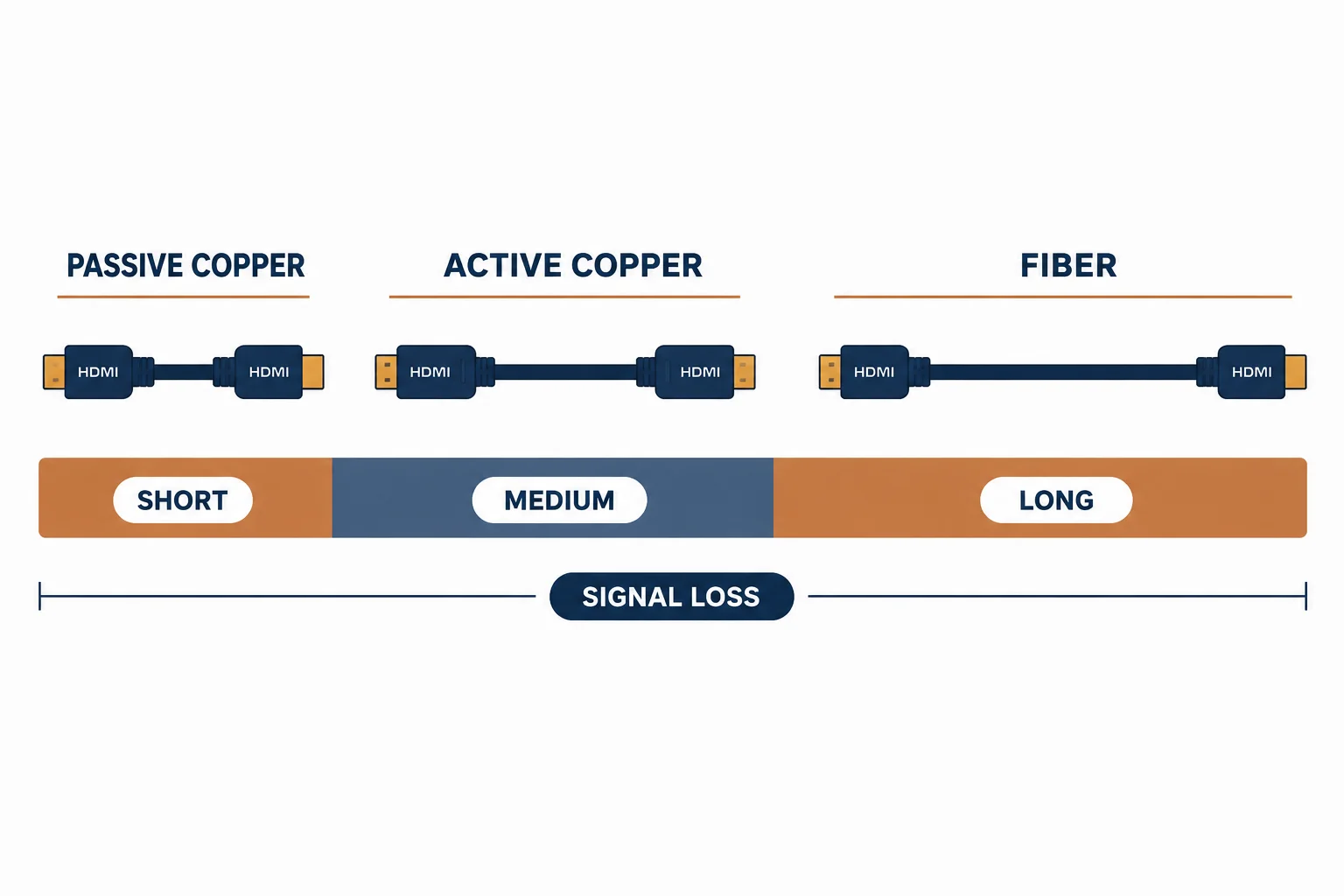
An HDMI extension cable adds a female socket to the end of an existing cable, which is convenient and electrically hostile: HDMI at 4K is a high-bandwidth signal, and every extra connection is a reflection point. Extensions work over short distances and fail unpredictably beyond them.
This is the extension guide: what the joint costs, the lengths and modes where it survives, and the alternatives that avoid the joint entirely.
What the Joint Costs
| The cost | The effect | The symptom |
|---|---|---|
| Extra connection | Reflection point | Sparkle, dropouts |
| Contact resistance | Signal attenuation | Mode falls back |
| Mechanical | Two plugs in line | Strain and pull-out |
| Noise | Poor shielding at the joint | Intermittent picture |
The costs are small individually and decisive at 4K, where the signal has little margin to lose.
Where It Survives
- 1080p at short lengths
- A fixed installation where the cable cannot be replaced
- A temporary link for a presentation
- Never as a permanent solution behind a wall
The pattern is low bandwidth and low expectation: extensions are a convenience, not a design.
The Alternatives
| The situation | The answer |
|---|---|
| Need 2 m more | A longer single cable |
| Need 10 m at 4K | Active or fiber HDMI |
| Fixed display, cable too short | Fiber HDMI or an extender |
| Temporary | Extension, accepted as temporary |
The alternatives cost more than an extension and less than the diagnosis of an intermittent fault.
Standards and Verification
| The reference | The relevance |
|---|---|
| HDMI specification | Signal integrity and cable categories |
| HDCP | Must survive the extra connection |
| Field test | The display reporting the mode |
Per-SKU extension ratings are not provided in the knowledge base. The joint cost is inherent; test the mode rather than assuming compatibility.
Practical Notes
If an extension must stay, support the joint so the weight of two cables does not hang on one plug. A clip either side of the coupling prevents the slow pull-out that produces 'works sometimes'.
Real-World Applications
The shortfall
A wall-mounted television with a cable 1 m too short: an extension used at 1080p, the joint clipped behind the bracket – acceptable because nothing higher was needed.
The 4K failure
The same arrangement after a 4K upgrade: sparkle on bright scenes. A fiber HDMI cable replaced both pieces – the joint had been invisible at 1080p.
The presentation kit
A conference room with a permanently installed 3 m cable and an extension for the far table: used at 1080p, labelled as temporary – the expectation set.
Related reading: The extender that replaces it — blogs/news/hdmi-cable-extender
Related reading: The coupler variant — blogs/news/hdmi-coupler
Frequently Asked Questions
Do HDMI extension cables reduce quality?
They add a connection and can cause dropouts, especially at 4K.
How long can an extension be?
Short – a metre or two at 1080p; longer runs need active or fiber cables.
What does a failing extension look like?
Sparkle, intermittent black frames or a fallback to a lower mode.
What should I use instead?
A single cable of the right length, or a fiber HDMI cable for long runs.
Sourcing cables for a project, a store, or a private-label line? Contact our B2B sales team for specifications, certification evidence, and volume terms – FOB and CIF options available. Request a quote or sample.