
Gaming Ethernet Splitter: The Honest Answer
Quick answer / TL;DR: Short answer: skip the splitter – ethernet is point-to-point, and a passive splitter shares the link between devices. Buy a 5-port gigabit unmanaged switch: each device gets its own full-rate port. Then attend to what actually affects latency: wired instead of Wi-Fi, a router that is not saturated, QoS if available, and a nearby game server.
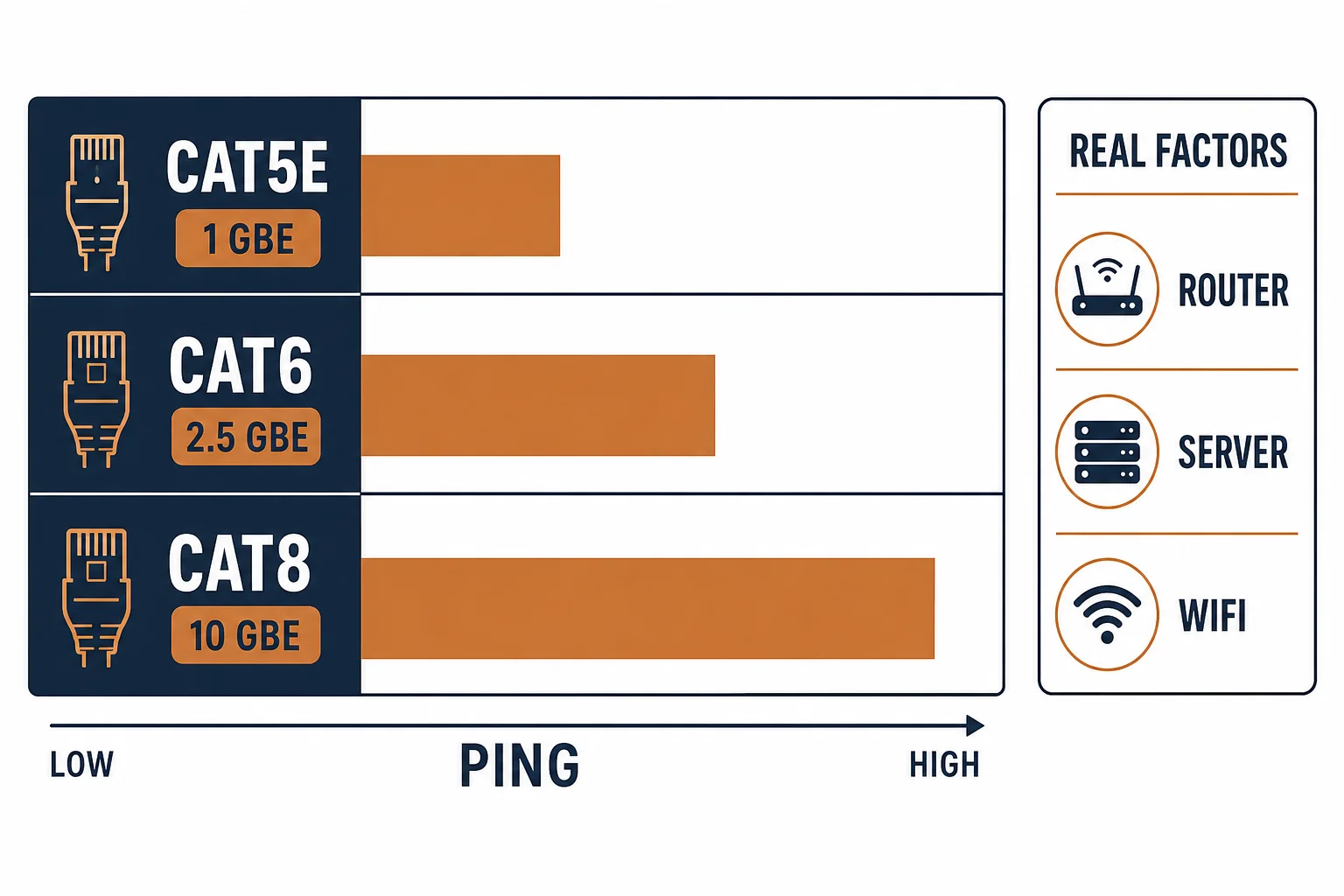
Gamers search for an ethernet splitter to connect a console and a PC to one wall outlet, and the answer is consistently disappointing: a passive splitter shares one link between two devices and cannot deliver the low, stable latency gaming needs. A small switch can, at a similar price.
This is the gaming-connectivity guide: why splitters fail, what a switch changes, and the settings that matter more than either device.
Why a Splitter Fails
| The device | The behaviour | The gaming effect |
|---|---|---|
| Passive splitter | Two devices share one segment | Collisions, failed negotiation |
| Switch | Per-port forwarding | Full rate, low latency |
| Hub (legacy) | Shared segment | Same problem as a splitter |
The technical reason is simple: ethernet expects one transmitter per segment, and gaming traffic is sensitive to exactly the contention a splitter creates.
What a Switch Changes
- Each device gets a dedicated collision domain
- Full gigabit per port, not shared
- Buffers absorb bursts instead of dropping
- PoE available if a device needs it
The switch does not reduce ping by itself – it removes the contention that makes ping erratic.
Settings That Matter More
| The lever | The effect |
|---|---|
| Wired instead of Wi-Fi | Removes jitter and retransmits |
| Router not saturated | Avoids bufferbloat |
| QoS for the console | Prioritises game traffic |
| Server choice | The largest single factor |
The list is ordered by effect: the cable and switch remove local problems; the route to the server sets the floor.
Standards and Verification
| The reference | The relevance |
|---|---|
| IEEE 802.3 | Ethernet segments and switching |
| TIA-568.2-D | Cabling to the outlet |
| PoE standards | If a device needs power |
Per-game server locations are not provided in the knowledge base. The switching principle is standard; measure ping with and without the added device rather than assuming.
Real-World Applications
The console and PC
A console and a gaming PC on one wall outlet: a 5-port gigabit switch – both wired, both full rate, ping stable through an evening.
The splitter experiment
A passive splitter tried first: the console dropped its link whenever the PC transferred. Replaced with a switch – the shared segment had been the whole problem.
The Wi-Fi comparison
A player who wired the console but kept the PC on Wi-Fi: the PC's latency varied while the console stayed steady. Both wired afterwards – the comparison made the case.
Related reading: What actually lowers ping — blogs/news/fastest-ethernet-cable-for-gaming
Related reading: The switch choice in general — blogs/news/ethernet-splitter-vs-switch
Frequently Asked Questions
Does an ethernet splitter work for gaming?
No – it shares one link between devices and creates contention.
What should I buy instead?
A 5-port gigabit unmanaged switch; it costs about the same.
Will a switch lower my ping?
It removes local contention. The route to the server sets the floor.
Does the cable category matter for gaming?
Not for latency – any working Cat5e or Cat6 cord is equivalent.
Sourcing cables for a project, a store, or a private-label line? Contact our B2B sales team for specifications, certification evidence, and volume terms – FOB and CIF options available. Request a quote or sample.