
Ethernet Couplers and Junction Boxes
Quick answer / TL;DR: Short answer: use a coupler or junction box only where a continuous run is impossible – a finished wall, a rented room, an emergency repair. Each joint adds insertion loss and a reflection point, so keep the total channel within 100 m and test after joining. For new work, pull a continuous cable or terminate at a proper outlet.
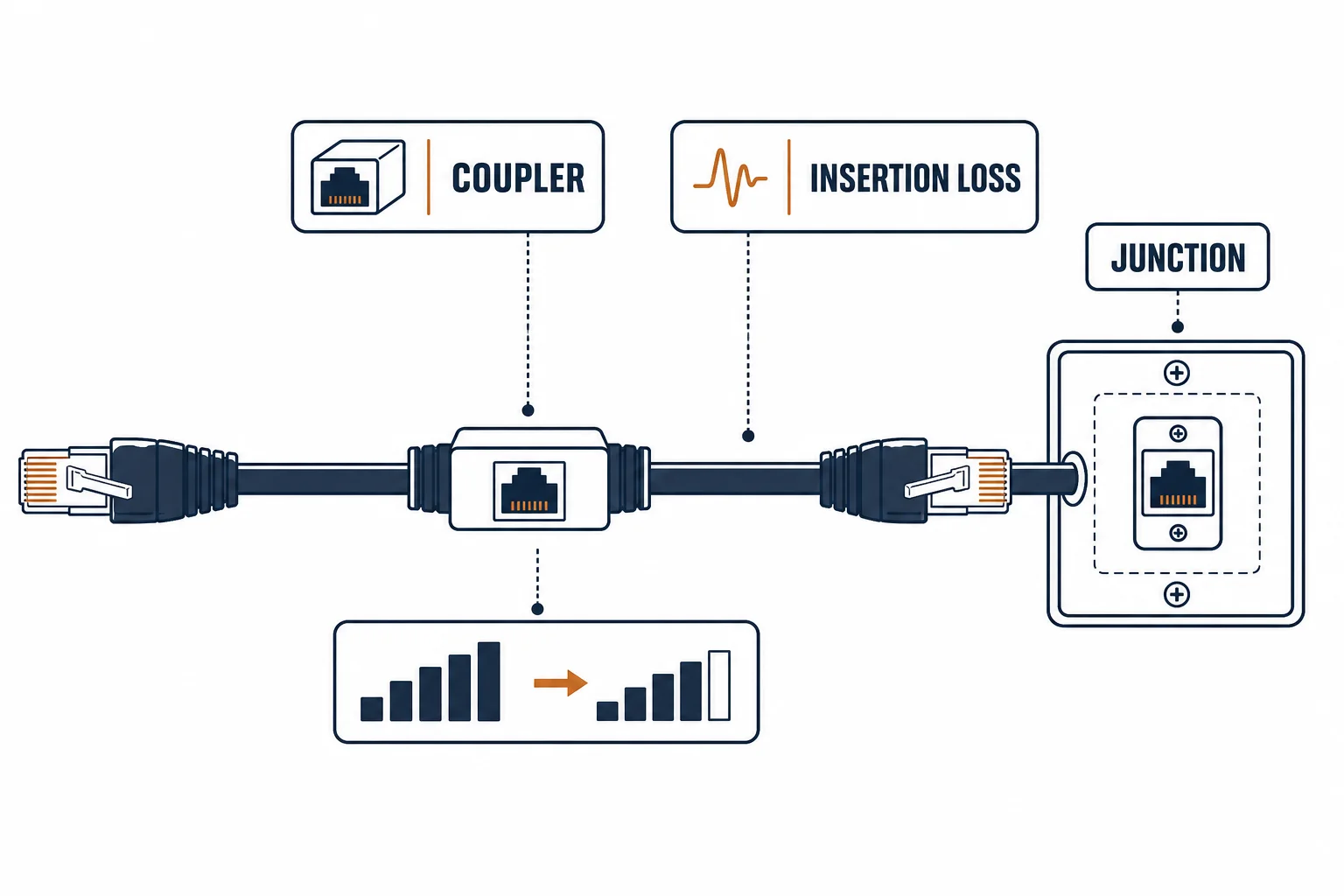
An ethernet coupler joins two cables into one run, and a junction box gives that joint a home. Both are legitimate products and both are second-best to a continuous cable – a channel is specified as a single link, and every joint adds loss and a failure point.
This is the jointing guide: what a coupler costs electrically, when it is acceptable, and the alternatives that keep the channel compliant.
What a Joint Costs
| The factor | The effect | The note |
|---|---|---|
| Insertion loss | A small loss per joint | Matters on long or marginal runs |
| Reflection | An impedance discontinuity | Worse at higher categories |
| Mechanical | Two plugs, one body | A handling failure point |
| Administration | A hidden joint in a wall | Hard to find later |
The costs are small individually and compound in a channel already near its limit – which is where couplers usually appear.
When a Coupler Is Right
- A completed wall with no route for a new cable
- A rented space where drilling is not allowed
- An emergency repair to restore service today
- A temporary layout for an event
The list has a common shape: each case is a constraint on the route, not a preference for joints.
The Better Alternatives
| The situation | The alternative |
|---|---|
| New installation | Continuous cable to an outlet |
| Long run over 100 m | Fiber or an intermediate switch |
| Damaged cable in a wall | Re-terminate at both ends, or pull a new run |
| Frequent reconfiguration | A small switch instead of couplers |
Standards and Verification
| The reference | The relevance |
|---|---|
| TIA-568.2-D | Channel definitions and connecting hardware |
| IEC 60603-7 | The RJ45 interface |
| Field test | The channel test that includes any joint |
Per-SKU coupler loss is not provided in the knowledge base. The principle is standard; test the assembled channel rather than assuming the sum of the parts.
Real-World Applications
The finished-wall extension
A desk moved two metres from its outlet: a short patch and a coupler behind the skirting – the channel tested, the alternative accepted.
The 95-metre risk
A 92-metre run extended with a coupler to reach a new desk: the channel over 100 m. The joint removed, a switch installed instead.
The concealed joint
A coupler buried behind plasterboard with no access panel: the joint failing a year later, the wall opened to find it. The repair added an access plate – the lesson recorded.
Related reading: The distance wall a joint cannot pass? Read the long cable guide — blogs/news/long-ethernet-cable
Related reading: The category that carries more margin? Read Cat5e versus Cat6a — blogs/news/cat5e-vs-cat6a
Frequently Asked Questions
Do ethernet couplers reduce speed?
They add a small insertion loss and a reflection point. On short runs the effect is invisible; on marginal or long runs it can cost the link its rate.
Can I use a coupler to extend a cable beyond 100 m?
No – the channel limit includes every segment and joint. Use fiber or an intermediate switch.
Are junction boxes better than inline couplers?
They give the joint mechanical protection and a serviceable location. Electrically they are the same joint.
What is the best way to join two ethernet cables?
Avoid it where possible: terminate at a proper outlet. Where unavoidable, use a rated coupler and test the channel.
Sourcing cables for a project, a store, or a private-label line? Contact our B2B sales team for specifications, certification evidence, and volume terms – FOB and CIF options available. Request a quote or sample.