
Ethernet Cable for Streaming: Stability First
Quick answer / TL;DR: Short answer: a Cat5e or Cat6 cable is more than enough bandwidth for 4K streaming – the goal is stability, not speed. Wire the TV or streaming box to the router to remove Wi-Fi variance, use the shortest practical run, and check that the router's port is gigabit. If stutter persists on a wired link, the cause is upstream, not the cable.
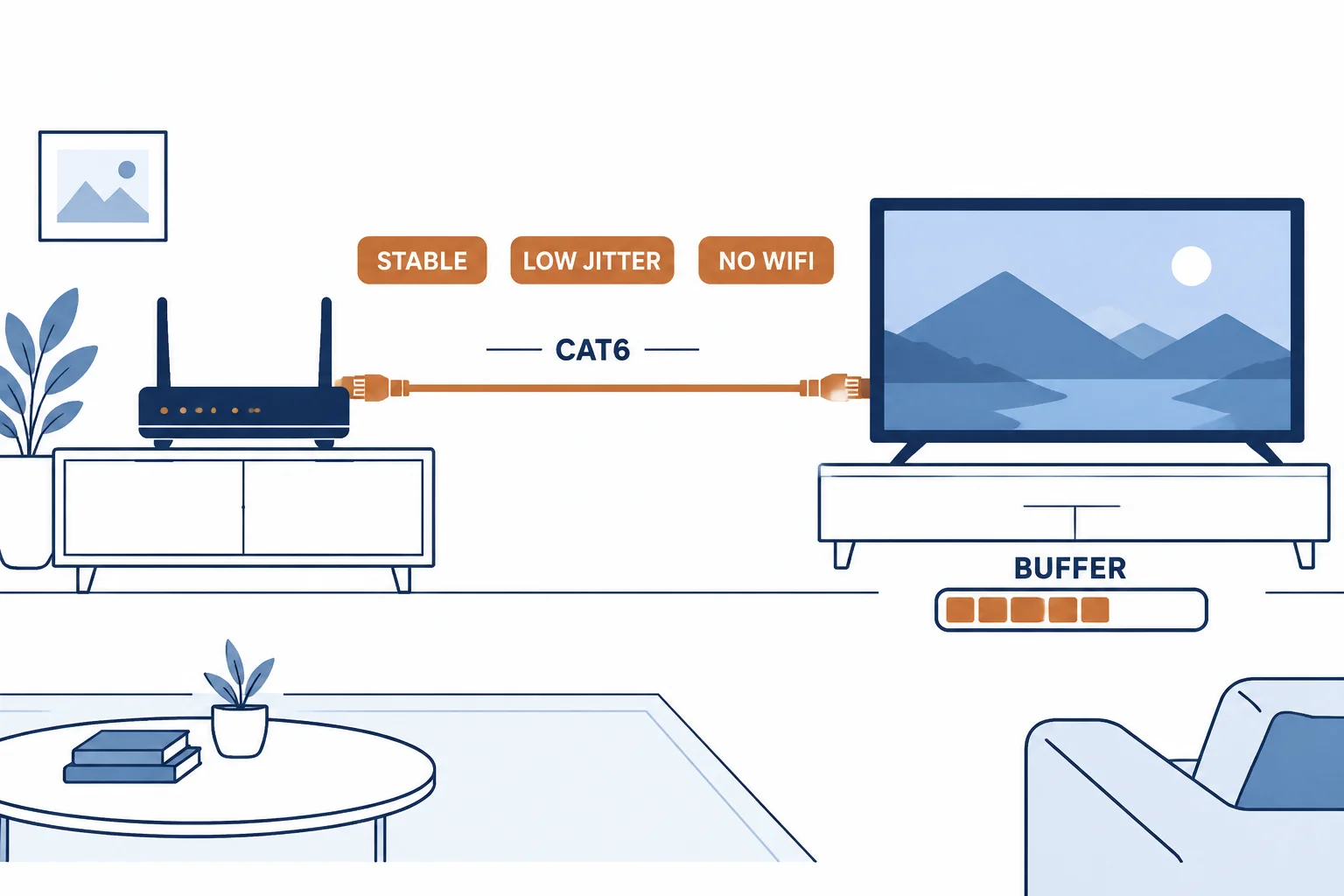
Streaming failures are rarely bandwidth failures: a 4K stream needs roughly 15-25 Mbps sustained, which almost any broadband plan exceeds. The failures come from variance – the link dropping below the bitrate long enough to empty the buffer. A cable fixes variance, not bandwidth.
This is the streaming guide: the bitrate reality, the causes of stutter, and the wired setup that ends the spinning wheel.
The Bitrate Reality
| The content | The typical bitrate | The cable needed |
|---|---|---|
| HD streaming | 5-8 Mbps | Cat5e |
| 4K streaming | 15-25 Mbps | Cat5e |
| 4K HDR high bitrate | Up to about 80 Mbps | Cat5e or Cat6 |
The table shows the gap: even the highest consumer bitrate is a fraction of a gigabit link. Bandwidth is not the constraint.
Why Wi-Fi Stutters
- Variance: the link rate drops with distance, walls and interference
- Contention: neighbouring networks share the band
- Retransmissions: lost frames cost time the buffer cannot always absorb
- Roaming: a device switching access points drops frames
The causes are all variance-based, which is why a wired link resolves them even when the average Wi-Fi speed looks adequate.
The Wired Setup
| The step | The check |
|---|---|
| Cable | Cat5e or Cat6, shortest practical length |
| Router port | Gigabit, not fast ethernet |
| TV or box port | Wired LAN, set as the preferred connection |
| Test | Stream for 30 minutes and watch for buffering |
Standards and Verification
| The reference | The relevance |
|---|---|
| IEEE 802.3ab | Gigabit ethernet over twisted pair |
| TIA-568.2-D | Cable requirements |
| Streaming bitrate guidance | Published per-service figures |
Per-service bitrates vary and are not provided in the knowledge base. The stability argument is standard; measure the link before replacing hardware.
Real-World Applications
The living-room fix
A 4K TV stuttering on Wi-Fi in the evening: a Cat6 run under the carpet edge – the buffer steady through peak hours.
The fast-ethernet port
A wired link that still stuttered: the router's LAN port negotiated at 100 Mbps and shared with other devices. The gigabit port used – the ceiling lifted.
The upstream cause
Stutter that persisted on a clean wired link: the ISP's evening congestion. The cable exonerated, the plan reviewed.
Related reading: The distance limit behind the run? Read the long cable guide — blogs/news/long-ethernet-cable
Related reading: The TV setup in detail? Read the TV ethernet guide — blogs/news/tv-ethernet-cable
Frequently Asked Questions
What ethernet cable do I need for streaming?
Cat5e or Cat6 – both far exceed streaming bitrates. Stability matters more than the category.
Will ethernet stop buffering?
It removes Wi-Fi variance, which is the most common cause. If buffering persists wired, the cause is upstream or the router.
Is Cat8 needed for 4K streaming?
No – 4K needs tens of megabits, not tens of gigabits.
Does cable length matter for streaming?
Only at the extremes. Keep runs within the category's 100 m limit and use the shortest practical length.
Sourcing cables for a project, a store, or a private-label line? Contact our B2B sales team for specifications, certification evidence, and volume terms – FOB and CIF options available. Request a quote or sample.