
DisplayPort 1.4: The Practical Tier
Quick answer / TL;DR: Short answer: DisplayPort 1.4 covers 4K at 120 Hz, 1440p at high refresh and multi-monitor setups, with DSC extending it further. It is certified and widely supported, and most monitors are built around it. Choose 2.1 only for 8K at high refresh or multiple 4K displays beyond what 1.4 can carry.
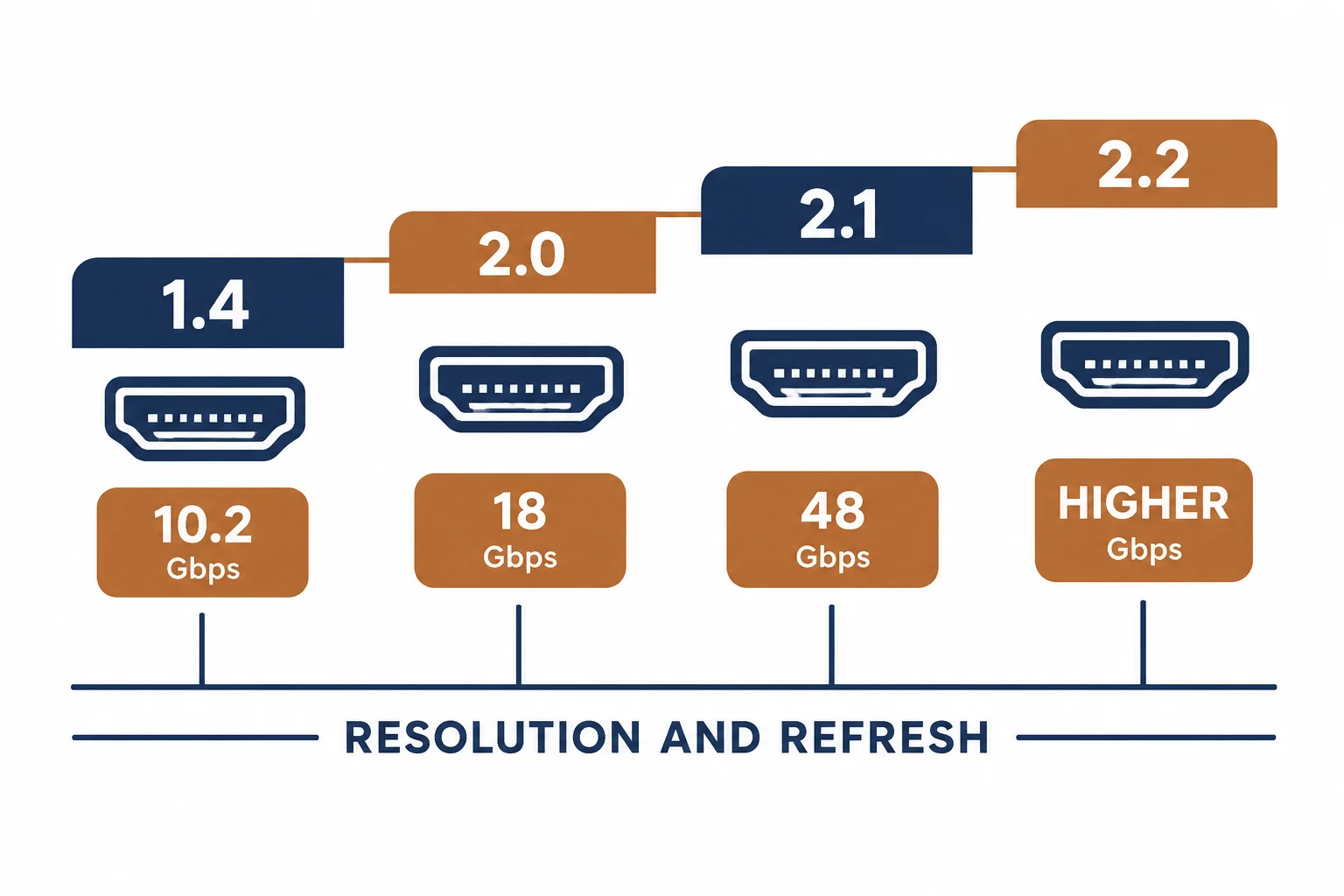
DisplayPort 1.4 carries about 32 Gbps, enough for 4K at 120 Hz with compression, 8K at 60 Hz with DSC, and multiple displays from one port. It is the tier most professional monitors actually use, which makes it the practical default rather than a compromise.
This is the 1.4 guide: what the tier carries, the features that require the whole chain to cooperate, and the cases where 2.1 is genuinely needed.
What the Tier Carries
| The mode | The support | The note |
|---|---|---|
| 4K 60 Hz | Native | No compression |
| 4K 120 Hz | With DSC | Display Stream Compression |
| 1440p 240 Hz | Native | Esports monitors |
| 8K 60 Hz | With DSC | Single cable |
The compression is lossless in practice and transparent, which is why 1.4 remains adequate for demanding displays.
Features That Need the Whole Chain
- DSC: source, cable and display must all support it
- MST: daisy-chaining requires each link to support it
- HDR: separate from bandwidth but often tied to the mode
- Adaptive sync: implementation varies by vendor
A feature listed on the monitor is not a feature you will see unless every element agrees.
When 2.1 Is Needed
| The situation | The verdict |
|---|---|
| 4K 120 Hz | 1.4 with DSC is enough |
| 8K 60 Hz | 1.4 with DSC, or 2.1 |
| Multiple 4K displays | Check MST limits |
| Highest refresh at 4K | 2.1 headroom |
The upgrade case is narrow, which is why 1.4 remains the sensible default.
Standards and Verification
| The reference | The relevance |
|---|---|
| VESA DisplayPort 1.4 | Link rates and DSC |
| HDCP 2.2 | Protected content |
| Field test | Display reporting mode and refresh |
Per-device DSC support is not provided in the knowledge base. The tier is standard; check the monitor and GPU specifications for the specific feature.
Practical Notes
DisplayPort cables are rated by tier, and a 1.2 cable will not carry a 1.4 mode. The cable is inexpensive and easy to swap – keep a certified 1.4 cable as the diagnostic reference on a multi-monitor desk.
Real-World Applications
The editing desk
A 4K 60 Hz colour-critical monitor: a certified 1.4 cable, no compression – the simplest path to the mode.
The high-refresh gaming screen
A 1440p 240 Hz monitor: 1.4 native, adaptive sync enabled – no need for a higher tier.
The daisy chain
Two monitors on one port via MST: the second limited by the first link's capacity. The arrangement re-planned with a direct cable per display – the chain had been the constraint.
Related reading: The 2.1 tier — blogs/news/displayport-2-1-cable
Related reading: USB-C to DisplayPort — blogs/news/usb-c-to-displayport-cable
Frequently Asked Questions
What does DisplayPort 1.4 support?
About 32 Gbps: 4K 120 Hz with DSC, 1440p at high refresh, multi-monitor.
Do I need 2.1?
Only for 8K at high refresh or demanding multi-display setups.
Does the cable matter?
Yes – a lower-tier cable will not carry 1.4 modes.
What is DSC?
Display Stream Compression, which lets 1.4 carry higher modes losslessly in practice.
Sourcing cables for a project, a store, or a private-label line? Contact our B2B sales team for specifications, certification evidence, and volume terms – FOB and CIF options available. Request a quote or sample.