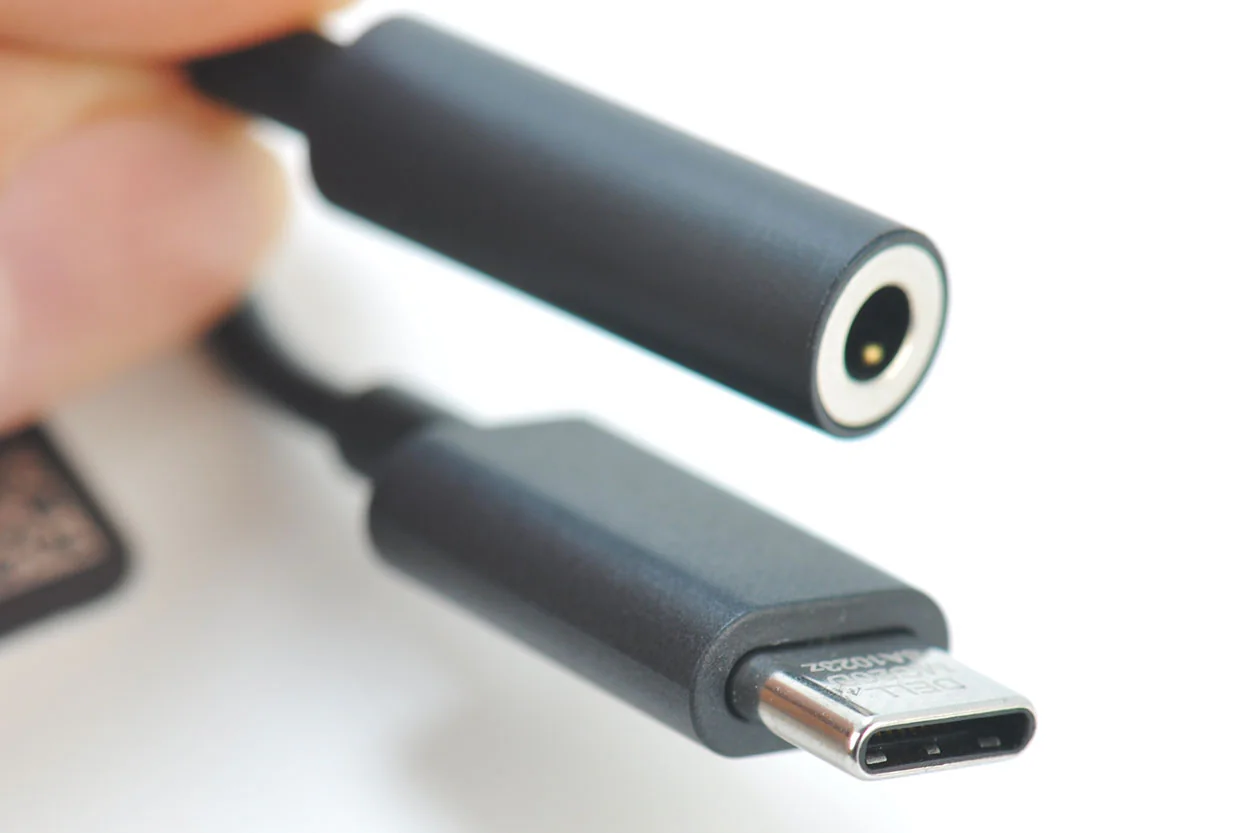
Quick answer: Most desktop speakers are powered, meaning each cabinet holds its own amplifier and needs two connections: a 3.5 mm audio cable at line level and a USB or wall supply for power. The audio cable carries a small signal, not speaker level. A passive speaker has no amplifier inside, so it needs an amplifier between the computer and the bare wire terminals.
A new pair of desk speakers comes out of the box with a short 3.5 mm cable and a USB plug, and nothing on either one says which is which. Plug the USB in alone and the speakers light up in silence. Plug the audio cable into the wrong hole and you get one channel or none.

Two cables, two different jobs
One cable moves sound, the other moves energy. Each has a fixed direction and a fixed destination on the computer, which is why swapping them produces either silence or a partial channel.
The 3.5 mm audio plug
This plug carries two channels of line level audio on a tip, ring and sleeve. It expects an input that will amplify it: a powered speaker, a small amplifier, or a headset. The voltage is small and the current is tiny, which is what a line input accepts.
The USB plug
On most budget sets the USB cable is only a power feed, and the speakers still need the audio cable. On some sets the USB connection is a sound card in its own right, so the computer lists a new playback device and the 3.5 mm cable stays in the box.
Where the level difference comes from
A desktop output delivers roughly a volt, while an amplifier output swings tens of volts to push current through a voice coil. The gap is not about cable quality. It separates a signal that describes the sound from a signal that moves a cone.
What a PC output can drive
The small amplifier behind a headphone jack is built for loads in the tens of ohms at milliwatt levels. A passive speaker presents four or eight ohms and asks for watts, so the output runs current limited and the chip runs hot.
Which socket on the computer to use
Desktop boards usually color the rear line out green and the microphone input pink. Front panel jacks are often a single combo socket wired for a four pole headset plug, and a three pole cable there can lose a channel or pick up crosstalk. A monitor passthrough is fed over HDMI or DisplayPort and behaves as another output device with its own volume.
Hum, buzz and the desk environment
Where the buzz comes from
A laptop with its charger connected often introduces a low buzz when speakers share USB power and the audio ground. Moving the audio cable away from the power brick or inserting a USB audio adapter that breaks the shared ground usually clears it. Length matters too: a two metre run coiled behind a monitor picks up more noise than a straight metre run.
| Connector | Carries | Socket | Typical error |
|---|
| 3.5 mm TRS | Two channel line audio | Green rear jack | Plugged into mic input |
| 3.5 mm TRRS | Audio plus mic | Front combo jack | One channel missing |
| USB type A | Power or digital audio | Any USB port | Assumed to carry sound |
| USB-C | Power, data, audio | Laptop port | Dock takes the device |
Matching cable to a small room system
Short runs need nothing exotic. A one to two metre shielded cable with moulded strain relief survives being yanked from a laptop. If the speakers sit either side of a monitor, a right angle plug keeps the bend off the jack, which is where desk cables fail first.
Practical scenarios
- Laptop and powered monitors: One 3.5 mm to dual RCA cable carries sound, and each monitor takes its own wall supply.
- PC and passive bookshelf speakers: A small Class D amplifier sits between the green jack and the bare wire.
- Gaming headset on a combo jack: A four pole plug is required, and a three pole cable drops the microphone and one channel.
- Noisy onboard audio: A USB DAC dongle becomes the output device, and the speakers stay at line level.
FAQ
Can a computer drive passive speakers directly?
No. The output is line level and current limited, so it cannot move a voice coil with authority, and long term use into that load stresses the output stage.
Which port is audio out on a desktop?
Look for the green jack on the rear panel, or the headphone symbol on the front. The blue and pink jacks are line in and microphone.
Does the USB cable carry the audio?
On some sets it does, and the computer lists the speakers as a playback device. On others it supplies five volts only, and the 3.5 mm cable still carries the signal.
Next step
Decide whether your speakers amplify internally before buying any adapter, then match plug to socket. The 3.5 mm audio cable guide covers plug wiring, the 3.5 mm to speaker wire page explains the adapter that ends in bare conductors, and the 3.5 to 3.5 aux cable guide helps with straight desk runs.
See the matching cables and adapters