
Cat6 PoE Cable: Power Changes the Choice
Quick answer / TL;DR: Short answer: for PoE, choose 23 AWG solid bare copper Cat6 rather than 24 AWG, keep bundles loose where high power is delivered, and remember that the standard's power figures are quoted at the source – the device receives less after cable loss. Above about 30 W per port, derating and bundle size become part of the design.
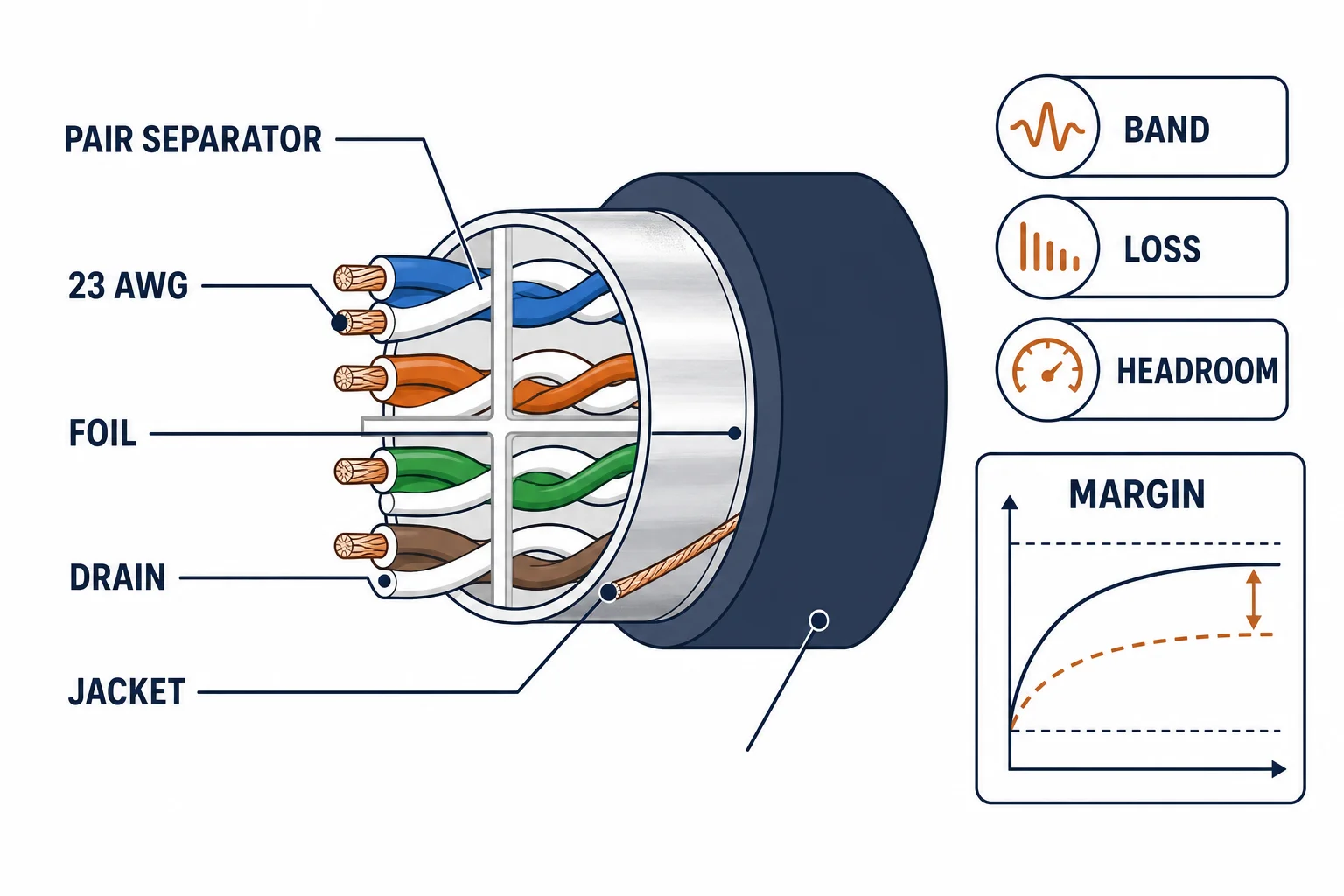
PoE turns a data cable into a power cable, and that changes which Cat6 matters: the conductor gauge sets voltage drop, and the bundle decides how much heat the cable has to shed. A cable that carries data perfectly can still be the wrong choice for a 60 W device in a tight bundle.
This is the PoE cable guide: the gauge arithmetic, the bundle heating effect, and the specification lines that keep a powered run inside its limits.
Why Power Changes the Cable Choice
| The factor | The effect | The consequence |
|---|---|---|
| Conductor gauge | Resistance per metre | Voltage drop over distance |
| Bundle size | Heat cannot escape | Temperature rise, derating |
| Ambient temperature | Less thermal headroom | Lower permitted current |
| Length | More resistance | Less power at the device |
All four factors push in the same direction: heat. PoE design is thermal design as much as electrical.
The Gauge Arithmetic
- 23 AWG has lower resistance than 24 AWG over the same length
- Voltage drop is current times resistance, so higher power loses more volts
- A device rated at the edge of its class may drop out on a long thin run
- All four pairs carry current in the higher PoE classes, which spreads the heat
The arithmetic explains a common field symptom: a camera that works on a short patch and reboots on the installed 80 m run.
Bundle and Derating
| The situation | The practice |
|---|---|
| Few cables, open tray | Little derating needed |
| Dense bundle, conduit | Reduce the power per cable or the count |
| Warm plant room | Treat ambient as part of the limit |
| High-power devices | Spread them across bundles |
Standards and Verification
| The reference | The relevance |
|---|---|
| IEEE 802.3af/at/bt | PoE classes and source power |
| TIA-568.2-D | Cable and installation requirements |
| IEC 61156 | Cable construction and test |
| Field test | Channel test plus a power check at the device |
Per-SKU current ratings and derating tables are not provided in the knowledge base. The class figures are standard; confirm bundle and ambient conditions with the cable datasheet.
Real-World Applications
The camera that rebooted
An 80 m run to a pan-tilt camera on 24 AWG: the device rebooting at night when the heater engaged. Re-run on 23 AWG – the voltage drop that only appeared under load was finally measured.
The dense PoE bundle
Twenty-four powered ports in one conduit: the bundle warm to the touch. Split into two routes and the highest-power devices moved to the outer layer – temperature back inside the limit.
The plant-room cabinet
A cabinet beside a boiler room delivering 60 W per port: ambient temperature already high. The panel moved to a cooler wall – the thermal headroom restored without changing cable.
Related reading: The shielding question for powered runs? Read the PoE shielding guide — blogs/news/poe-shielded-cable
Related reading: The class arithmetic and injectors? Read the PoE adapter guide — blogs/news/poe-adapter-buying
Frequently Asked Questions
What cable do I need for PoE?
Cat6 with 23 AWG solid bare copper is the practical default; 24 AWG runs hotter and drops more voltage.
Does PoE affect cable performance?
Data performance is unchanged, but the cable carries current and heats up – bundle and ambient conditions matter.
How much power reaches the device?
Less than the source figure: cable resistance removes voltage over the run.
Can I run PoE in a dense bundle?
Yes, with derating – reduce the count or the power per cable, or spread the load across bundles.
Sourcing cables for a project, a store, or a private-label line? Contact our B2B sales team for specifications, certification evidence, and volume terms – FOB and CIF options available. Request a quote or sample.