
Audio Output Cable: Port to Destination
Quick answer / TL;DR: Short answer: match the output type before buying a cable – line out (fixed level) to a line in, headphone out (variable) to headphones or an amp, optical to optical, HDMI ARC to ARC. Use a 3.5 mm to dual RCA cable for a headphone jack feeding an amplifier, and keep the source volume low to avoid overdriving the input.
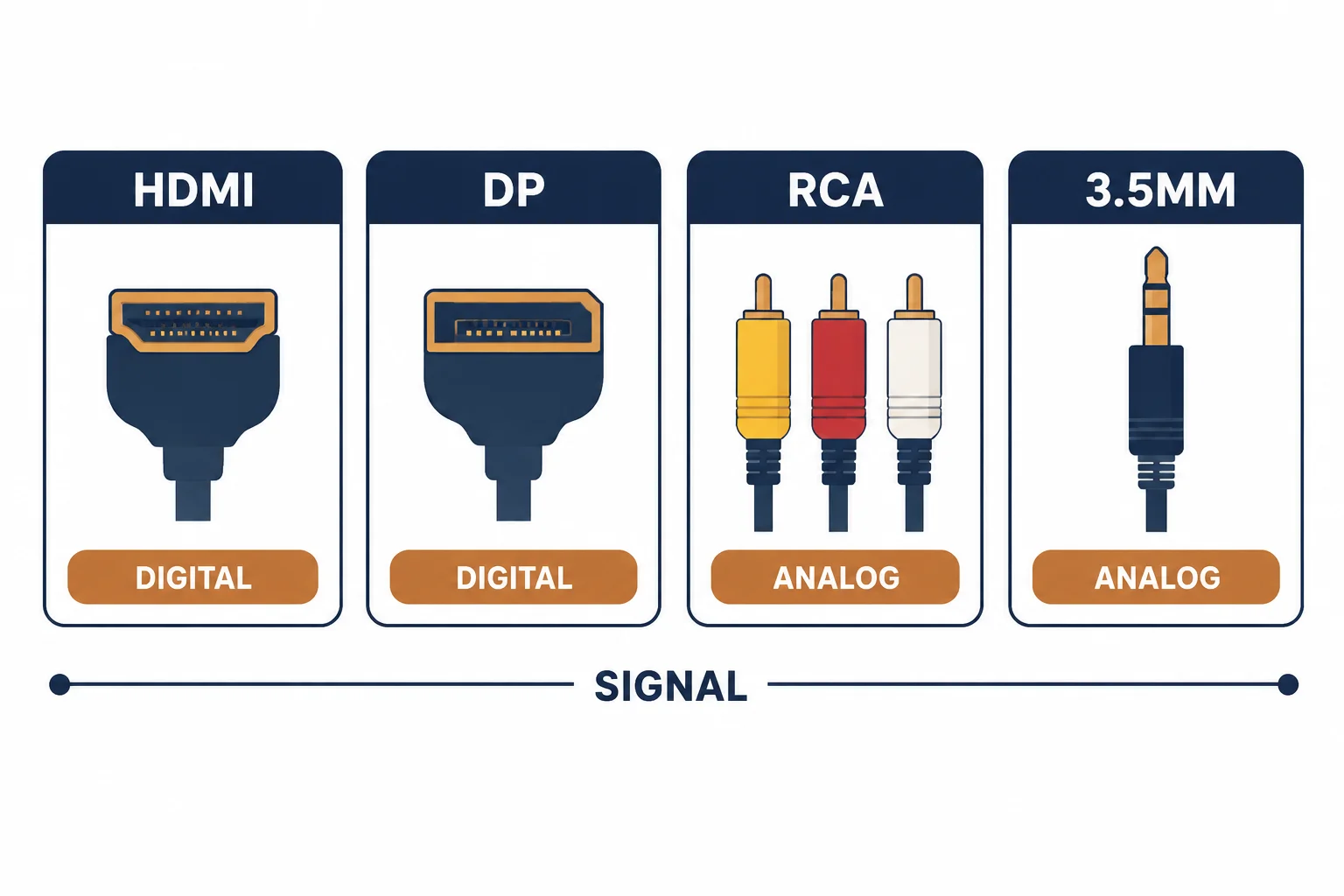
An audio output cable is only correct relative to what it connects: a line output expects a line input, a headphone output expects headphones or an amplifier input that can take a variable level, and an optical output expects an optical input. Choosing the cable is the last step; identifying the port is the first.
This is the output-cable guide: the port types, the level matching that prevents distortion, and the cable for each combination.
The Port Types
| The output | The level | The cable |
|---|---|---|
| Line out (RCA) | Fixed, about 2 V | RCA pair |
| Headphone (3.5 mm) | Variable, power-limited | 3.5 mm to dual RCA, or 3.5 mm TRS |
| Optical (TOSLINK) | Digital | Optical cable |
| HDMI ARC | Digital, bidirectional control | HDMI cable |
The table's second column is the one that causes distortion: a variable output turned up feeds a line input far above its design level.
Level Matching
- Line out to line in: the normal case, no attenuation needed
- Headphone out to line in: start the source volume low, raise until just before distortion
- Line out to a microphone input: too hot – use an attenuator or a different input
- Optical or HDMI: level is irrelevant, the signal is digital
Level matching is a five-minute adjustment that prevents a permanently harsh-sounding system.
The Cable per Combination
| The combination | The cable |
|---|---|
| Phone or laptop to amplifier | 3.5 mm stereo to dual RCA |
| TV to soundbar | HDMI (ARC) or optical |
| CD player to amplifier | RCA pair |
| Computer to powered speakers | 3.5 mm to 3.5 mm, or TRS |
Standards and Verification
| The reference | The relevance |
|---|---|
| IEC 60958 | Digital audio interfaces including S/PDIF |
| HDMI 2.x | ARC and eARC definitions |
| IEC 60268 | Audio interconnection levels |
Per-device output levels are not provided in the knowledge base. The level rules are general; check the device manual for the specific output type.
Real-World Applications
The laptop to hi-fi
A laptop headphone jack into an amplifier's aux input: a 3.5 mm to dual RCA cable, source volume at 70 percent – loud enough without the harshness of a fully driven output.
The TV to soundbar
An ARC-capable TV and soundbar: one HDMI cable, CEC enabled – volume controlled by the TV remote, one cable for both directions.
The overloaded input
A headphone output at full volume into a line input: distortion at every setting. Source volume reduced to 60 percent – the input back inside its range.
Related reading: The ARC path in detail? Read the HDMI ARC cable guide — blogs/news/hdmi-arc-cable-buying
Related reading: The analogue patching conventions? Read the RCA patch cable guide — blogs/news/rca-patch-cables
Frequently Asked Questions
What cable connects a headphone jack to an amplifier?
A 3.5 mm stereo to dual RCA cable, with the source volume kept low to avoid overdriving the input.
Line out or headphone out – does it matter?
Yes: line out is fixed level, headphone out is variable and can overload a line input if turned up.
What is the best audio output for a TV?
HDMI ARC or eARC where both devices support it; optical is the fallback that always works.
Can I use an RCA cable for optical audio?
No – optical uses a fibre connection. The two are not interchangeable.
Sourcing cables for a project, a store, or a private-label line? Contact our B2B sales team for specifications, certification evidence, and volume terms – FOB and CIF options available. Request a quote or sample.