
Active USB Extension: The Repeater
Quick answer / TL;DR: Short answer: an active extension repeats the signal, typically extending USB 2.0 to about 10-15 m and USB 3.0 less. It needs power for the repeater – usually from the host port or a small supply – and it does not increase the current available to the device. For longer runs or powered devices, use a powered hub or a USB-over-ethernet extender.
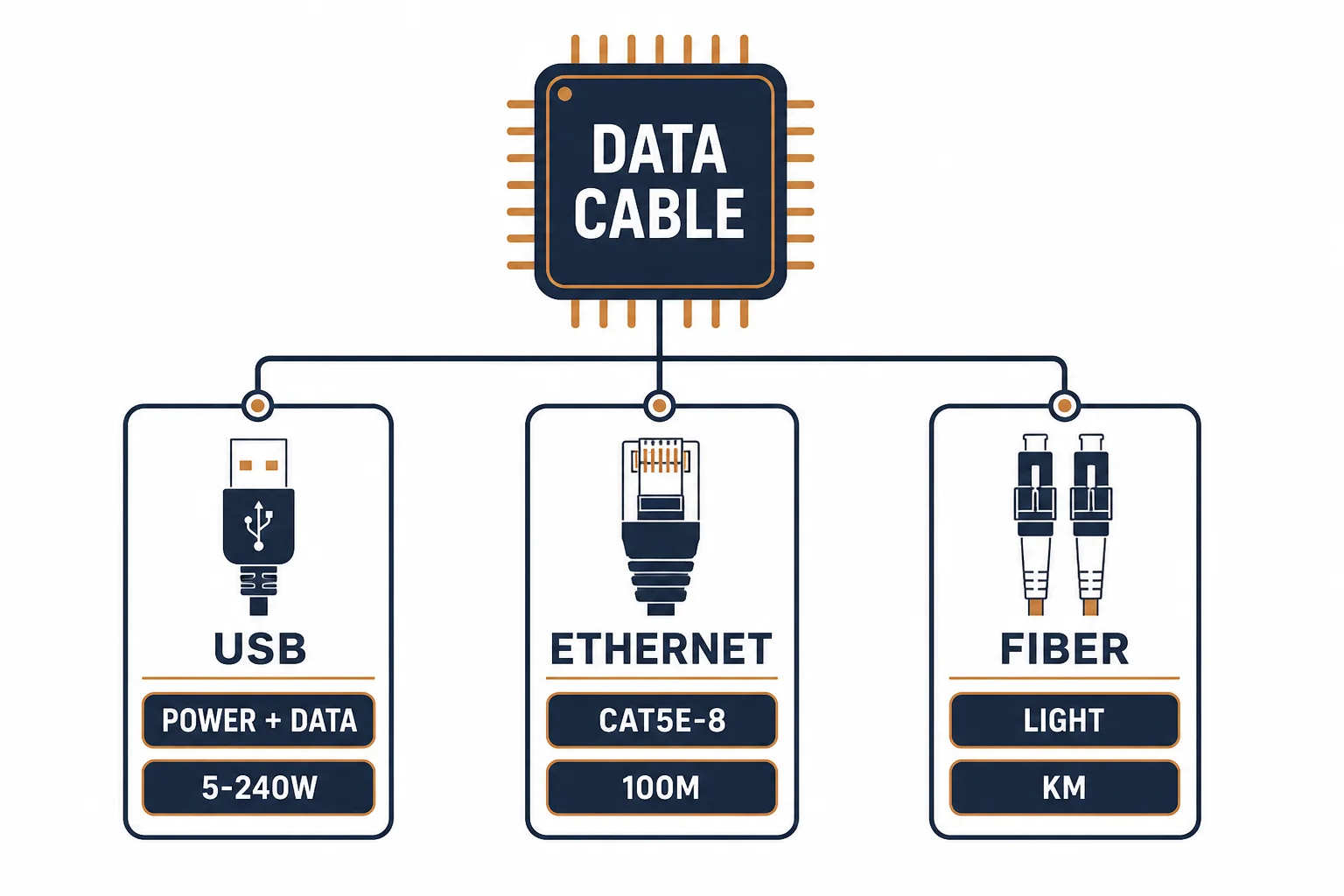
An active USB extension contains a repeater that restores the signal, which is how it extends a USB link beyond the few metres a passive cable manages. It is the correct solution for a printer or camera at the far end of a room, and the wrong one for a device that needs to be powered.
This is the active-extension guide: what the repeater does, the length it buys, and the power and compatibility rules.
What the Repeater Does
| The type | The mechanism | The reach |
|---|---|---|
| Passive | Copper only | About 5 m |
| Active | Repeater chip | 10-15 m |
| Over ethernet | Converted to network | Up to 100 m |
The chip restores the signal edges that copper has rounded off, which is the whole of its function.
The Power Question
- The repeater draws a little power from the host
- The device's available current is not increased
- A powered hub is needed for high-draw devices
- Some extensions include a power input for this reason
The distinction between extending the signal and extending the power supply is the one that decides success.
Compatibility
| The situation | The verdict |
|---|---|
| Printer at 10 m | Works |
| Camera at 8 m | Works |
| External drive at 10 m | Marginal power |
| USB 3.0 at 10 m | Likely too far |
The rate degrades before the link fails, so a device may connect at a lower speed rather than not at all.
Standards and Verification
| The reference | The relevance |
|---|---|
| USB 2.0 / 3.2 | Cable length and signal requirements |
| USB-IF | Certification of extenders |
| Field test | Device recognised and rate confirmed |
Per-SKU reach is not provided in the knowledge base. The repeater principle is standard; test the rate rather than assuming full speed at length.
Practical Notes
Active extensions are directional: the host end goes to the computer. Reversing one produces a device that is not detected, which is a five-second check worth doing first.
Real-World Applications
The printer in the next room
A printer 9 m away: an active extension from the PC, the printer detected at full 2.0 rate – the passive cable it replaced had been unreliable.
The camera
A camera on a shelf 7 m from the machine: an active extension with a power input used – the camera stable through long sessions.
The reversed extension
An active extension plugged in the wrong way round: no device found. Reversed – the direction marking had been on the body all along.
Related reading: The OTG host mode — blogs/news/usb-otg-adapter
Related reading: Data cable families — blogs/news/data-cable-types
Frequently Asked Questions
How far can an active USB extension reach?
About 10-15 m for USB 2.0; less for USB 3.0.
Does it increase power?
No – it repeats the signal, not the supply.
Is it directional?
Yes – the host end connects to the computer.
What about 30 m?
Use a USB-over-ethernet extender or a powered hub chain.
Sourcing cables for a project, a store, or a private-label line? Contact our B2B sales team for specifications, certification evidence, and volume terms – FOB and CIF options available. Request a quote or sample.