
Fastest Ethernet Cable for Gaming: The Real Levers
Quick answer / TL;DR: Short answer: any working Cat5e or Cat6 cable delivers the same ping – the category changes bandwidth, not latency. What matters is a wired connection instead of Wi-Fi, a router that is not saturated, and a nearby game server. Cat8 adds nothing to gaming latency and costs more; spend the difference on the router.
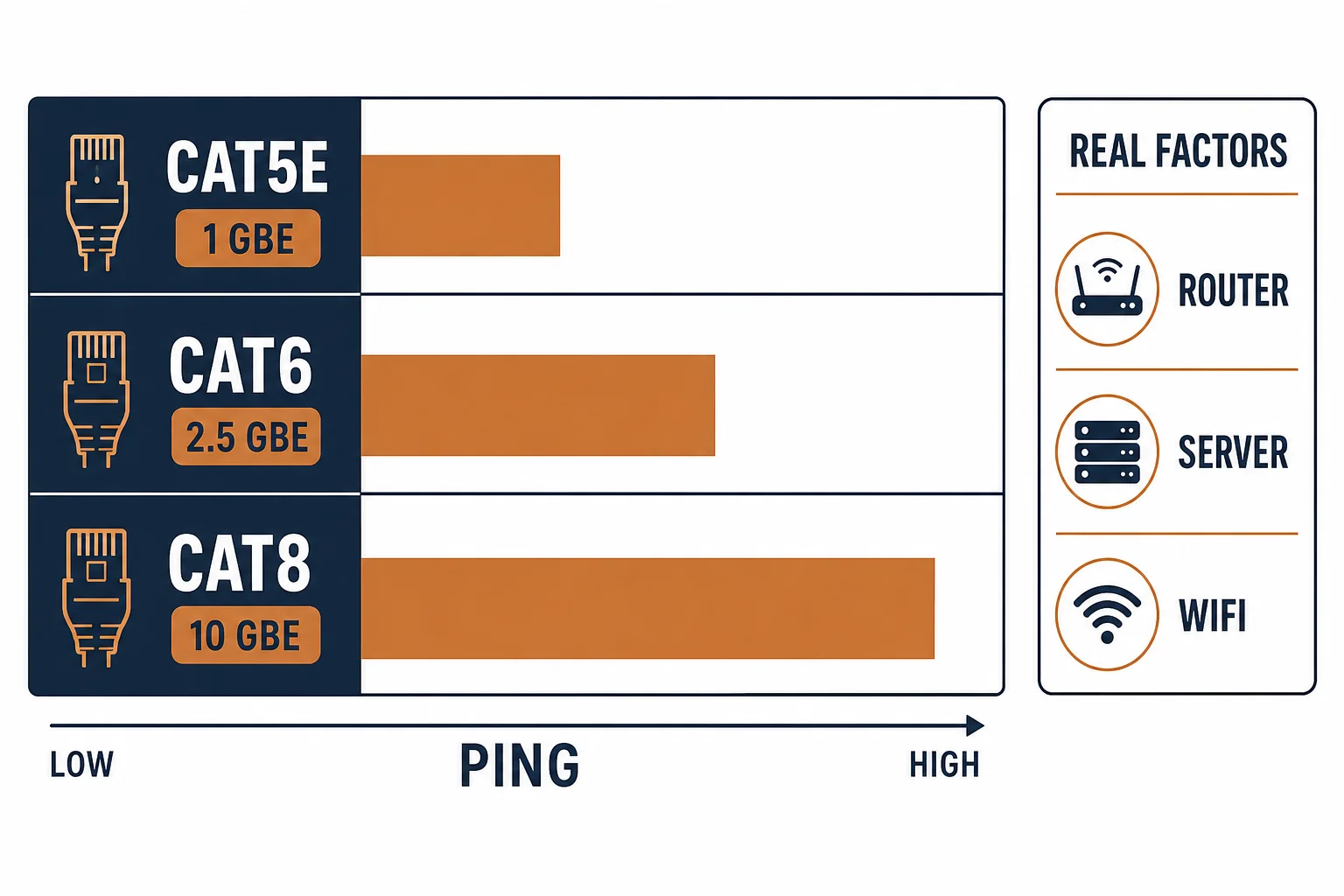
Gaming performance is measured in milliseconds, and ethernet cable categories are measured in megahertz – the two numbers barely touch. The cable can remove Wi-Fi's jitter and packet loss, which is the real gain; beyond that, ping is set by the router, the ISP and the game server.
This is the gaming-cable guide: what the category actually changes, the levers that move latency, and the point where Cat8 stops being worth its price.
What the Category Changes
| The category | The bandwidth | The effect on ping |
|---|---|---|
| Cat5e | 1 GbE | None |
| Cat6 | Up to 10G at short lengths | None |
| Cat8 | 25-40G at 30 m | None |
The table's third column is the answer most searches are looking for: bandwidth is capacity, ping is delay. Extra capacity helps downloads, not reaction time.
The Levers That Move Latency
- Wired instead of Wi-Fi: removes retransmissions and jitter – the largest single gain
- Router load: a saturated uplink adds bufferbloat, measured in tens of milliseconds
- Server distance and routing: the physical path, which no cable changes
- Cable condition: a damaged or marginal cable causes retransmits that look like lag
The levers are ordered by effect size, and the cable's contribution is mostly binary – working or not.
When a Cable Upgrade Helps
| The symptom | The likely cause | The action |
|---|---|---|
| Spikes only on Wi-Fi | Wireless contention | Wire it |
| Consistent high ping | Server distance | Nothing a cable fixes |
| Packet loss on one link | Damaged cable or plug | Replace that cable |
| Slow downloads, fine ping | Bandwidth | Cat6 or better helps |
Standards and Verification
| The reference | The relevance |
|---|---|
| IEEE 802.3 | The ethernet variants and their rates |
| TIA-568.2-D | Cable and channel requirements |
| Field test | Confirmation the link is clean at its category |
Per-game server locations and ISP routing are not provided in the knowledge base. The bandwidth-versus-latency distinction is standard; test ping with a known-good cable before buying another.
Real-World Applications
The console player
A console on Wi-Fi with evening spikes: a Cat6 run to the router – the spikes gone, the ping steady. The category was never the issue.
The Cat8 purchase
A gamer who bought Cat8 to lower ping: no change measured. The money redirected to a router with better buffering behavior.
The failing patch cord
Packet loss that appeared only on one desk: the cord's plug damaged. Replaced – packet loss gone, no category change needed.
Related reading: The budget line that is enough? Read the Cat5e guide — blogs/news/cat5e-network-cable-line
Related reading: What the ratings actually mean? Read the Cat5 speed guide — blogs/news/cat5-cable-speed
Frequently Asked Questions
What is the fastest ethernet cable for gaming?
All working categories deliver the same ping. Cat5e or Cat6 is sufficient; the category affects bandwidth, not latency.
Does Cat8 lower ping?
No – it raises bandwidth for short runs. Ping depends on the router, the ISP path and the game server.
Does ethernet beat Wi-Fi for gaming?
Yes, reliably – it removes jitter and retransmissions, which is the largest gain available from cabling.
What cable length is best for gaming?
The shortest that reaches without strain. Length affects signal margin, not ping, at normal room distances.
Sourcing cables for a project, a store, or a private-label line? Contact our B2B sales team for specifications, certification evidence, and volume terms – FOB and CIF options available. Request a quote or sample.