
Cat5 Speed: The Real Numbers
Quick answer / TL;DR: Short answer: Cat5 is rated for 100 Mbps (100 MHz band) and Cat5e for 1 GbE – both to 100 m. Neither will make an internet connection faster than the plan you pay for. If a link feels slow, test the cable's negotiated rate at the switch before replacing it; the cable is usually innocent.
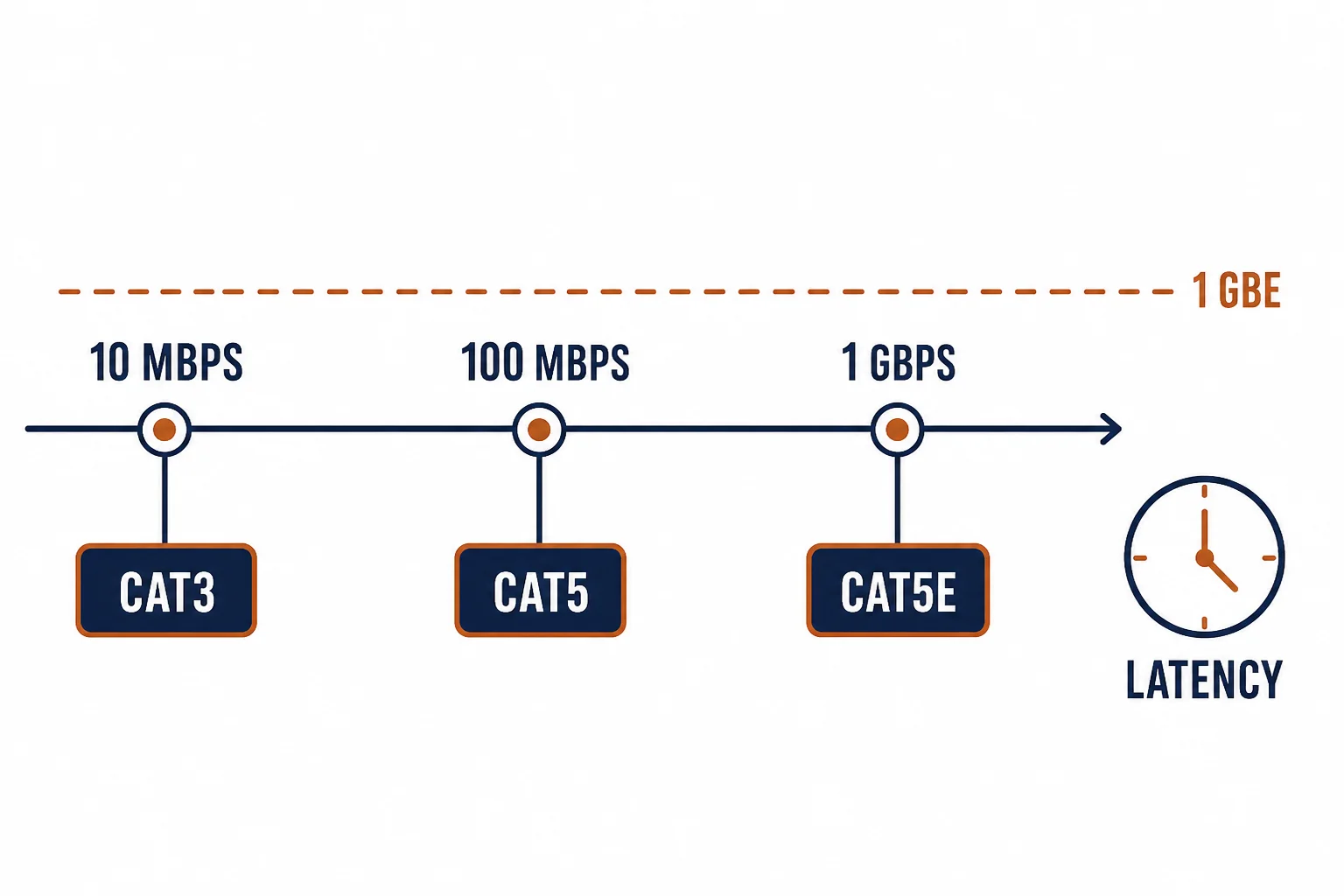
Cat5 speed questions usually carry a hidden assumption – that the cable is the thing holding the network back. In most homes it is not: the cable's rating sets a ceiling well above the internet connection, and the bottleneck sits in the router, the Wi-Fi link or the ISP plan.
This is the speed guide: the numbers behind the ratings, the difference between Cat5 and Cat5e, and how to find the real bottleneck.
The Ratings
| The category | The band | The typical link |
|---|---|---|
| Cat3 | 16 MHz | 10 Mbps, voice |
| Cat5 | 100 MHz | 100 Mbps |
| Cat5e | 100 MHz | 1 GbE |
The table's surprise is the middle row: Cat5 and Cat5e share a 100 MHz band. The difference is the tighter crosstalk specification that lets Cat5e hold gigabit.
The Bottleneck Order
- The ISP plan: the ceiling nobody can cable past
- The router's LAN ports: a 100 Mbps port caps everything behind it
- Wi-Fi: the link rate drops with distance and interference
- The cable: last in the order, and usually the least likely
The order matters practically: replacing a cable to fix an internet speed complaint is the most common wasted purchase in home networking.
How to Test Before Replacing
| The test | What it shows |
|---|---|
| Negotiated link rate | 100 Mbps or 1 GbE at the switch or router |
| Swap a known-good cord | Whether the cord or the run is at fault |
| Laptop at the switch | The wired path's real throughput |
| Speed test wired | What the ISP actually delivers |
Standards and Verification
| The reference | The relevance |
|---|---|
| TIA-568.2-D | Category 5 and 5e requirements |
| IEEE 802.3u / 802.3ab | 100BASE-TX and 1000BASE-T |
| Field test | The channel's certified result |
Per-SKU performance is not provided in the knowledge base. The ratings are standard; measure the negotiated rate before assuming the cable is the limit.
Real-World Applications
The slow bedroom
A room on Cat5 at 100 Mbps: the link negotiated at 100, the ISP plan 500. The cable was the ceiling – Cat5e replaced, gigabit negotiated.
The innocent cable
A complaint of slow internet on a new Cat6 run: the router's LAN port was 100 Mbps. The cable vindicated, the router replaced.
The 10G expectation
A user expecting 10G from a Cat5e link: the category's band explained – Cat6a pulled for the two runs that needed it.
Related reading: The budget line in detail? Read the Cat5e network cable guide — blogs/news/cat5e-network-cable-line
Related reading: What changes at the next tier? Read the Cat5e versus Cat6a comparison — blogs/news/cat5e-vs-cat6a
Frequently Asked Questions
How fast is Cat5 cable?
100 Mbps at a 100 MHz band. Cat5e reaches 1 GbE on the same band with tighter crosstalk control.
Will Cat6 make my internet faster?
Only if the cable was the bottleneck. The ISP plan and the router's ports usually set the ceiling first.
Can Cat5 run gigabit?
Sometimes over short runs, but it is not rated for it. Cat5e is the rated gigabit cable.
How do I check my cable's speed?
Read the negotiated link rate at the switch or router, then test throughput wired. Replace the cord before the run.
Sourcing cables for a project, a store, or a private-label line? Contact our B2B sales team for specifications, certification evidence, and volume terms – FOB and CIF options available. Request a quote or sample.