
HDMI and Optical Splitter: Combined Units
Quick answer / TL;DR: Short answer: the HDMI side splits video and audio and must negotiate HDCP and EDID with both displays, which is where failures occur; the optical side splits or repeats an S/PDIF stream. Use a splitter that states HDCP support and, for mixed displays, one that handles EDID conflicts. For critical installations, separate HDMI and optical devices are easier to diagnose.
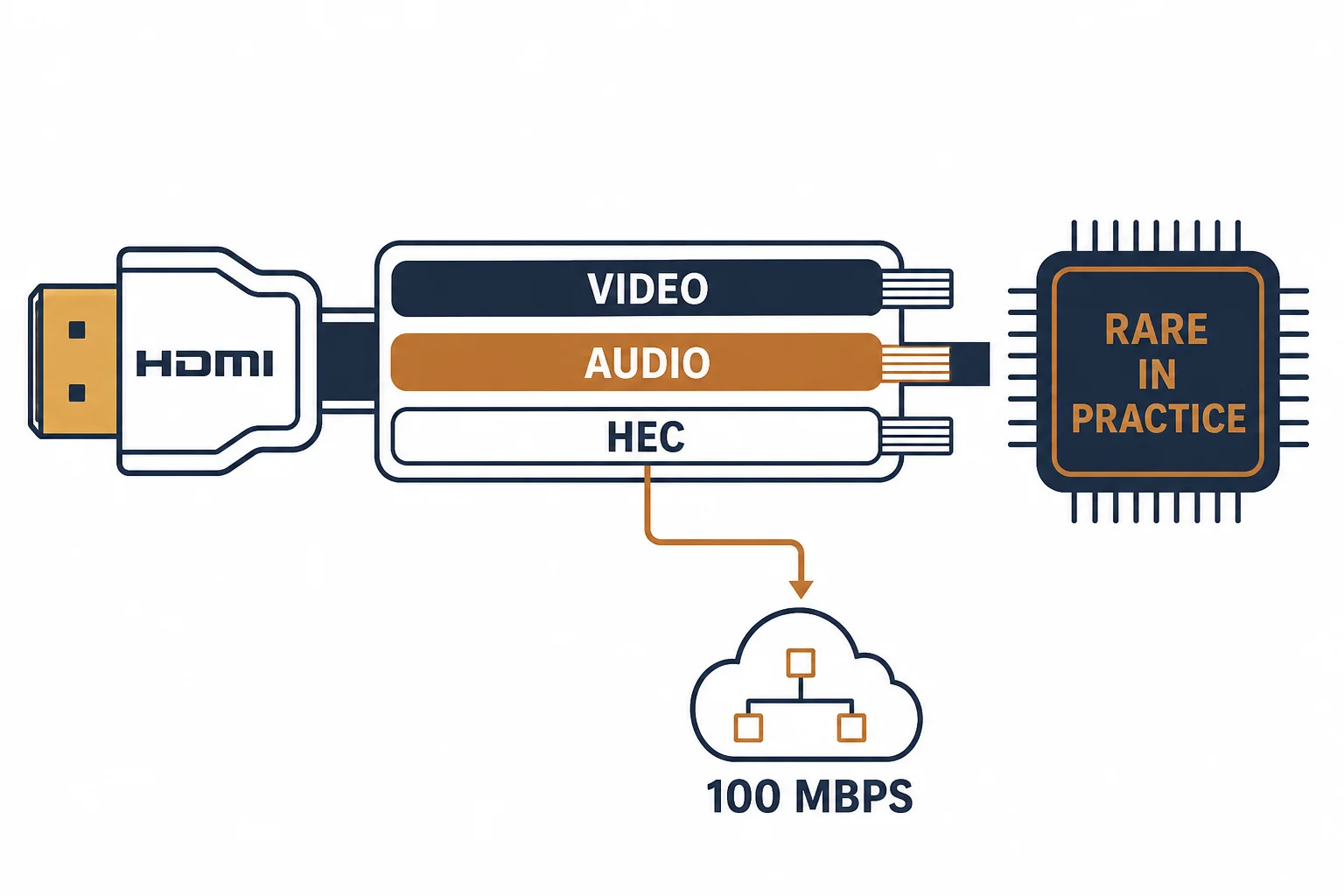
Combined HDMI and optical splitters exist to take one source and feed two displays or two audio destinations. The HDMI side must handle HDCP and EDID; the optical side only splits light or regenerates a stream. That asymmetry is why combined units are convenient and occasionally unpredictable.
This is the combined-splitter guide: what each side does, the HDCP behaviour that causes blank screens, and when separate devices are the better purchase.
What Each Side Does
| The side | The function | The failure |
|---|---|---|
| HDMI | Splits video and audio | HDCP or EDID conflict |
| Optical | Splits or repeats S/PDIF | Attenuation |
| Combined | Both in one box | One fault hides the other |
The HDMI side is a negotiation; the optical side is a light path. They fail for entirely different reasons.
The HDCP and EDID Issues
- Both displays must support HDCP for protected content
- Different displays report different capabilities (EDID)
- A splitter may force the lowest common capability
- Mixed 4K and 1080p displays often drop to 1080p
The drop to the lower capability is correct behaviour, and it is the most common complaint about splitters.
Standards and Verification
| The reference | The relevance |
|---|---|
| HDMI specification | Signal, HDCP, EDID |
| IEC 60958 | S/PDIF on the optical side |
| Field test | Both outputs at their expected modes |
Per-SKU splitter behaviour is not provided in the knowledge base. The negotiation rules are standard; test with the actual displays rather than the specification.
Practical Notes
Label the inputs and outputs on a combined unit; the ports are usually identical and the documentation is usually lost. A photograph of the working configuration saves an hour later.
Real-World Applications
The bar installation
One source feeding two screens plus an optical feed to the house audio: a combined splitter used, both HDMI outputs at 1080p – the common capability respected.
The blank screen
A splitter between a 4K player and two displays: one screen blank. The EDID conflict resolved with a splitter that manages it – the cheaper unit had passed the conflict through.
Related reading: HDMI splitters and EDID — blogs/news/hdmi-cable-extender
Related reading: Optical splitting in general — blogs/news/optical-splitter
Frequently Asked Questions
Why is one output blank?
Often an HDCP or EDID conflict between the displays.
Does a splitter reduce resolution?
It may force the lowest common capability of both displays.
Is optical affected by HDCP?
No – it carries audio only.
Combined or separate units?
Separate devices are easier to diagnose; combined is tidier.
Sourcing cables for a project, a store, or a private-label line? Contact our B2B sales team for specifications, certification evidence, and volume terms – FOB and CIF options available. Request a quote or sample.