
Micro USB Printer Cable
Quick answer / TL;DR: Short answer: portable, receipt and label printers often use micro USB; desktop printers almost always use Type-B. Use a data-rated micro USB cable, keep the run under about 3-5 m, and avoid passive extensions. If the printer powers up but is not detected, substitute a known data cable before touching drivers.
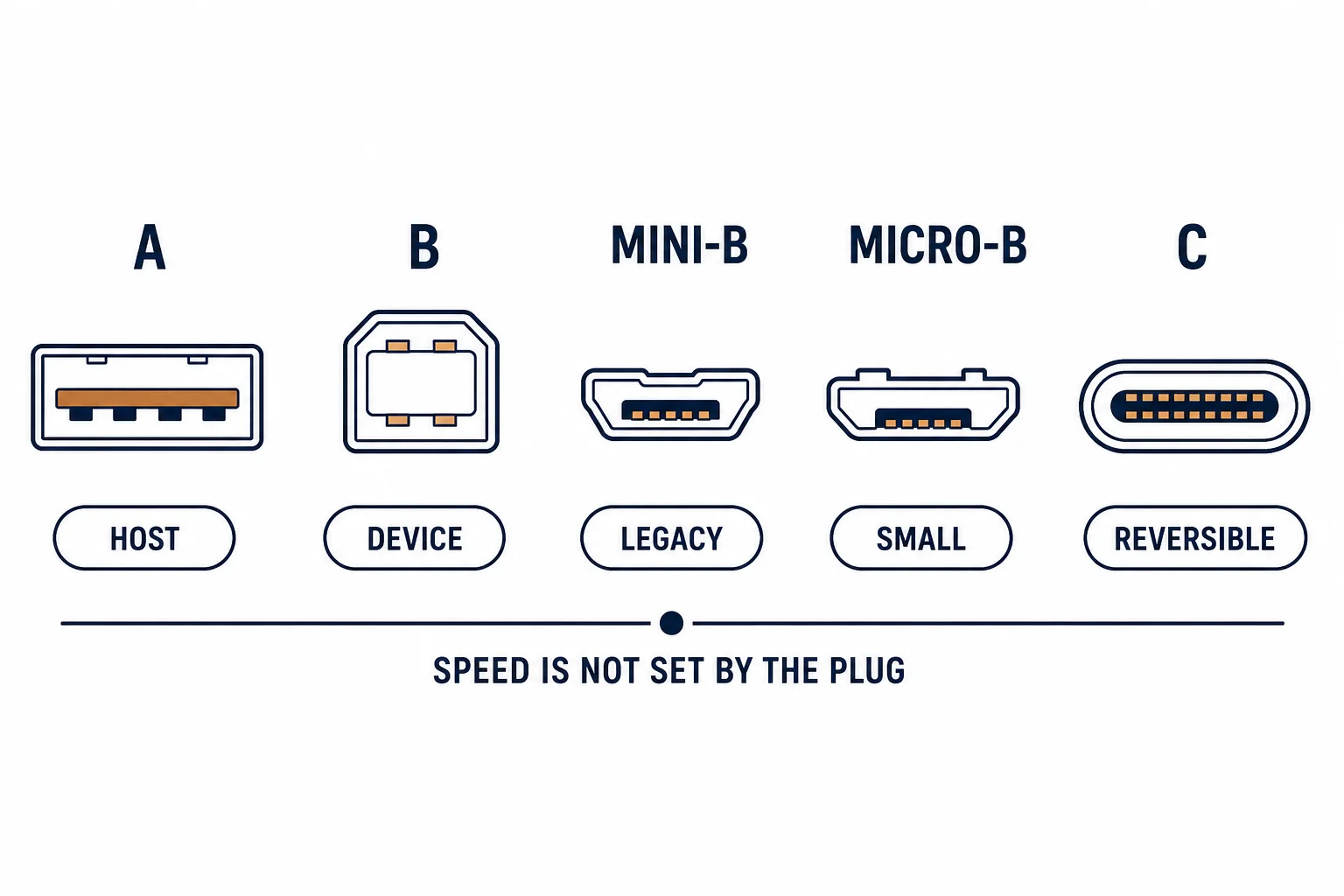
Most printers use USB Type-B, but portable and receipt printers often use micro USB – a small plug on a device that has to be carried. The cable requirements are ordinary; the failure modes are not, because a charge-only cable produces a printer that powers up and never appears.
This is the micro-USB printer guide: which devices use it, the length limits, and the checks that prevent a wasted afternoon.
Which Printers Use It
| The printer | The connector | The note |
|---|---|---|
| Desktop laser | Type-B | Not micro |
| Portable thermal | Micro USB | Carried daily |
| Receipt printer | Micro USB or serial | Depends on model |
| Label printer | Micro USB | Sometimes Type-B |
The connector follows the device's size and portability, not its function.
The Length Limits
- USB 2.0 over micro: about 3-5 m practical
- Thin cables lose more over distance
- Passive extensions are unreliable
- A powered hub can extend the usable length
The limits matter more on printers because a failed job is silent: nothing appears in the queue.
The Charge-Only Trap
| The cable | The behaviour |
|---|---|
| Data-rated | Printer detected |
| Charge-only | Powers up, never detected |
| Thin OEM cable | Often data-rated, but check |
The trap is identical to every other micro USB device, and it is the first thing to eliminate.
Standards and Verification
| The reference | The relevance |
|---|---|
| USB 2.0 | Connector and rate |
| USB-IF | Cable compliance |
| Field test | Printer appears in the device list |
Per-model connectors are not provided in the knowledge base. The connector definitions are standard; check the printer's socket before ordering.
Practical Notes
A receipt printer in daily use will wear its micro USB socket faster than a desktop printer wears its Type-B. A short right-angle cable reduces the strain on a device that is moved and knocked.
Real-World Applications
The market stall
A receipt printer connected to a tablet: a short data-rated micro USB cable, replaced annually – the socket lasting because the cable takes the wear.
The silent queue
A label printer that powered on but never printed: a charge-only cable. A data cable substituted – no driver work needed.
The long run
A printer 6 m from the till: jobs failing intermittently. A powered hub at the midpoint used – the passive length had been the limit.
Related reading: The Type-B printer standard — blogs/news/usb-b-cable
Related reading: Micro USB versions — blogs/news/micro-usb-guide
Frequently Asked Questions
Do all printers use Type-B?
No – portable and receipt printers often use micro USB.
Why is my printer not detected?
Often a charge-only cable; substitute a data cable first.
How long can the cable be?
About 3-5 m for USB 2.0 without a hub.
Does the cable affect print quality?
No – a working cable either delivers the job or does not.
Sourcing cables for a project, a store, or a private-label line? Contact our B2B sales team for specifications, certification evidence, and volume terms – FOB and CIF options available. Request a quote or sample.