
USB-C to USB-A Cable
Quick answer / TL;DR: Short answer: a C-to-A cable carries data at the lower of the two ends' versions and charges at USB-A capability – no power delivery. It works in either direction for data, since the cable is symmetrical in wiring. Use it for legacy peripherals on new machines and new devices on old ones; use C-to-C for fast charging.
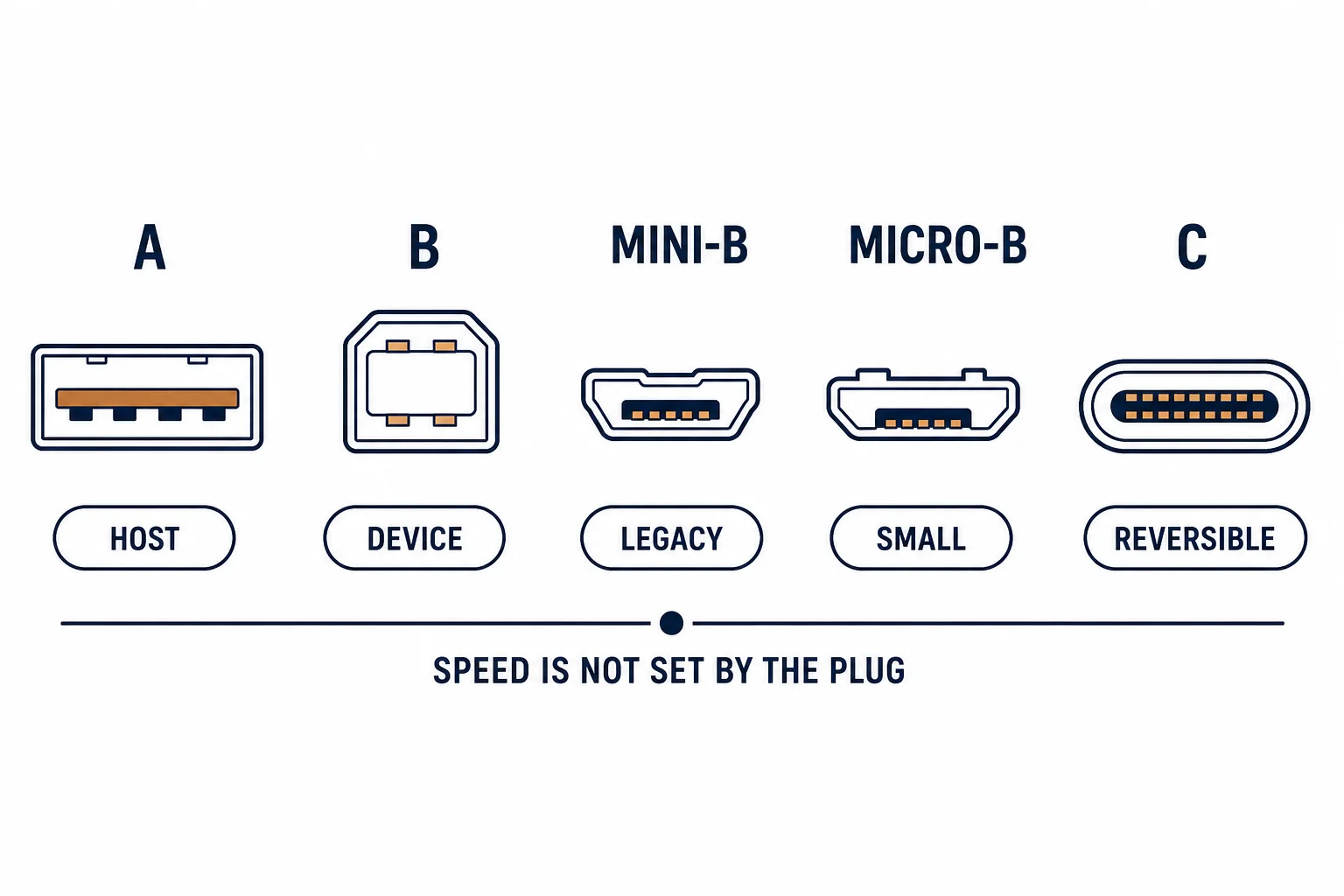
A USB-C to USB-A cable has the modern connector at one end and the legacy host plug at the other, which makes it useful in both directions: a USB-C device connected to an older computer, or a USB-A device connected to a modern laptop.
This is the two-way guide: what the cable supports in each direction, why fast charging is not available, and the devices it serves.
What It Supports
| The direction | The use | The limit |
|---|---|---|
| C device to A host | Phone, drive to old PC | Host's USB version |
| A device to C host | Printer, keyboard to new laptop | Device's version |
| Charging | 5 V, low current | No PD negotiation |
The cable is passive, so every capability is inherited from the weaker end.
Why Not Fast Charging
- Power delivery requires USB-C at both ends
- The A end has no configuration channel
- The supply stays at 5 V
- A phone will charge slowly and steadily
The limitation is physical, and a thicker cable does not change it.
Where It Helps
| The situation | The verdict |
|---|---|
| Old printer on a new laptop | Works |
| Phone from an old charger | Works, slowly |
| External drive on an old PC | Works at that port's rate |
| Laptop charging | No |
The pattern is legacy equipment meeting modern hardware, which is most offices.
Standards and Verification
| The reference | The relevance |
|---|---|
| USB 2.0 / 3.2 | Rates and connectors |
| USB Power Delivery | Needs C-to-C |
| USB-IF | Cable compliance |
Per-SKU ratings are not provided in the knowledge base. The version rules are standard; check the printed rate if transfer speed matters.
Practical Notes
Label the cable with its version. A 2.0 C-to-A cable is fine for a keyboard and frustrating for a drive, and the two are indistinguishable by sight.
Real-World Applications
The legacy printer
A printer with USB-C on a five-year-old desktop: a C-to-A cable used, the device installed without a driver hunt – the connector bridging two generations.
The drive on an old PC
A modern external drive on an older machine: the transfer ran at the port's 3.0 rate, not the drive's maximum – the cable was not the limit.
The slow charge
A phone charged through a C-to-A cable from a hub: slow but adequate overnight. A C-to-C charger used when speed mattered.
Related reading: The adapter version — blogs/news/usb-a-to-usb-c-adapter
Related reading: Connector comparison — blogs/news/usb-a-vs-usb-c
Frequently Asked Questions
Can a C-to-A cable fast charge?
No – power delivery needs USB-C at both ends.
Does it work in both directions?
Yes for data; the host role is set by the ports.
Will it limit transfer speed?
To the lower of the two port versions.
What is it best for?
Legacy peripherals on new machines and vice versa.
Sourcing cables for a project, a store, or a private-label line? Contact our B2B sales team for specifications, certification evidence, and volume terms – FOB and CIF options available. Request a quote or sample.