
Micro USB: The Connector That Lingers
Quick answer / TL;DR: Short answer: micro USB 2.0 has a symmetrical flat connector; micro USB 3.0 is wider with an extra block and is not interchangeable. Buy a data-rated cable, not a charge-only one, if you need to sync. Check the connector shape before ordering, and expect the connector to be the first part to fail on a device that is plugged daily.
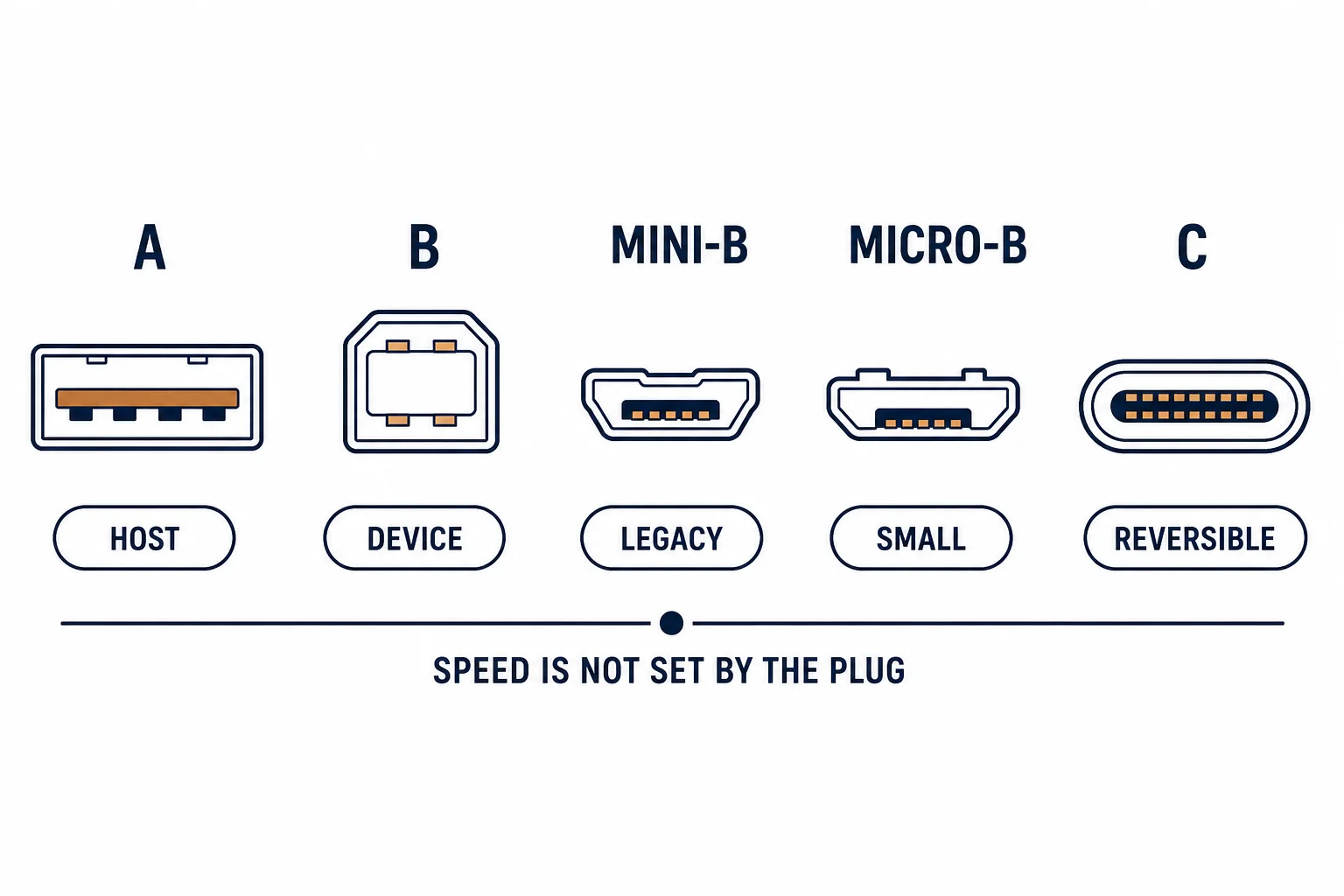
Micro USB remains on an enormous installed base – cameras, speakers, power banks, controllers, industrial handhelds – years after USB-C arrived. It survives because it is cheap, small enough, and specified into products with long life cycles.
This is the micro USB guide: the two versions that look similar, the cable failure modes, and the specification lines that decide whether a replacement works.
The Two Versions
| The version | The connector | The rate |
|---|---|---|
| Micro USB 2.0 | Flat, symmetrical | 480 Mbps |
| Micro USB 3.0 | Wider, extra block | 5 Gbps |
| Compatibility | Not interchangeable | Check before buying |
The 3.0 version is visibly wider; a 2.0 cable will fit only the 2.0 portion and will not carry the extra pairs.
Charge-Only and Data Cables
- Charge-only cables omit the data pair and are cheaper
- They look identical to data cables
- The symptom is a device that charges but never appears as a drive
- Buy cables labelled for data if synchronisation matters
The charge-only variant is the most common reason a device 'cannot connect', and no amount of driver work fixes it.
The Failure Mode
| The failure | The cause |
|---|---|
| Charges only when wiggled | Worn connector or cable |
| Falls out | Retention clips worn |
| Slow charging | Thin conductors, not the connector |
| No data | Charge-only cable |
The connector wears before the cable does, which is why the same cable works on one device and not another.
Standards and Verification
| The reference | The relevance |
|---|---|
| USB 2.0 / 3.2 | Connector and rate definitions |
| USB-IF | Cable compliance |
| Field test | Device recognised as well as charging |
Per-SKU cable ratings are not provided in the knowledge base. The connector definitions are standard; test data transfer, not just charging.
Practical Notes
Keep a known-good data cable as a diagnostic reference. When a device stops connecting, substituting that cable distinguishes a cable fault from a port fault in under a minute.
Real-World Applications
The camera
An older camera with micro USB 2.0: a data-rated cable for transfers, a second cable left on the charger – the two roles not mixed.
The 3.0 external drive
A portable drive with micro USB 3.0: the wider cable ordered, and a 2.0 cable kept only as an emergency – the rate difference documented.
The worn port
A speaker that charged only at one angle: the cable was fine, the device port worn. A magnetic adapter fitted – the strain moved off the connector.
Related reading: The 3.0 micro-B variant — blogs/news/usb-3-micro-b-cable
Related reading: The mini-B alternative — blogs/news/usb-mini-b-cable
Frequently Asked Questions
Are all micro USB cables the same?
No – 2.0 and 3.0 differ physically, and charge-only cables omit the data pair.
Why does my device charge but not connect?
Usually a charge-only cable or a worn connector.
Is micro USB 3.0 compatible with 2.0?
The 2.0 plug fits the 2.0 section but the extra pairs are unused.
What fails first?
The connector on the device, especially with daily plugging.
Sourcing cables for a project, a store, or a private-label line? Contact our B2B sales team for specifications, certification evidence, and volume terms – FOB and CIF options available. Request a quote or sample.