
DVI to HDMI: The Legacy Bridge
Quick answer / TL;DR: Short answer: use a DVI-D to HDMI adapter for digital video – it is passive and works in either direction for video. DVI-I additionally carries analogue pins that an HDMI adapter ignores. DVI carries no audio, so a display fed this way needs separate audio. Check the resolution and refresh the DVI port supports, which is often lower than the HDMI source.
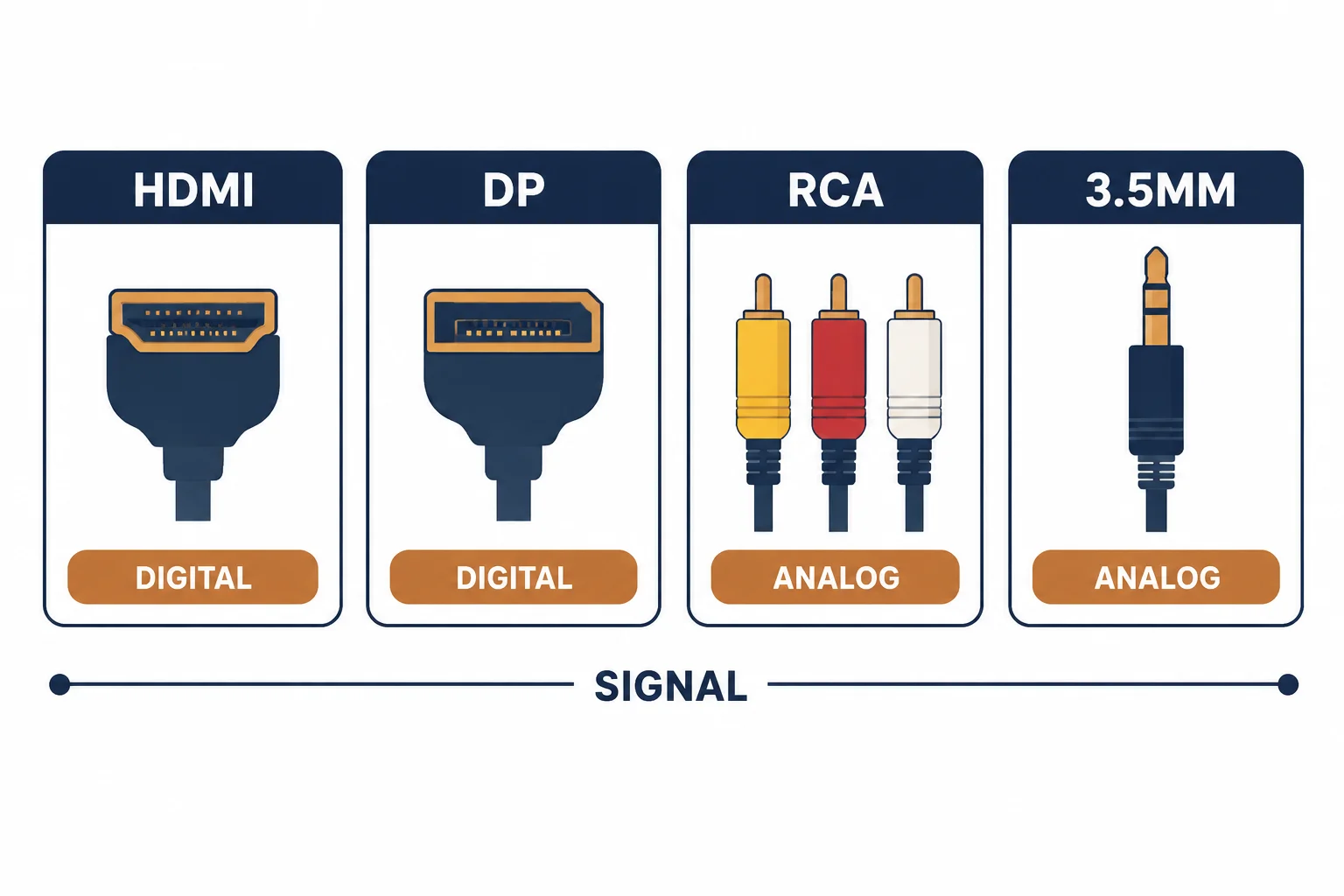
A DVI to HDMI adapter connects older display equipment to modern ports. It is passive – DVI and HDMI share the same TMDS signalling – which is why it works at all, and why two details decide the outcome: whether the DVI port is digital-only or carries analogue pins, and the fact that DVI carries no audio.
This is the legacy-bridge guide: the DVI variants, the audio limitation, and the resolution checks before relying on an adapter.
The DVI Variants
| The variant | The pins | The adapter |
|---|---|---|
| DVI-D | Digital only | Works with HDMI |
| DVI-I | Digital plus analogue | Works for video, analogue ignored |
| DVI-A | Analogue only | Not compatible |
The variant is printed on the connector or the device; buying an adapter for the wrong one produces a plug that fits but carries nothing.
The Audio Limitation
- DVI carries video only
- An HDMI source will not send audio over DVI
- The display needs a separate audio path
- Some graphics cards can pass audio over DVI with a special adapter – rare
The audio question is the one that surprises buyers: the picture works and the sound does not exist.
The Resolution Checks
| The check | The question |
|---|---|
| DVI port capability | Does it support the target resolution? |
| Refresh rate | 60 Hz or higher? |
| Cable rating | Dual-link where needed |
| HDCP | Does the content require it end to end? |
Older DVI ports often cap at a lower resolution than the HDMI source can output, which is where the adapter gets blamed.
Standards and Verification
| The reference | The relevance |
|---|---|
| DVI specification | TMDS signalling and variants |
| HDMI specification | The compatible digital signal |
| HDCP | Protection along the chain |
Per-device DVI capabilities are not provided in the knowledge base. The signalling compatibility is standard; confirm the port variant and resolution in the device documentation.
Practical Notes
Adapters are cheap and worth carrying: a single DVI-D to HDMI adapter has rescued more presentations than any other small part. Keep one in the laptop bag and one in the rack.
Real-World Applications
The old projector
A conference projector with DVI-D and a laptop with HDMI: a passive adapter, 1080p confirmed, audio routed separately to the room system – the presentation worked.
The silent display
A monitor fed over DVI-HDMI with no sound: the adapter was correct; DVI carries no audio. A separate audio cable solved it – the expectation had been the problem.
The analogue port
A DVI-A port on an old device: an HDMI adapter produced nothing, because the port was analogue only. The device was replaced rather than adapted – the variant check would have predicted it.
Related reading: The HDMI cable categories — blogs/news/hdmi-cable-rating-categories
Related reading: AV direction and adapters — blogs/news/av-input-output-cable
Frequently Asked Questions
Does a DVI to HDMI adapter carry audio?
No – DVI is video only.
Do DVI and HDMI use the same signal?
Yes, both use TMDS, which is why a passive adapter works for video.
Does DVI-I work with an HDMI adapter?
For video yes; the analogue pins are simply unused.
Why is the resolution limited?
The DVI port itself may support less than the HDMI source.
Sourcing cables for a project, a store, or a private-label line? Contact our B2B sales team for specifications, certification evidence, and volume terms – FOB and CIF options available. Request a quote or sample.