
HDMI to DVI: Same Signal, Different Shell
Quick answer / TL;DR: Short answer: an HDMI-to-DVI adapter is passive and works for video in either direction, provided the DVI port is DVI-D or DVI-I (not DVI-A). It carries no audio, so the display needs a separate audio path. Check the DVI port's maximum resolution and whether HDCP is supported before relying on it.
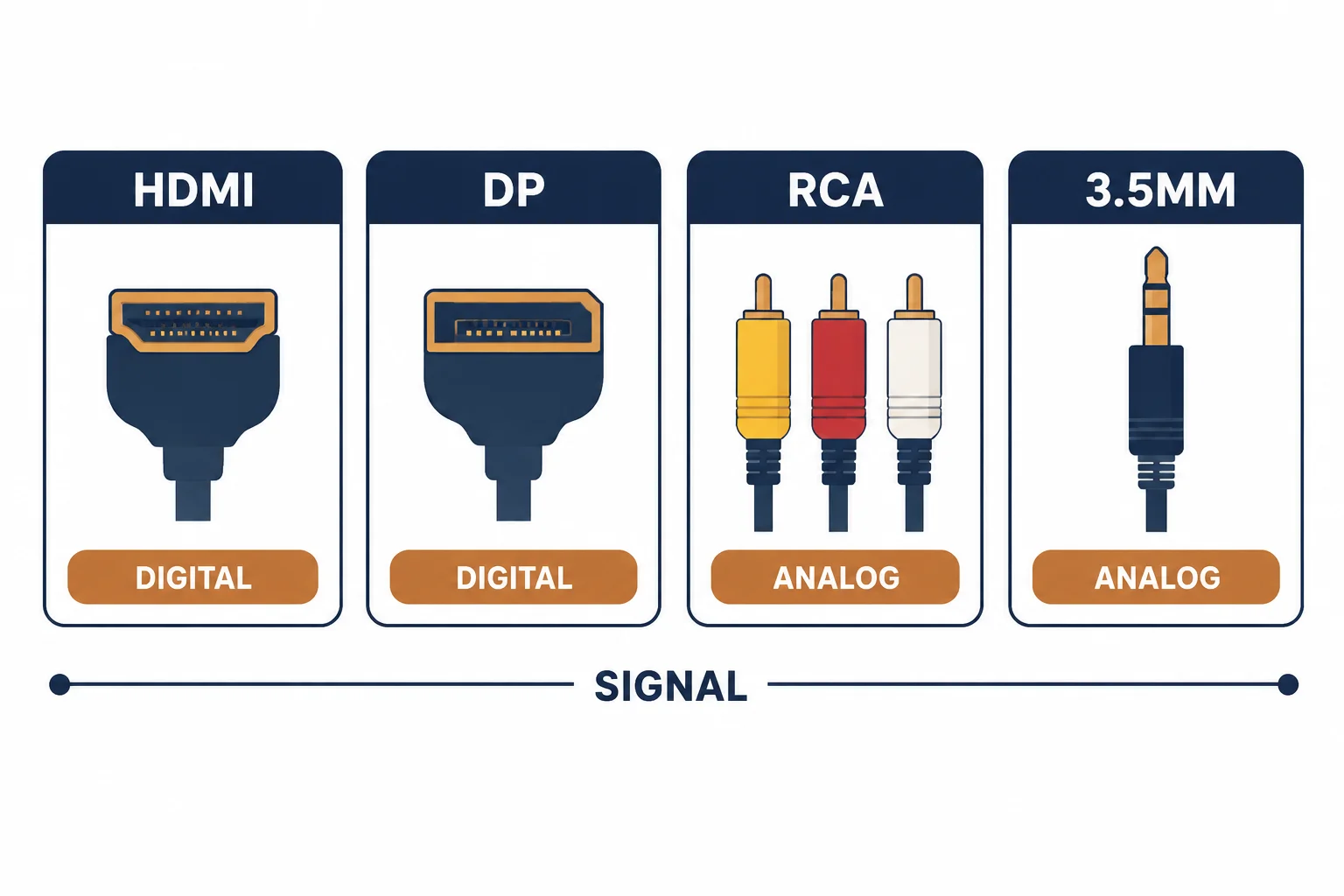
HDMI and DVI share the same TMDS signalling, which is why a passive adapter works: no conversion, no electronics, just a different shell. What does not travel is audio, and what often limits the result is the age of the DVI port.
This is the HDMI-to-DVI guide: the passive compatibility, the audio absence, and the resolution checks that decide whether an old display can be used.
The Compatibility
| The DVI type | The signal | The result |
|---|---|---|
| DVI-D | Digital | Works |
| DVI-I | Digital plus analogue | Works for video |
| DVI-A | Analogue only | Does not work |
The adapter is a passive re-wiring of the same signal, so the DVI type is the only compatibility question.
What Does Not Travel
- Audio: DVI has no audio channel
- CEC: control signals do not pass
- Ethernet channel: not present
- HDCP: passes if both ends support it
The audio absence is the surprise: a picture appears and the sound does not, and the adapter is blamed for it.
Resolution Checks
| The check | The question |
|---|---|
| Port version | Single-link or dual-link? |
| Maximum resolution | What the display accepts? |
| Refresh | 60 Hz available? |
| HDCP | Does the content require it? |
Single-link DVI tops out lower than the HDMI source can output, which is where 'the adapter reduced my resolution' comes from.
Standards and Verification
| The reference | The relevance |
|---|---|
| DVI specification | TMDS and connector variants |
| HDMI specification | Compatible digital signal |
| HDCP | Protection along the chain |
Per-device DVI capability is not provided in the knowledge base. Check the port variant and its maximum mode in the documentation.
Practical Notes
Adapters are cheap and directional in practice only because of the shells involved: an HDMI-to-DVI adapter and a DVI-to-HDMI adapter are the same wiring with the plugs swapped. Buy whichever end you need.
Real-World Applications
The old monitor
A 1080p monitor with DVI-D and a laptop with HDMI: a passive adapter, 1080p confirmed, audio routed to speakers – the display reused instead of replaced.
The missing sound
A television fed over DVI: picture fine, no audio. A separate audio cable added – DVI had never carried sound.
The dual-link limit
A 1440p monitor on a single-link DVI port: capped below its native resolution. A different input used – the port, not the adapter, was the ceiling.
Related reading: The reverse adapter — blogs/news/dvi-to-hdmi-adapter
Related reading: AV direction rules — blogs/news/av-input-output-cable
Frequently Asked Questions
Does HDMI to DVI carry audio?
No – DVI is video only.
Is the adapter passive?
Yes – both use TMDS, so no conversion is needed.
Does DVI-I work?
Yes for video; the analogue pins are unused by the adapter.
Why is my resolution lower?
The DVI port may be single-link or older than the source.
Sourcing cables for a project, a store, or a private-label line? Contact our B2B sales team for specifications, certification evidence, and volume terms – FOB and CIF options available. Request a quote or sample.