
DisplayPort 2.1 Cable: UHBR Bandwidth
Quick answer / TL;DR: Short answer: DisplayPort 2.1 cables are rated for UHBR link rates (UHBR10, 13.5 or 20), and the cable must be certified for the rate your source and display negotiate. 4K at 60 Hz needs far less; 8K or high-refresh 4K needs the higher tiers. Buy certified cable for the rate, not the highest number on the packaging.
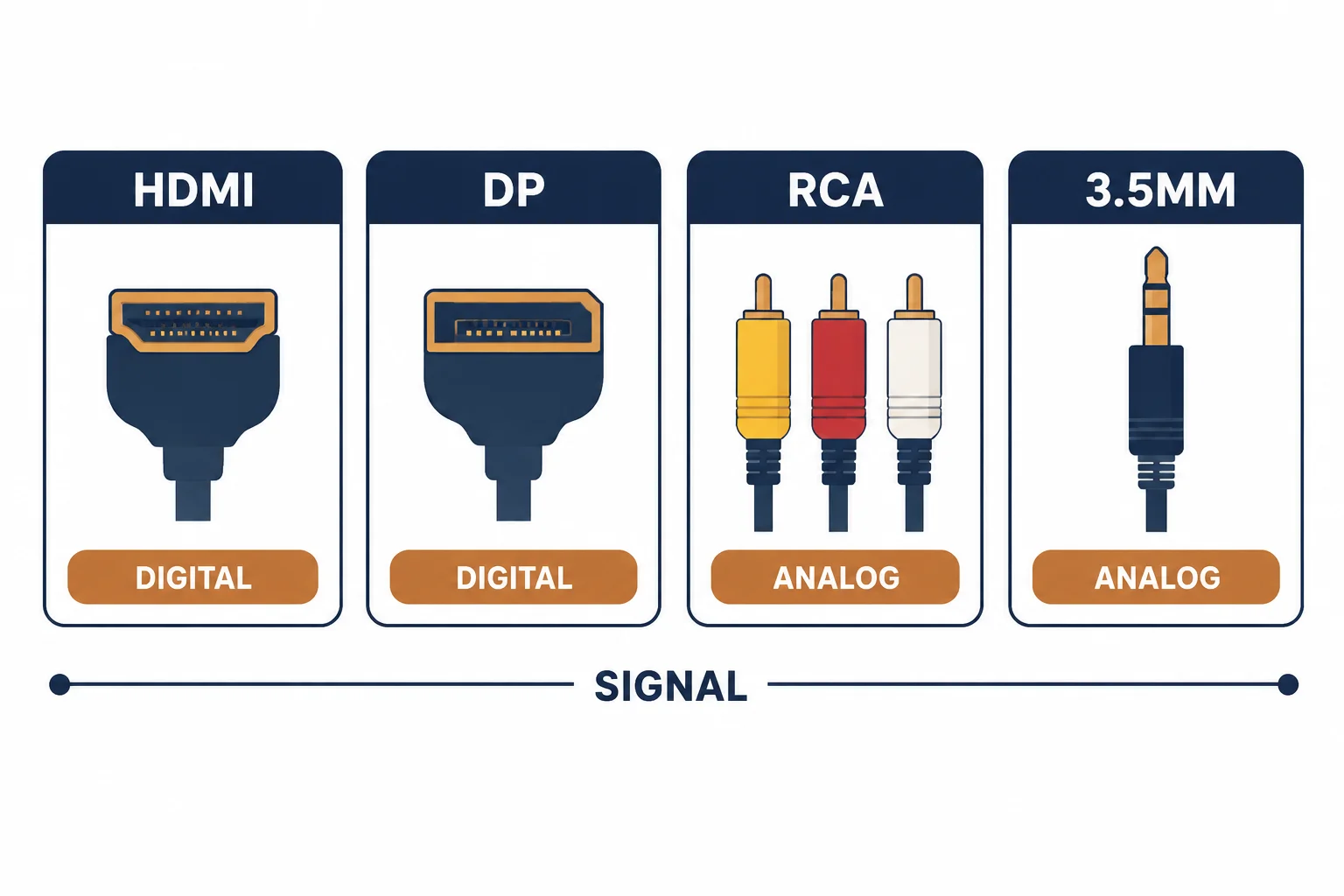
DisplayPort 2.1 introduces UHBR link rates that roughly triple the bandwidth of the previous generation, which is what makes 8K and high-refresh 4K possible over a single cable. Most installations do not need it, and buying it without a matching source and display changes nothing.
This is the 2.1 guide: the bandwidth tiers, the certification that proves a cable meets them, and the resolution arithmetic that decides whether the premium is necessary.
The Bandwidth Tiers
| The tier | The rate | The use |
|---|---|---|
| UHBR10 | About 40 Gbps | High-refresh 4K |
| UHBR13.5 | Higher | Dual displays, HDR |
| UHBR20 | Highest | 8K, very high refresh |
The tiers are link rates, not marketing levels: the source, the cable and the display must agree on one.
What Actually Needs It
- 8K displays at 60 Hz
- 4K at very high refresh rates
- Multiple high-resolution displays from one port
- HDR at high refresh together
For a 4K 60 Hz office monitor, a 1.4 cable is sufficient and a 2.1 cable adds nothing measurable.
Certification
| The check | The evidence |
|---|---|
| Rate marking | UHBR tier stated |
| Certification | VESA programme label |
| Length | Passive limits at high rates |
| Test | The display negotiating the expected mode |
At these rates, uncertified cable is where signal dropouts appear – often intermittently, which makes diagnosis hard.
Standards and Verification
| The reference | The relevance |
|---|---|
| VESA DisplayPort 2.1 | Link rates and cable requirements |
| HDCP 2.3 | Content protection |
| Field test | Negotiated mode and stability |
Per-SKU certification status is not provided in the knowledge base. The rates are defined by VESA; ask for the certification rather than the version number in the title.
Practical Notes
Version numbers on packaging describe the specification the cable was designed against, not what it can carry in your installation. The negotiated mode in the display settings is the only proof.
Real-World Applications
The 8K display
An 8K monitor at 60 Hz: a certified UHBR20 cable at 2 m – the mode negotiated at full rate and stable through a working day.
The office monitor
A 4K 60 Hz monitor bought with a 2.1 cable: no measurable difference from the 1.4 cable already installed. The premium bought headroom the display could not use.
The intermittent dropout
A high-refresh display losing signal every few minutes: an uncertified long cable. A certified shorter cable used – the dropouts stopped, and the fault had never been the display.
Related reading: The HDMI rating tiers — blogs/news/hdmi-cable-rating-categories
Related reading: Long-run display options — blogs/news/fiber-optic-hdmi-cable
Frequently Asked Questions
Do I need a DisplayPort 2.1 cable?
Only for 8K, very high refresh or multiple high-resolution displays.
What is UHBR?
The ultra-high bit rate link tiers defined in DisplayPort 2.1.
Does a 2.1 cable improve a 4K 60 Hz monitor?
No – 1.4 already carries that.
Why do certified cables matter at these rates?
Uncertified cable causes intermittent dropouts that are hard to diagnose.
Sourcing cables for a project, a store, or a private-label line? Contact our B2B sales team for specifications, certification evidence, and volume terms – FOB and CIF options available. Request a quote or sample.