
3.5mm Audio Cable: Three Wires, Many Uses
Quick answer / TL;DR: Short answer: match the wiring to the socket – TRS for stereo headphones and line-level audio, TRRS where a microphone or remote is involved, TS for mono instrument-level connections. Keep unbalanced runs short, set the source volume conservatively when feeding an amplifier, and expect a TRRS plug in a TRS socket to behave unpredictably.
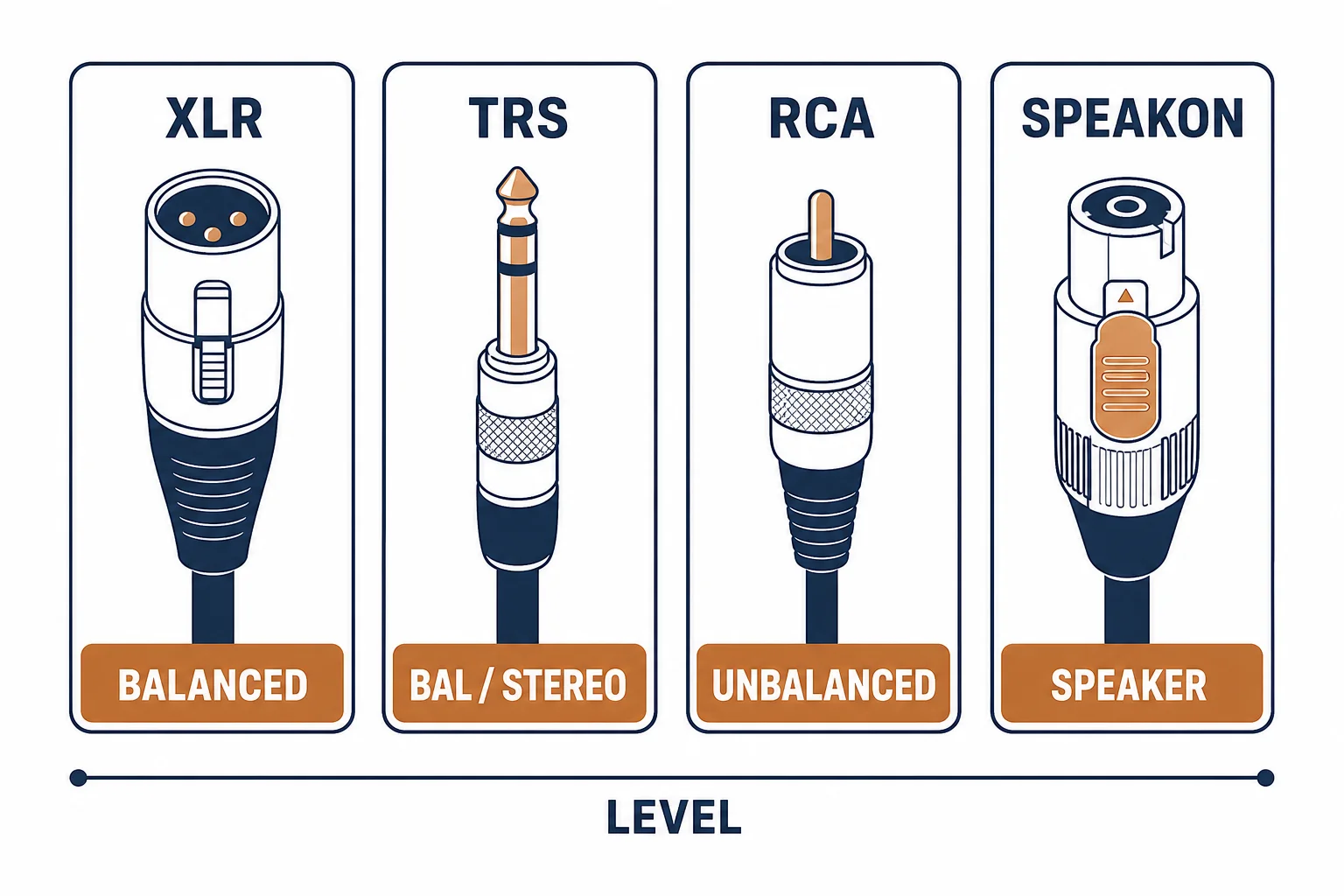
A 3.5 mm audio cable is the most common analogue audio connector in consumer equipment, and it hides three different wirings: TS for mono unbalanced, TRS for stereo or balanced, and TRRS for stereo plus a microphone. Plugging the wrong one in produces silence, mono, or a microphone that does not work.
This is the 3.5 mm guide: the wiring variants, the level mismatch that causes distortion, and the length limits of an unbalanced lead.
The Wiring Variants
| The plug | The conductors | The use |
|---|---|---|
| TS | Tip, sleeve | Mono, instrument |
| TRS | Tip, ring, sleeve | Stereo or balanced mono |
| TRRS | Tip, ring, ring, sleeve | Stereo plus microphone |
The plug diameter is identical across all three, which is why the wiring is the thing to check and the thing that is rarely labelled.
The Level Mismatch
- Headphone output is variable and can overload a line input
- Line output is fixed and may be too quiet for a microphone input
- Instrument level is high impedance and wants a suitable input
- Matching levels prevents distortion that no cable can fix
Level problems are mistaken for cable faults because both produce a bad sound; the difference is that a cable fault is intermittent and a level fault is constant.
Length Limits
| The use | The practical length |
|---|---|
| Headphones | 1-3 m |
| Phone to amplifier | 1-2 m |
| Desk to speaker | 2-5 m |
| Longer runs | Balanced or digital instead |
An unbalanced lead picks up noise with length, which is why the format is domestic rather than professional.
Standards and Verification
| The reference | The relevance |
|---|---|
| IEC 60268 | Audio interconnection practice |
| CTIA / OMTP | TRRS wiring conventions |
| Continuity test | Tip, ring and sleeve discrete |
Per-device wiring is not provided in the knowledge base. TRRS conventions differ between standards; check the device manual when a microphone does not work.
Practical Notes
The 3.5 mm plug is mechanically weak: the cable exits at a right angle to nothing, so the strain falls on the plug body. A right-angle plug or a short adapter protects the socket on a device that lives in a pocket.
Real-World Applications
The laptop to amplifier
A laptop headphone jack into an amplifier: a 3.5 mm to dual RCA cable, source volume at 70 percent – loud without the harshness of a fully driven output.
The microphone that did not work
A TRRS headset with a microphone on a TRS extension: audio played but the microphone was silent. A TRRS-compatible splitter used – the wiring, not the headset, was the issue.
The worn socket
A phone whose audio cut out when the cable moved: the socket worn from years of straight plugs. A right-angle adapter used with the new cable – the strain moved away from the device.
Related reading: The jack plug variants — blogs/news/audio-output-cable
Related reading: The audio cable families — blogs/news/audio-cable-manufacturers
Frequently Asked Questions
What is the difference between TS, TRS and TRRS?
The number of conductors: two, three and four, adding stereo and then a microphone.
Why is my microphone not working?
Usually a TRS cable in a TRRS socket, or an incompatible TRRS standard.
How long can a 3.5mm cable be?
A few metres; longer runs pick up noise and should use balanced or digital connections.
Does a 3.5mm cable affect sound quality?
A working cable does not; level mismatch and length do.
Sourcing cables for a project, a store, or a private-label line? Contact our B2B sales team for specifications, certification evidence, and volume terms – FOB and CIF options available. Request a quote or sample.