
Micro HDMI Cable: Small and Fragile
Quick answer / TL;DR: Short answer: use a micro HDMI cable for cameras and small devices where nothing larger fits. Treat the plug as fragile: support the cable so the connector carries no load, and avoid repeated plugging. Where the device stays in one place, a short micro-HDMI-to-standard adapter plus a normal cable puts the wear on the replaceable part.
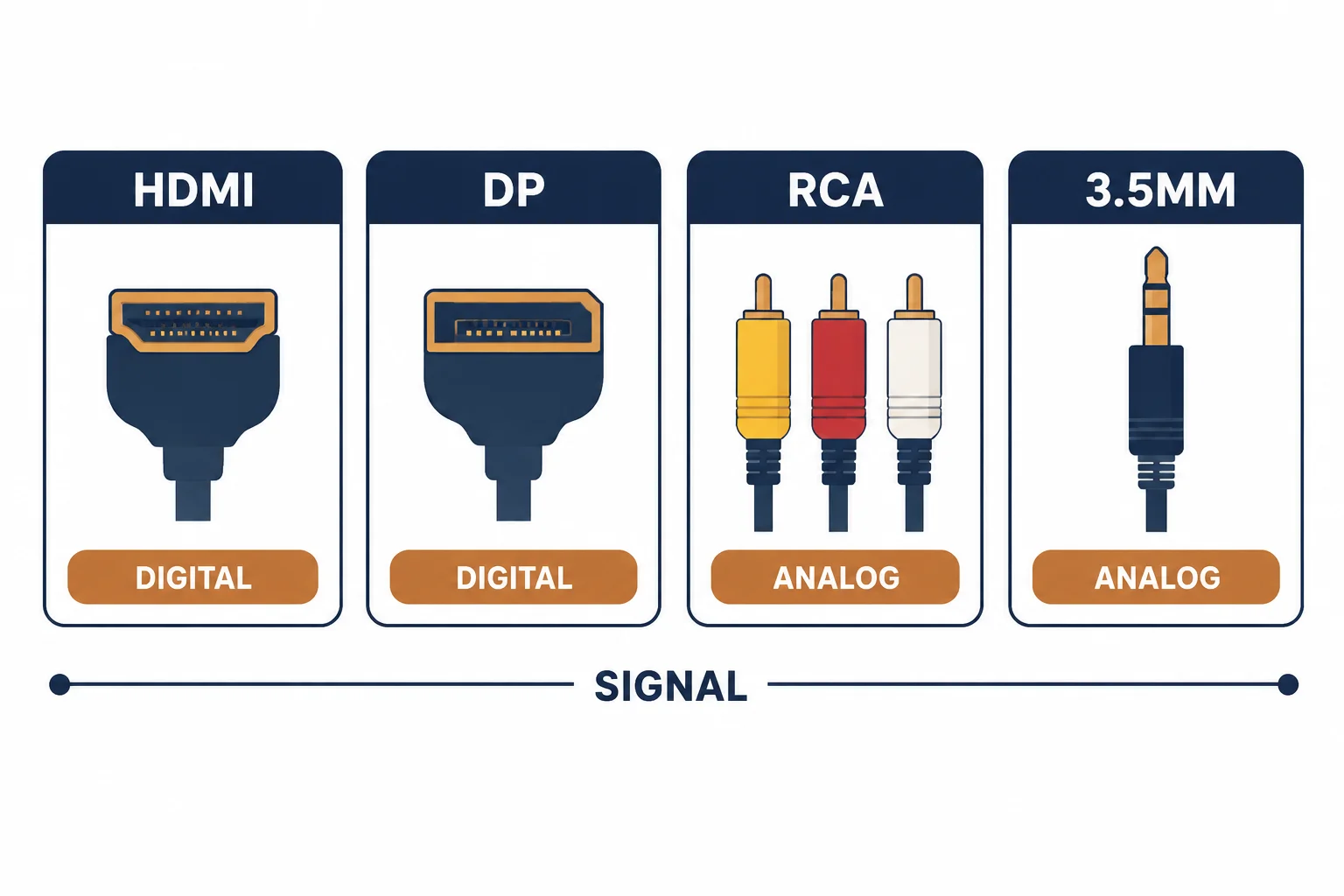
A micro HDMI connector is a quarter the size of a standard plug and exists for devices where the port has to fit a thin chassis: cameras, small single-board computers, some tablets. The smaller shell carries the same nineteen pins, which is exactly why the plug is fragile.
This is the micro HDMI guide: where the connector appears, the strain risk that breaks it, and the adapter arrangement that protects both device and cable.
Where Micro HDMI Appears
| The connector | The size | The devices |
|---|---|---|
| Standard (Type A) | 19 pins, full size | TVs, monitors, consoles |
| Mini (Type C) | 19 pins, smaller | Older cameras, some laptops |
| Micro (Type D) | 19 pins, smallest | Cameras, SBCs, compact devices |
All three carry the same signal; only the shell changes, which is why adapters work and why the smallest shell is the weakest.
The Strain Risk
- The shell is thin and the pins are close together
- A side load can bend the shell or lift a pad
- Repeated plugging wears the device socket, which is not replaceable
- Cable weight alone is enough to load a micro plug
The socket is the part that cannot be repaired, which is why the cable should be the part that takes the wear.
The Adapter Arrangement
| The setup | The benefit |
|---|---|
| Short micro adapter + standard cable | Wear moves to the adapter |
| Right-angle micro adapter | Less side load |
| Cable supported at the device | No weight on the plug |
| Spare adapter | Cheap replacement |
The arrangement trades one extra connection for a replaceable failure point.
Standards and Verification
| The reference | The relevance |
|---|---|
| HDMI specification | Type A, C and D connectors |
| HDMI certification | Cable performance tiers |
| Field test | Signal at the display at the target resolution |
Per-SKU connector dimensions are not provided in the knowledge base. The connector types are standard; confirm the type before ordering, as mini and micro are easily confused.
Real-World Applications
The camera rig
A camera with a micro HDMI output feeding a monitor: a short right-angle adapter and a supported cable – the camera socket protected through a season of shoots.
The single-board computer
A media player on a micro HDMI port: a 5 m standard cable would load the plug, so a short adapter and a lighter cable were used – the link stable and the socket intact.
The wrong connector
A mini HDMI cable ordered for a micro port: physically incompatible. The type checked before reordering – the two small connectors are not interchangeable.
Related reading: The HDMI rating categories — blogs/news/hdmi-cable-rating-categories
Related reading: The extender for long HDMI routes — blogs/news/hdmi-over-ethernet
Frequently Asked Questions
Is micro HDMI the same as mini HDMI?
No – different shells, both 19 pins. They are not interchangeable.
Why do micro HDMI plugs break?
The thin shell and close pins cannot take side loads.
Should I use an adapter?
Where the device is fixed, yes – it moves wear to a replaceable part.
Does micro HDMI carry the same signal?
Yes – the pins are the same; only the connector size differs.
Sourcing cables for a project, a store, or a private-label line? Contact our B2B sales team for specifications, certification evidence, and volume terms – FOB and CIF options available. Request a quote or sample.