
AV Input and Output Cable: Direction First
Quick answer / TL;DR: Short answer: passive RCA, 3.5 mm and most HDMI cables work in either direction. Active cables – optical HDMI, active DisplayPort, some USB-C – are directional and marked source and display; reversing one gives no picture. Match output to input, check the marking on active cables before installation, and keep adapters out of the path where possible.
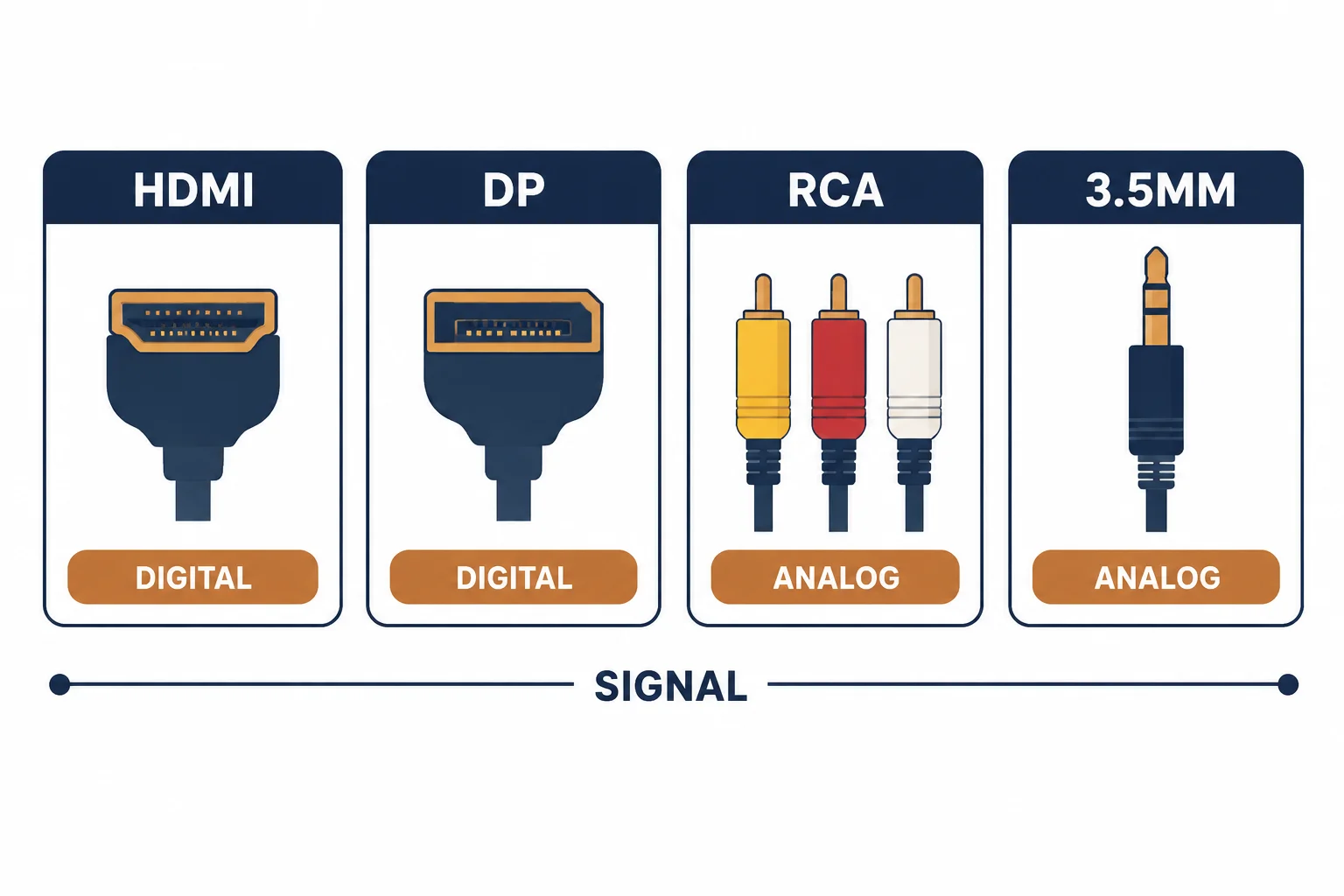
AV cables are described by direction: an output on the source, an input on the display. Passive audio and video cables work either way, but active ones – optical HDMI, some USB-C and DisplayPort cables – do not, and a reversed active cable produces no signal at all.
This is the direction guide: which cables are directional, how they are marked, and the checks that prevent an installation from failing for a reason no tester will find.
Which Cables Are Directional
| The cable | Directional | The note |
|---|---|---|
| RCA audio | No | Passive |
| 3.5 mm | No | Passive |
| HDMI passive | No | Short lengths |
| HDMI active or optical | Yes | Marked source and display |
| DisplayPort active | Yes | Converter inside the plug |
The pattern is electronics: a cable with a chip or an optical engine inside only works one way.
How Direction Is Marked
- Source and display labels on the plugs or the jacket
- An arrow printed along the cable
- Different plug shells at each end on some optical cables
- Documentation rather than the cable itself on cheaper products
The marking is easy to miss on a dark cable in a dark rack, which is why it should be checked before the cable goes into a wall.
Standards and Verification
| The reference | The relevance |
|---|---|
| HDMI specification | Active cable requirements |
| VESA DisplayPort | Active cable definitions |
| IEC 60958 | Digital audio interfaces |
| Field test | Signal at the display, not just continuity |
A continuity test proves copper, not direction: the failure mode is no signal with a perfect connection.
Per-SKU direction is not provided in the knowledge base. Active cables are marked; verify before installation rather than after the wall is closed.
Practical Notes
Long installs are where direction errors become expensive. Photograph the marking before the cable disappears into conduit, and keep a note with the as-built documentation – the next person will need it.
Real-World Applications
The optical HDMI run
A 15 m optical HDMI installed with the display end at the source: no picture. The cable pulled, reversed and re-run – the marking had been on the plug all along.
The passive assumption
An active DisplayPort cable assumed to be passive: the second monitor silent. The source end identified and reconnected – the cable was working exactly as designed.
The adapter chain
Three adapters in series between a laptop and a projector: intermittent signal. Replaced by one cable of the right type – the chain removed and the fault with it.
Related reading: On HDMI direction and length — blogs/news/hdmi-cable-length-buying
Related reading: Connecting a TV the right way round — blogs/news/tv-ethernet-cable
Frequently Asked Questions
Are AV cables directional?
Passive ones are not; active cables such as optical HDMI are, and must be installed the right way round.
How do I tell which end is which?
Look for source and display labels or an arrow printed on the jacket.
Why is there no picture with a working cable?
A reversed active cable, or an incompatible adapter chain.
Should I avoid adapters?
Where possible – each one adds a failure point and a direction to get wrong.
Sourcing cables for a project, a store, or a private-label line? Contact our B2B sales team for specifications, certification evidence, and volume terms – FOB and CIF options available. Request a quote or sample.