
HDMI Wall Plate with Ethernet
Quick answer / TL;DR: Short answer: choose a plate with HDMI and RJ45 keystone openings, and plan the runs behind it – passive HDMI copper is reliable to roughly 5-10 m, so longer routes need an active cable or an extender over Cat6. Terminate and test the data side, verify the HDMI signal at the display, then fit the plate. Keep the two cables separated inside the wall.
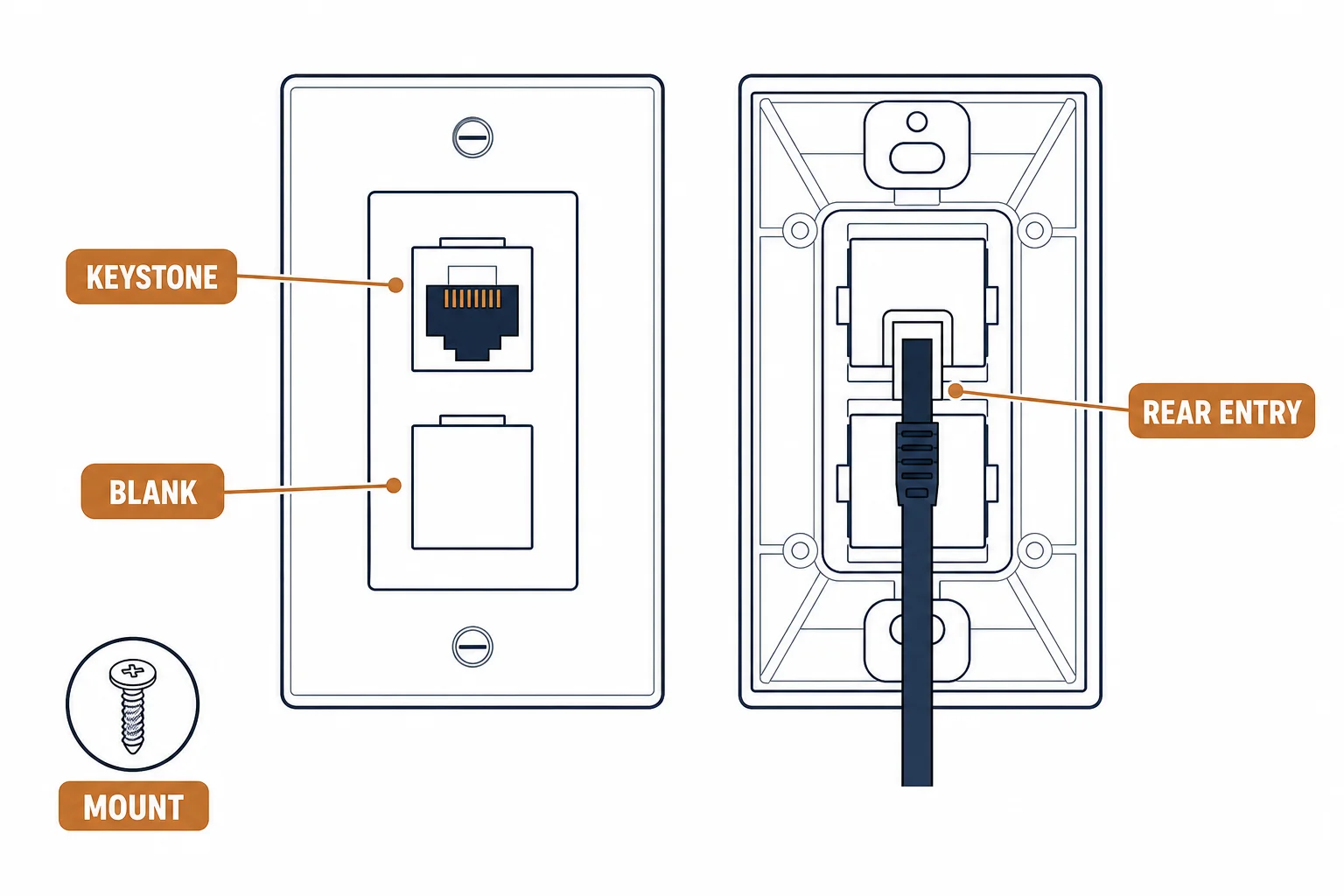
An HDMI wall plate with an ethernet port puts a display connection and a network jack in one position – the arrangement a wall-mounted TV or a conference room actually needs. The plate is simple; the cabling behind it is not, because HDMI over copper has a distance limit that the wall route will test.
This is the combined AV plate guide: the formats, the distance arithmetic behind the wall, and the installation order that keeps both signals working.
The Plate Formats
| The format | The openings | The use |
|---|---|---|
| HDMI + 1 RJ45 | Two | TV with a wired link |
| HDMI + 2 RJ45 | Three | TV plus a console |
| HDMI pass-through | One, with a short pigtail | Where a full cable cannot be pulled |
| Modular AV frame | Configurable | Conference rooms, changing needs |
The format follows the device count, and the pass-through variant exists for routes that cannot take a connector.
The Distance Arithmetic
- Passive HDMI copper: reliable to roughly 5-10 m depending on resolution
- 4K at high refresh: shorter than 1080p
- Longer routes: an active HDMI cable or an extender over Cat6
- Ethernet: 100 m channel, so rarely the constraint
The HDMI side is the constraint in almost every installation; the data side has margin to spare.
The Installation Order
| The step | The reason |
|---|---|
| First fix | Conduit large enough for both cables |
| Data termination | Test before the plate goes on |
| HDMI test | Confirm the signal at the display |
| Plate on | After both sides pass |
| Separation | Keep HDMI and data apart from mains |
Testing before the plate is fitted avoids discovering a fault behind a finished wall.
Standards and Verification
| The reference | The relevance |
|---|---|
| HDMI 2.x | Signal and cable categories |
| TIA-568.2-D | Data outlet requirements |
| IEC 60603-7 | The RJ45 interface |
| Field test | Link test plus an HDMI signal check |
Per-SKU plate dimensions are not provided in the knowledge base. Measure the back box and the connector clearance before ordering; HDMI plugs are larger than they appear.
Real-World Applications
The wall-mounted TV
A TV on a brick wall with a socket behind it: an HDMI plus RJ45 plate, a 3 m passive HDMI and a Cat6 drop – the screen wired for both video and streaming without visible cables.
The long route
A display 14 m from the source: passive HDMI dropped out at 4K. An extender pair over the Cat6 already in the wall – the data cable carrying the video, the plate unchanged.
The shallow box
An HDMI plate on a 25 mm box: the connector would not bend. A deeper box fitted and a pass-through plate used – the geometry solved rather than forced.
Practical Notes
HDMI connectors are direction-sensitive in active cables, and a plate that reverses the run will not work. If the route needs an active cable, confirm the source and display ends before the cable goes into the wall.
Per-SKU cable direction is not provided in the knowledge base. Active cables are marked source and display; check before installation, because reversing one means opening the wall again.
The reversed active cable
An active HDMI cable installed backwards in a wall: no picture and no obvious cause. The cable pulled and reinstalled with the source end at the rack – the marking had been there all along.
The conference room
A modular AV frame with HDMI, USB-C and two RJ45 ports: one position serving laptop, display and network – the configuration changed later without opening the wall.
The separation issue
HDMI and data run alongside a mains spur inside a stud wall: intermittent sparkle on the display. The route separated – the interference removed without replacing hardware.
Related reading: The plate and jack in detail — blogs/news/ethernet-wall-plate-buying
Related reading: Choosing an HDMI cable length — blogs/news/hdmi-cable-length-buying
Frequently Asked Questions
Do HDMI wall plates reduce signal quality?
A passive plate adds two connections; at short lengths the effect is negligible. Long routes need active cables or extenders.
How far can HDMI run through a wall plate?
Roughly 5-10 m passive depending on resolution; longer needs an active cable or a Cat6 extender.
Can I use the ethernet port for HDMI extension?
Yes – an extender pair over that Cat6 cable, which is often the better answer for long routes.
What box depth do I need?
Enough for the HDMI connector's bend radius plus the data cable – usually deeper than a data-only box.
Sourcing cables for a project, a store, or a private-label line? Contact our B2B sales team for specifications, certification evidence, and volume terms – FOB and CIF options available. Request a quote or sample.