
HDMI Ethernet Channel: The Unused Lane
Quick answer / TL;DR: Short answer: HEC is a 100 Mbps data lane defined in HDMI 1.4 that would let HDMI-connected devices share a network connection. In practice few devices implement it, and it needs HEC-capable ports at both ends plus a driver. For networking a TV, use its LAN port or Wi-Fi – an 'HDMI with ethernet' cable alone does nothing.
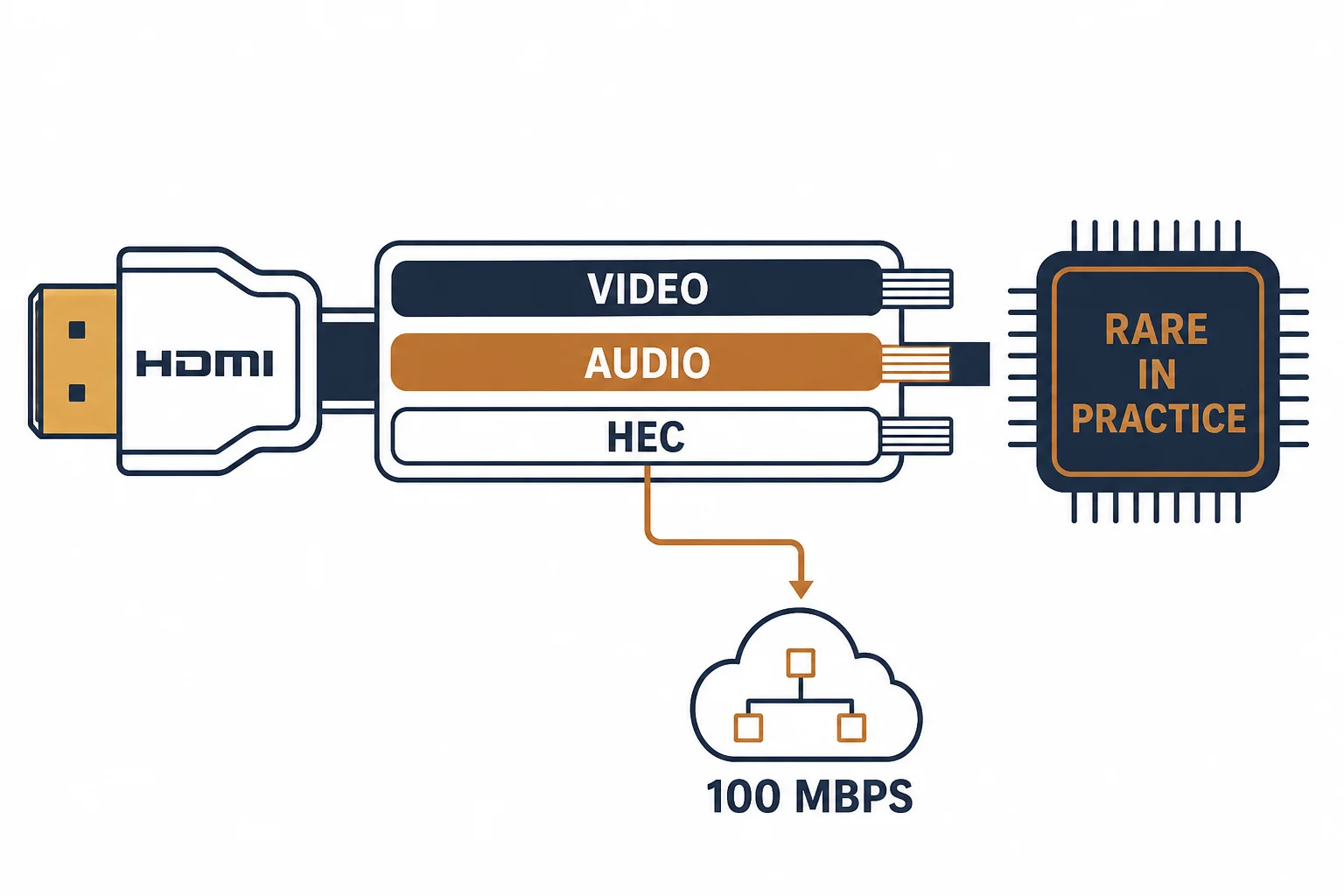
The HDMI Ethernet Channel was introduced with HDMI 1.4: a data lane inside the HDMI cable intended to give connected devices a shared 100 Mbps network link. It shipped in the standard, appeared in marketing, and was then largely abandoned by device makers.
This is the HEC guide: what the channel was designed for, why it is rarely active, and what to buy when the goal is simply to network a TV.
What HEC Was Meant to Do
| The element | The intent |
|---|---|
| The lane | A data pair inside the HDMI cable |
| The rate | About 100 Mbps shared |
| The use | Network access for HDMI-connected devices |
| The requirement | HEC-capable ports at both ends |
The design assumed an ecosystem of HEC-capable devices; the ecosystem did not arrive.
Why It Is Rarely Active
- Device support: few TVs, consoles or receivers implemented the feature
- Cabling: only some HDMI cables carry the data pair
- Software: drivers and network stacks were rarely built
- Economics: Wi-Fi and a LAN port solved the same problem
The reasons compound: without devices on both ends, a capable cable has nothing to connect.
What to Buy Instead
| The goal | The product |
|---|---|
| Network a smart TV | Its LAN port plus a Cat6 patch cord |
| Network a console | Its Wi-Fi or a USB ethernet adapter |
| Extend HDMI over distance | An HDMI extender pair over Cat6 |
| Guarantee HDMI features | A certified High Speed or Ultra High Speed cable |
Standards and Verification
| The reference | The relevance |
|---|---|
| HDMI 1.4 and later | Defines the HEC lane |
| HDMI 2.0/2.1 | Later versions retain the pin but rarely the feature |
| Certification | The cable's verified performance |
Per-device HEC support is not provided in the knowledge base. The feature is defined in the standard; check the specific device's manual before relying on it.
Real-World Applications
The hopeful purchase
An 'HDMI with ethernet' cable bought to network a TV: no change, because the TV has no HEC implementation. Its LAN port used instead – the cable kept for video only.
The set-top pairing
A rare HEC-capable TV and receiver pair: the channel enabled, both devices reaching the network through one cable – the exception rather than the rule.
The extender alternative
An HEC-capable cable bought where the goal was simply a network connection: the extender pair was the product that worked. The cable kept for video.
Related reading: The extender that actually works over Cat6? Read HDMI over ethernet — blogs/news/hdmi-over-ethernet
Related reading: Networking a TV the reliable way? Read the TV ethernet guide — blogs/news/tv-ethernet-cable
Frequently Asked Questions
What is the HDMI Ethernet Channel?
A 100 Mbps data lane defined in HDMI 1.4 that would let HDMI-connected devices share a network link.
Do I need an HDMI cable with ethernet?
No – the feature is rarely implemented. Buy a certified cable for video performance instead.
Why does HEC not work on my TV?
The TV likely does not implement it, or the other end does not. Both ends and the software must support it.
How should I network a smart TV?
Use its LAN port with a Cat6 patch cord, or Wi-Fi if a cable is impractical.
Sourcing cables for a project, a store, or a private-label line? Contact our B2B sales team for specifications, certification evidence, and volume terms – FOB and CIF options available. Request a quote or sample.